


Last Updated: May 7, 2026
Windows keys hub and Windows 2025 can both serve a small business well. The better choice is usually not about which one sounds newer. It comes down to how long you need the platform to stay in service, whether your hardware is already in place, and whether the newer security and management work in Server 2025 solves a real problem for your team.
Decision path
Before you choose Server 2022 or 2025
Start with support runway, hardware age, and the workload you actually run. Those three points matter more than launch-year enthusiasm.
- Open the Windows catalogUse the live server category when you are ready to compare current licenses.
- Browse the Windows key hubUseful if you manage mixed desktop and server purchases.
- Review Windows key typesA quick check before you compare channels or sellers.
- Read the Windows buying guideHelpful if you are balancing cost, support, and activation risk.
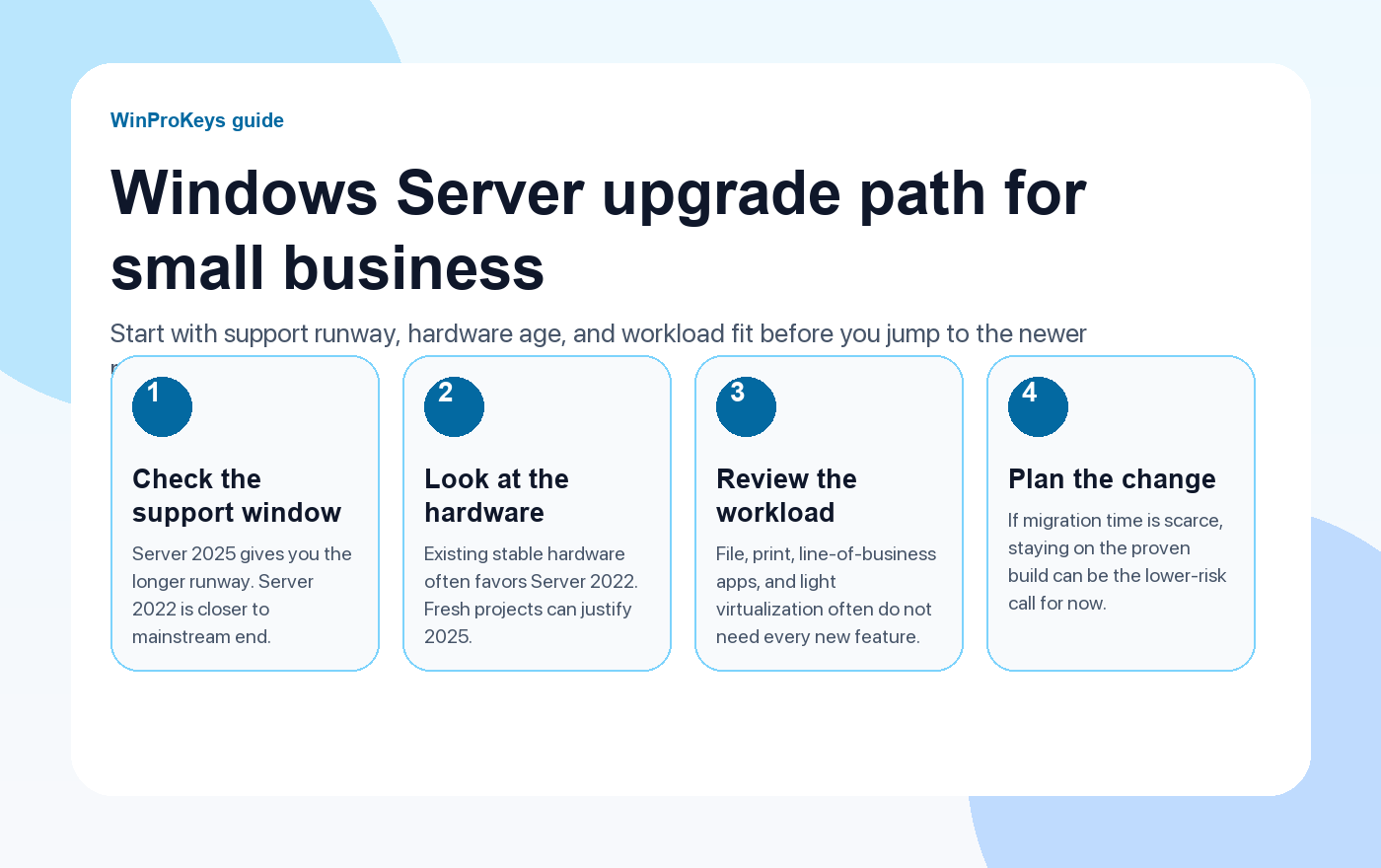
Support runway matters more than launch novelty
Microsoft’s lifecycle pages make the tradeoff clear. Windows keys hub reaches mainstream support end on October 13, 2026 and extended support end on October 14, 2031. Windows 2025 reaches mainstream support end on November 13, 2029 and extended support end on November 14, 2034. That gives Server 2025 roughly three more years on both clocks.
If you are standing up a new server that you want to keep for a long cycle, that extra runway matters. If you already have a stable Server 2022 environment and you are not planning a broad refresh, the shorter runway may still be acceptable.
| Topic | Windows keys hub | Windows 2025 |
|---|---|---|
| Mainstream support end | October 13, 2026 | November 13, 2029 |
| Extended support end | October 14, 2031 | November 14, 2034 |
| Best fit | Existing stable workloads, older hardware, limited migration appetite | Fresh deployments, longer runway, newer security and cluster work |
When Server 2022 is still the sensible call
Server 2022 is the calmer choice when you already know your applications run cleanly on it, your hardware is in place, and the server role is conventional. Small businesses with file shares, print services, light virtualization, or one or two line-of-business apps often care more about predictable behavior than about squeezing every new platform feature into the stack.
There is also a staffing angle here. If the business has one generalist IT person or an outside consultant who already knows the 2022 estate, staying on the mature platform can reduce change risk. That matters when downtime costs more than the benefit of being on the newest release.
When Server 2025 earns the move
Windows 2025 gives you the longer support runway, and it is where Microsoft’s newer platform work is landing. The current Microsoft Learn material highlights newer SMB defaults, broader security hardening, updated cluster and Hyper-V work, OpenSSH installed by default, and more of the hybrid management direction around Azure Arc and related tooling.
That does not mean every small business needs to jump immediately. It does mean that if you are starting on new hardware, planning a multi-year refresh, or building a server estate that you do not want to touch again soon, Server 2025 is easier to justify.
A practical buying path for a small business
- Check how long the server needs to stay in service.
- Check whether the workload is conservative or likely to grow into newer clustering, security, or hybrid requirements.
- Check whether migration time is available this quarter, not in theory.
- Only then compare live licensing pages and deployment costs.
The simple rule
If you are refreshing now and want the longest clean runway, Server 2025 is easier to defend. If you need the proven option on existing hardware and you care more about operational calm than about newer platform direction, Server 2022 is still a valid business choice.
Frequently Asked Questions
Is Server 2025 always the better choice because it is newer?
No. Newer is useful when the longer support window and newer platform work matter to your rollout. Stable existing workloads can still fit Server 2022 just fine.
Does support timing really matter for a small business?
Yes. Support timing drives how soon you need to plan the next migration and how much runway you have for patches and vendor compatibility.
What is the main reason to stay on Server 2022?
Lower migration risk in an environment that is already stable.
What is the main reason to choose Server 2025?
The longer lifecycle and the newer security and infrastructure direction Microsoft is emphasizing now.
Need the live product pages?
If you have finished the guide and need the current Windows or Office pages, use the shop as the source of truth for pricing, delivery details, and activation help.
Open the shopUse the next step that matches your setup
Stay with the Windows and Office routes we actively maintain most. Choose the guide, troubleshooting path, or hub that answers the next real question instead of jumping into an unrelated product page.
Use the live guide or product page as the source of truth for delivery, redemption, and post-sale support details.

