


Last Updated: May 30, 2026
Short Answer
Short answer: separate the Windows 11 upgrade from activation. First confirm the device actually upgraded to the expected edition, then check the activation page, Microsoft account/digital license state, internet connection, and exact error code before buying or entering another product key.
Microsoft Support Sources To Check First
WinProKeys is an independent software-key reseller, not Microsoft. Use this guide as a diagnostic checklist before buying, retrying activation, or contacting support.
Related WinProKeys Support Paths
- Digital license vs product keyUse this when Windows may already have an activation record after upgrade.
- Windows activation error-code hubUse this when upgrade activation fails with a named code.
When Windows 11 finishes upgrading but activation still fails, the instinct is usually to blame the key. That is often the wrong first conclusion. Upgrade activation problems are more commonly about edition mismatch, device history, or a hardware change that Windows now treats as a different machine.
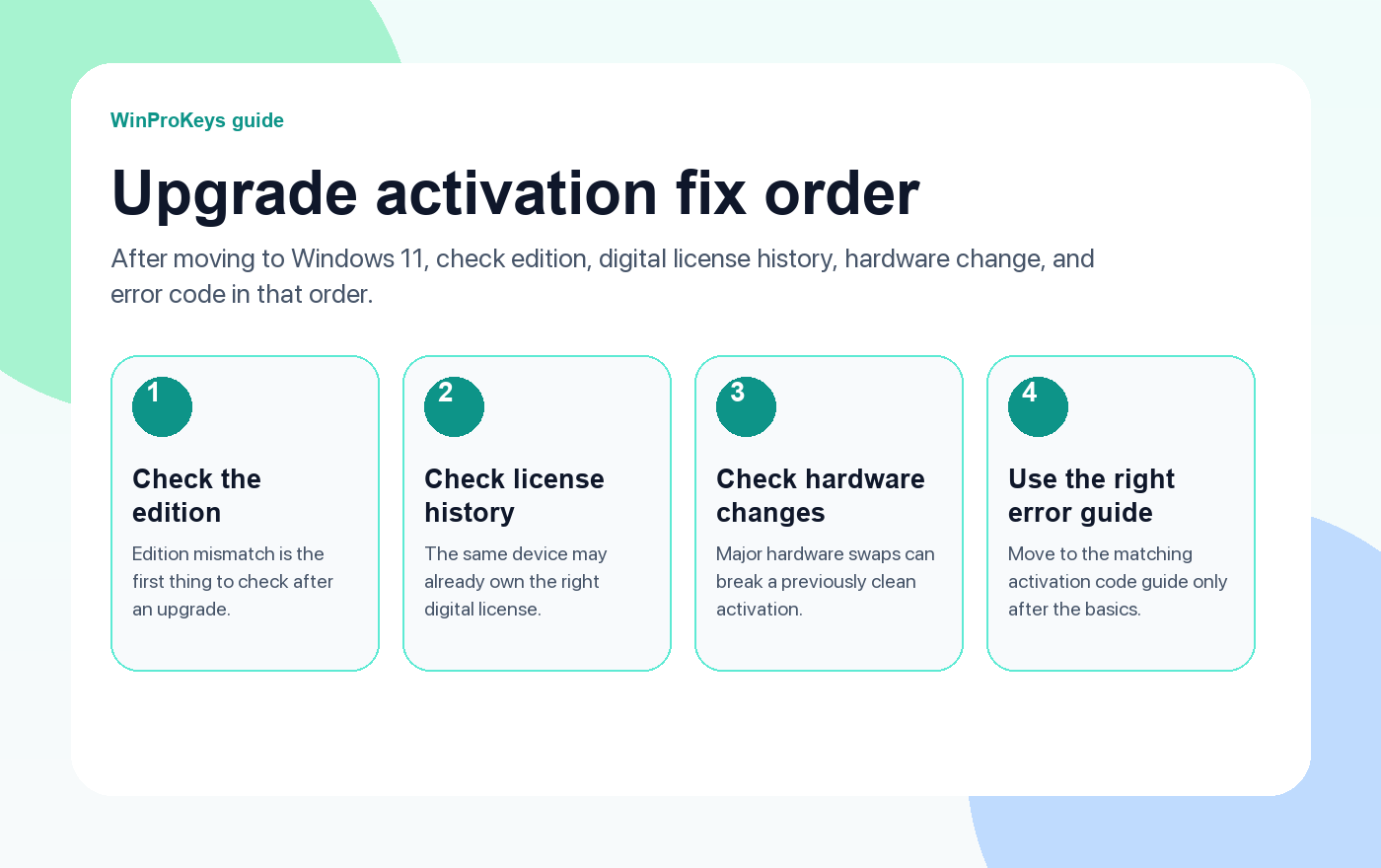
Fix order
Open these pages when Windows 11 upgrade activation fails
Upgrade activation trouble usually comes from edition mismatch, device history, or hardware change. Those are easier to test than most people think.
- How to activate Windows 11The right starting point after an upgrade if you need the normal activation path.
- Fix error 0x803F7001Common when Windows cannot find a valid license on the device.
- Fix error 0xC004C003Useful when the key looks blocked, reused, or invalid.
- Windows 10 to Windows 11 upgrade guideHelpful if you need to rethink the whole upgrade path cleanly.
Edition mismatch is the first thing to check
If a device previously owned Home and the upgrade or reinstall ends up on Pro, activation can fail even though the rest of the move looked clean. The reverse problem happens too. Before you do anything advanced, open Settings > System > Activation and confirm the installed edition is actually the one this device should be running.
The device may already own the license you need
On the same hardware, Windows may only need time, the right Microsoft account, or the normal activation troubleshooter to reconnect the digital license. That is why it is a mistake to jump straight to buying another key or entering random commands from old forum threads.
Hardware changes complicate things
If the motherboard or other major hardware changed during the same period, Windows may no longer see this as the same device that originally held the license. In that situation the activation problem is real, but the right move is still to work through the supported reactivation path before assuming the license is gone.
| Situation | Best next step |
|---|---|
| Same device, same edition, no major hardware change | Check digital-license reconnection first |
| Wrong edition after upgrade | Correct the edition path before entering a new key |
| Major hardware change happened too | Use the supported reactivation path linked to the account and old device history |
| Windows shows a specific code | Open the matching code guide instead of guessing |
Frequently Asked Questions
Why did the upgrade work but activation fail?
Because the install itself and the license check are not the same step.
What should I open first?
Open Settings > System > Activation and verify the edition.
Should I buy another key right away?
No. Check edition and existing digital-license history first.
When should I move to an error-code guide?
After you confirm the edition and device history, and Windows still returns a specific activation code.
When upgrade activation fails, compare the source and target edition
A free or low-friction upgrade path only works cleanly when the source edition and the target edition still match the license story Microsoft expects.
- Windows 11 Home vs Pro if the upgrade path changed the edition question.
- Windows 11 Home Product Key if the machine should stay on Windows 11 Home.
- Windows 11 Pro Product Key if the system is supposed to land on Windows 11 Pro.
- Windows activation error guides if the upgrade failure leads into a more specific activation code next.
Need the live product pages?
If you have finished the guide and need the current Windows or Office pages, use the shop as the source of truth for pricing, delivery details, and activation help.
Open the shopStill need the right Windows edition?
If the error points to an edition mismatch or a license that cannot be recovered, compare the current Windows routes instead of guessing with another random key.
Use the live product pages for current pricing, delivery details, and activation help.

