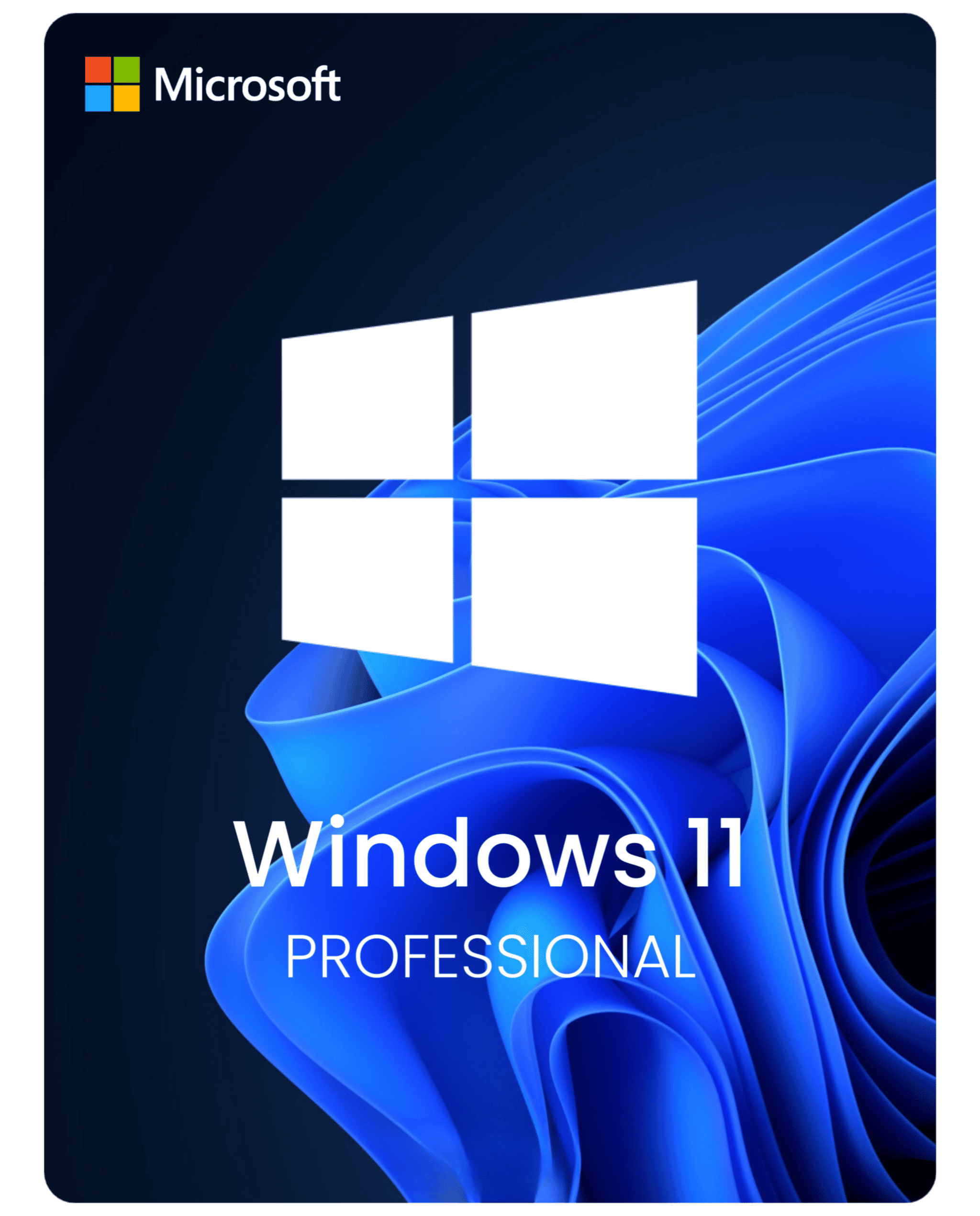

Windows 11 Pro: a better fit for work PCs
Windows 11 Pro fits buyers who want the current Windows release and also need business-side features such as BitLocker, Remote Desktop host, or tighter device controls. For many personal PCs Home is enough, but Pro is usually the better fit for work machines and mixed personal and work use.
When Windows 11 Pro makes sense
Choose Pro if you manage work files, connect to a PC remotely, or want more control over security and policy settings. If you mostly use the PC for study, browsing, streaming and everyday apps, Windows 11 Home is often the simpler choice.What to check before you buy
Make sure the device meets Windows 11 requirements and that you are choosing the edition you actually need. If you are still comparing editions, read Windows 11 Home vs Pro first. If you want a broader checklist, use the Windows key buying guide.Useful next steps
- Windows 11 Home Product Key if you want the simpler consumer edition.
- Windows 11 Home vs Pro if you are still deciding between editions.
- How to buy a Windows key safely before you compare sellers or license types.
- Windows activation error guides if activation is the issue rather than the license itself.
- Windows product keys to compare the full Windows range from one page.
Common buyer questions
Is Windows 11 Pro worth it for a personal laptop?
Only if you need the Pro-only features. For general browsing, study and normal home use, Home is usually enough.What if activation does not work on the first try?
Start with the Windows activation error guides. Many issues come from edition mismatch or install history rather than the key itself.Should I choose Windows 11 Pro or Windows 10 Pro?
Choose Windows 11 Pro when the hardware is ready and you want the current Windows release. Choose Windows 10 Pro mainly for compatibility or an older workflow.Who usually does not need Windows 11 Pro?
Buyers setting up a normal personal laptop or home desktop often do better with Windows 11 Home unless they already know they need BitLocker, Remote Desktop host or similar tools.Before You Buy: Windows 11 Pro Fit
Use this when the PC should run Windows 11 Pro and the buyer needs Pro features such as BitLocker, Remote Desktop host, Hyper-V, domain/work management, or tighter device control.
| Check | Why it matters |
|---|---|
| Edition fit | If the current PC is Windows 11 Home, a Windows 11 Pro key will not directly activate the Home edition. Use the Home-to-Pro upgrade path first, then activate Pro. |
| Delivery expectation | Use the product page and delivery policy for current delivery wording after checkout. Do not depend on old article prices or old bundle copy. |
| Activation route | If activation fails, route the exact wording before retrying or buying again. |
Setup and support routes
- Home-to-Pro upgrade FAQ
- Pro key not working on Home
- Activate Windows 11 Pro
- Windows 11 Home vs Pro
- Private support evidence
Related product paths
WinProKeys is an independent software-key reseller, not Microsoft. Use the live product page for current product details, delivery wording, and checkout information; use the guides above when the issue is edition fit, install flow, or activation wording.