
Windows 10 Pro: still useful when compatibility leads
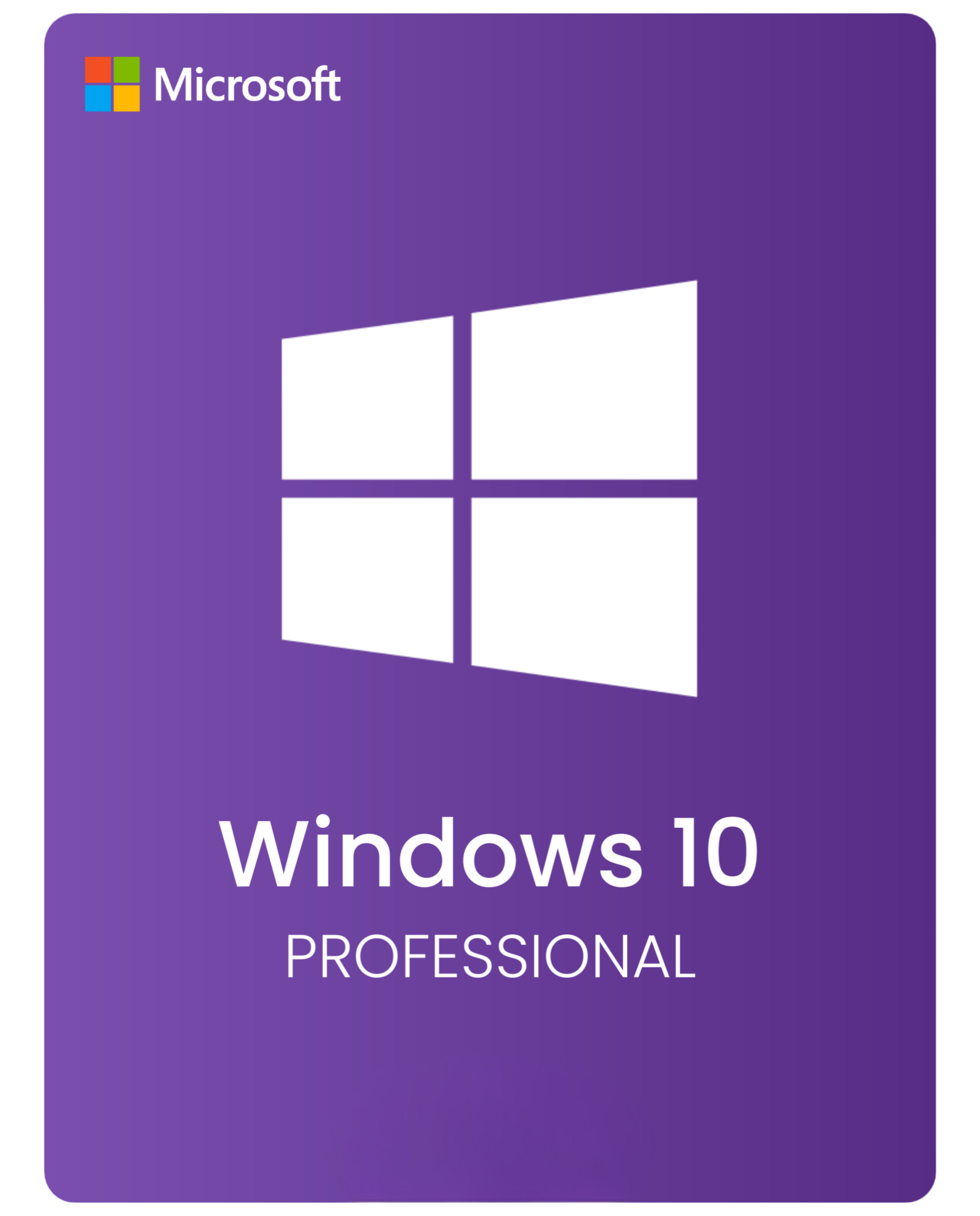
Windows 10 Pro still has a place, especially on older hardware, business machines tied to legacy software, or setups that are not ready to move to Windows 11 yet. It gives buyers the familiar Windows 10 environment while keeping the Pro feature set many work PCs still rely on.
When Windows 10 Pro is still the practical choice
Choose it if the PC does not meet Windows 11 requirements, if a business workflow still depends on Windows 10, or if you need Pro-only features such as BitLocker or Remote Desktop without changing the operating environment too quickly.What to keep in mind now
Windows 10 reached the end of standard support on October 14, 2025, so buyers should be clear about why they still need it. If longer runway matters more than compatibility, compare Windows 11 Pro or review Windows 11 upgrade options before you buy.Useful next steps
- Windows 10 Home Product Key if you do not need Pro-only features.
- Windows 11 Pro Product Key if you are comparing a current replacement path.
- Windows 10 support options for the post-October 14, 2025 landscape.
- How to upgrade to Windows 11 if your hardware is ready for the move.
- Windows product keys to compare Windows 10 and Windows 11 from one page.
Common buyer questions
Why choose Windows 10 Pro instead of Windows 11 Pro?
Usually because of hardware compatibility, a legacy workflow, or business software that still runs better in the older environment.Can I troubleshoot activation before buying a replacement key?
Yes. The Windows activation error guides are the best place to start if the current install may still be recoverable.Who should move to Windows 11 instead?
Buyers setting up a newer PC and wanting a longer runway should compare Windows 11 Pro before they commit to Windows 10.Is Windows 10 Pro mainly a compatibility choice now?
Yes. Since standard support ended on October 14, 2025, it is best treated as a deliberate compatibility decision, not the default path for a new machine. Read the Windows 10 support options if you are still weighing that choice.Before You Buy: Windows 10 Pro Fit
Use this only when Windows 10 Pro is the intentional compatibility path for older hardware, legacy software, or a workflow that is not ready for Windows 11.
| Check | Why it matters |
|---|---|
| Lifecycle fit | Windows 10 Home and Pro standard support ended on October 14, 2025, so this should be a deliberate compatibility choice. |
| Edition fit | Choose Pro only when Pro features are needed; otherwise compare Home or a Windows 11 route. |
| Upgrade route | If the device supports Windows 11, compare upgrade options before committing to another Windows 10 setup. |
Setup and support routes
- Windows 10 end-of-life upgrade guide
- Windows 10 to Windows 11 upgrade methods
- Windows 10 vs Windows 11
- Windows activation error codes
Related product paths
WinProKeys is an independent software-key reseller, not Microsoft. Use the live product page for current product details, delivery wording, and checkout information; use the guides above when the issue is edition fit, install flow, or activation wording.