



Last Updated: czerwiec 1, 2026
Short Answer
If the same PC was already activated with the same Windows edition, a factory reset usually does not erase that activation history. Most failures after reset come from edition mismatch, offline setup, account-link issues, or a recent hardware change rather than the reset itself.
- Confirm the device is still running the same Windows edition as before the reset.
- Connect to the internet and check Activation settings before buying or entering another key.
- If hardware changed, save the exact error code before you retry activation.
After a factory reset, the same device may still reactivate from its existing digital license. That is the most important starting point. A reset can wipe local state, but it does not automatically mean the license history for that hardware disappeared.
After a factory reset
Use these pages before you assume the reset erased the license
A reset changes a lot of local setup, but on the same hardware the original activation story can still matter more than the reset itself.
- Fix digital license not linkedUseful when the right Microsoft account may not be connected yet.
- Fix activation after hardware changeUse this only if the reset came with a real hardware event too.
- How to activate Windows 11The normal path when the device and edition still fit.
- Fix Product Key Didn’t WorkUse this when the reset ends with a plain key-failure message.
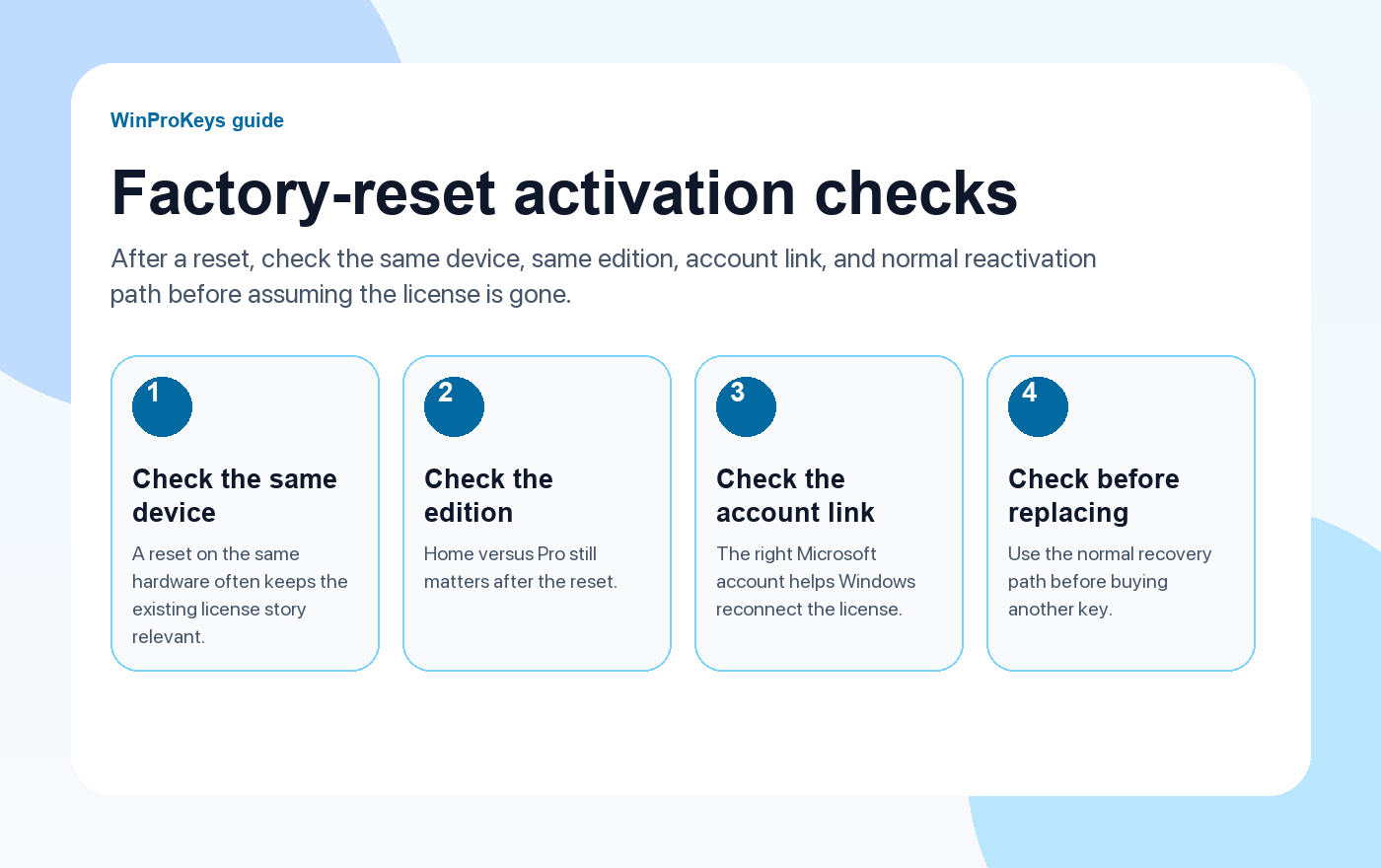
Why resets create confusion
A factory reset feels dramatic because Windows gets stripped back to a cleaner state. But activation is still tied to the combination of device history, edition, and account context. That is why some machines reactivate quickly after reconnecting, while others look broken until the right edition and account return.
What to check before anything else
- Same device: If the hardware is the same, the old activation history may still help.
- Same edition returns after the reset: Home should come back as Home and Pro should come back as Pro.
- Microsoft account context: The right account can help Windows reconnect the old digital license.
- Real reset versus hardware event: If the reset happened after board or storage work, diagnose that separately.
Why the edition matters so much
A surprising number of post-reset activation problems are simply wrong-edition installs. The device may have owned Windows Home, but the reset or reinstall path left it on Pro, or the reverse. That mismatch is more useful to fix than running random commands.
| Check | Why it matters |
|---|---|
| Same device, same hardware | That is the best case for the old digital-license story to reconnect |
| Same edition returns after the reset | Wrong edition breaks activation even when the license history is real |
| Right Microsoft account is present | It can help Windows reconnect the old activation record |
| No major hardware change happened too | That keeps this in reset territory instead of hardware-change territory |
Frequently Asked Questions
Does a factory reset erase the license?
Not automatically. The same device can often reactivate once the edition and account story make sense again.
What is the most useful first check?
Confirm the edition before you do anything more complicated.
Why does the Microsoft account matter after a reset?
Because it can help Windows reconnect a digital license that already belonged to the device.
When should I treat this like hardware change instead?
When the reset happened alongside motherboard, firmware, or other major device changes.
After a factory reset, confirm the edition path
The same hardware can often reactivate, but only if Windows comes back on the edition that matches the prior license story.
- Windows 11 Home Product Key if the reset returned the machine to a normal Home setup.
- Klucz produktu Windows 11 Pro if the PC still needs the Pro edition after the reset.
- Klucz produktu Windows 10 Home if the device is deliberately staying on Windows 10 Home.
- Windows activation error guides if the reset changed the activation symptom rather than solving it.
Source and Support Links
Use Microsoft support pages for official activation rules and version behavior. Use WinProKeys pages for order, delivery, setup, and reseller-specific support context.
Frequently Asked Questions
Will a factory reset remove my Windows license?
Usually no, if the same device and the same edition were already activated. The common problem is that the PC comes back online with the wrong edition or without the account and activation history fully recognized yet.
Do I need a new key after a factory reset?
Not always. Check Activation settings first. If the device previously activated the same edition, Windows may reactivate automatically. Buy or enter another key only after you confirm the edition and the exact activation state.
Is WinProKeys operated by Microsoft?
No. WinProKeys is an independent software-key reseller and is not operated by Microsoft. Use Microsoft support pages for official activation and product behavior, and use WinProKeys for order, delivery, and reseller-specific support.
Need the live product pages?
If you have finished the guide and need the current Windows or Office pages, use the shop as the source of truth for pricing, delivery details, and activation help.
Open the shopStill need the right Windows edition?
If the error points to an edition mismatch or a license that cannot be recovered, compare the current Windows routes instead of guessing with another random key.
Use the live product pages for current pricing, delivery details, and activation help.

