



Last Updated: May 30, 2026
Short Answer
Windows key prices vary because sellers use different sourcing, business models, regions, and support costs. A lower price is not enough by itself; buyers should check edition match, delivery clarity, support process, and whether the seller avoids misleading official or authorization claims.
- Do not buy only because a price looks low.
- Confirm Home vs Pro before checkout.
- Use a seller that explains what happens if activation fails.
Why Are Windows Keys So Cheap? The Real Explanation is a practical guide for users who want a clear answer, not generic advice.
Market Reality
Key prices vary due to volume licensing, region strategy, inventory liquidations, and promotions. Cheap does not always mean fake, but transparency is critical.
How to Buy Safely
- Check seller reputation and support policy.
- Match exact product edition.
- Keep invoice and activation screenshots.
- Confirm replacement/refund process.
Recommended next steps: Windows 11 Pro, Windows 10 Pro, Office 2021 Professional Plus, and Office 2019 Professional Plus.
Best Practices
Always keep your product key archived securely, verify edition compatibility before purchase, and run activation in a stable network environment. For organizations, document deployment records and maintain a simple validation checklist so each installation follows the same standard process. This reduces support tickets and speeds up issue resolution when errors appear.
When you troubleshoot, change only one variable at a time. First verify system date/time, then license edition, then network path, then key input. Structured troubleshooting avoids confusion and prevents unnecessary reinstallations.
FAQ
Can I reactivate after reinstalling?
Usually yes on same hardware and same edition.
Do I need internet?
In most cases, yes.
How long does it take?
Often less than a minute with a valid key.
What if activation still fails?
Share error code, screenshot, and purchase proof with support.
Start with a Genuine License
Get a genuine license and activate with confidence. Start with Windows 11 Pro, Windows 10 Pro, and Office 2021 Professional Plus.
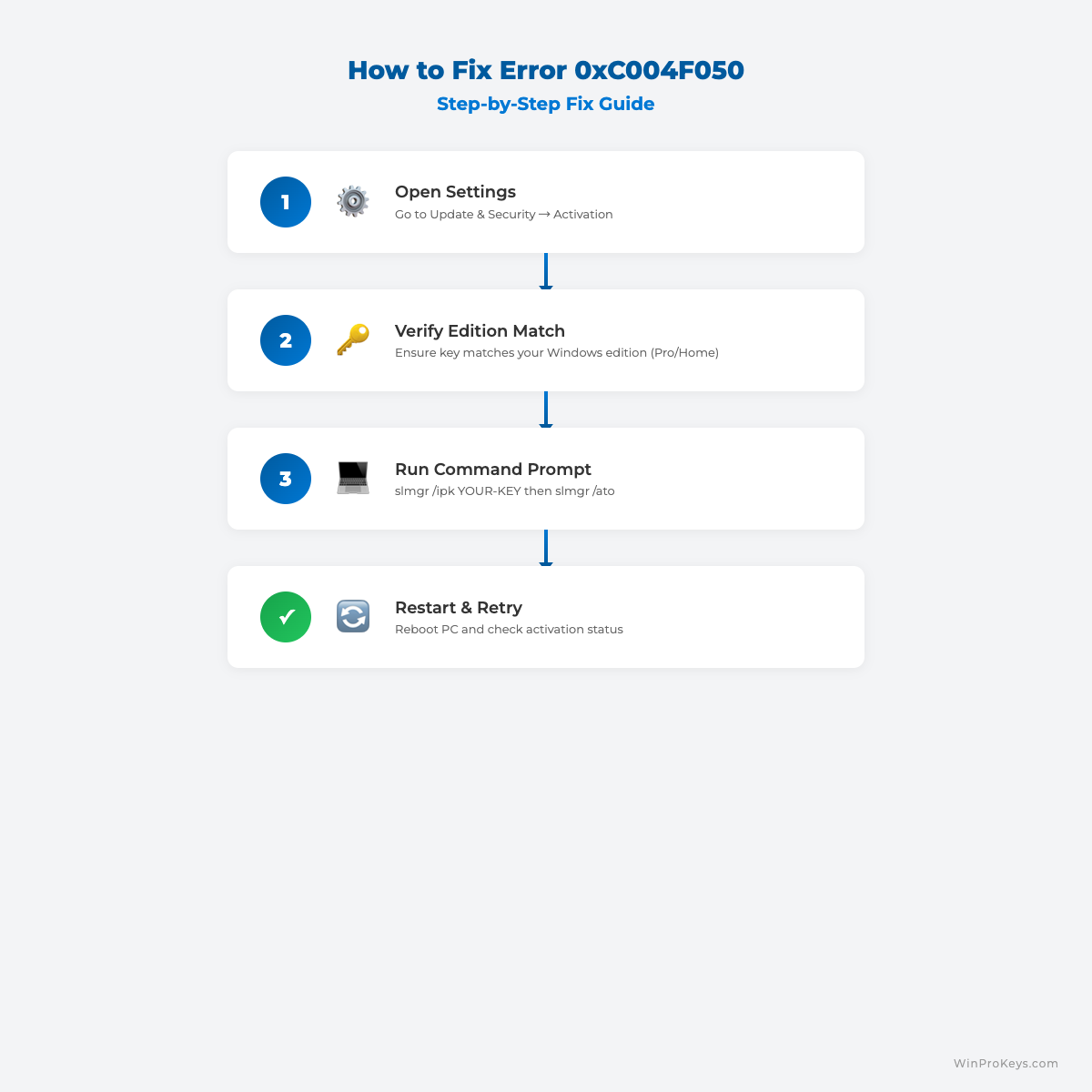
Visual Fix Guide
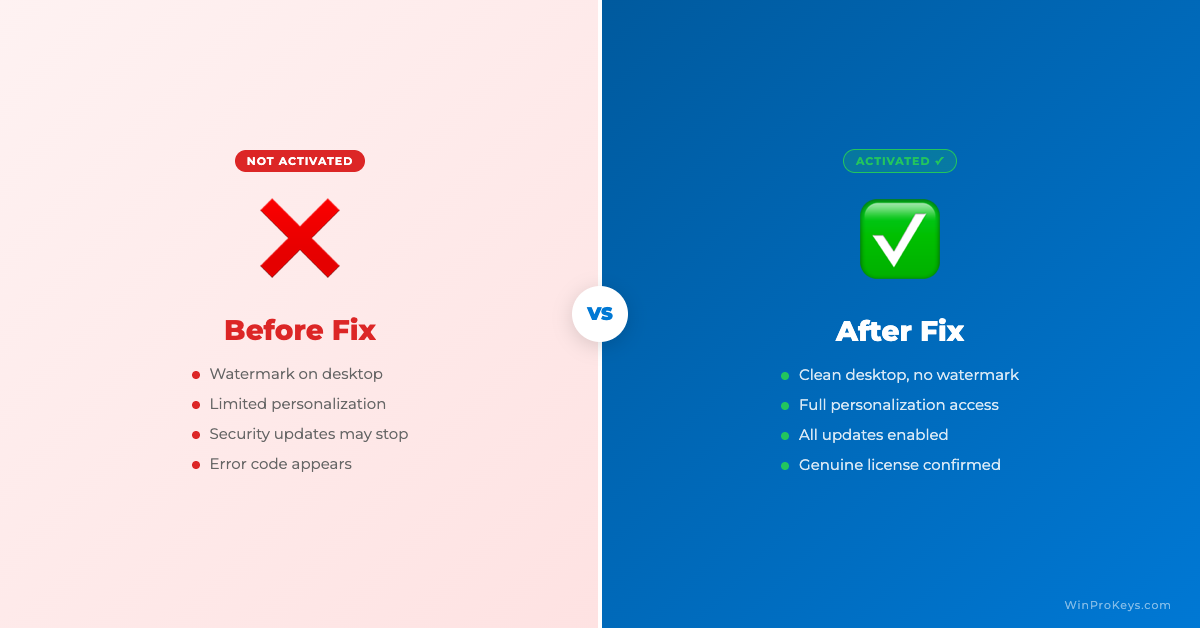
Before vs After Activation
Curious about pricing? Browse Windows product keys to see current deals.
Protected by the published after-sales policy. Instant digital delivery. Learn more about us.
Source and Support Links
Use Microsoft Support pages for general product behavior and activation rules. Use WinProKeys pages for store delivery, order support, and reseller-specific guidance.
Frequently Asked Questions
Is a cheap Windows key always unsafe?
Not always, but vague listings, unclear support, and unsupported activation instructions are warning signs.
What is the biggest cheap-key risk?
The biggest risk is edition or activation-route mismatch, especially when the seller does not clearly explain the product.
How does WinProKeys describe itself?
WinProKeys is an independent software key reseller, not operated by Microsoft or authorized Microsoft store.
Need the live product pages?
If you have finished the guide and need the current Windows or Office pages, use the shop as the source of truth for pricing, delivery details, and activation help.
Open the shopChoose the product path that matches your device
These are the six Windows and Office routes we actively support most. Pick by edition fit first, then use the live product page for redemption steps, delivery timing, and post-sale support details.
If you are still deciding, use the Windows hub or Office hub before checkout.

