



Last Updated: May 30, 2026
Short Answer
The message “We can’t activate Windows right now” usually means Windows cannot complete activation at that moment because of network, server, edition, account, or key-entry conditions. First check internet access, time settings, edition match, and the exact error details before retrying.
- Do not keep retrying without checking the error code.
- Confirm the installed edition matches the key.
- Contact support with screenshots if you bought the key from WinProKeys.
The phrase right now is the useful clue. It suggests Windows may be dealing with a temporary service or connection problem rather than announcing that the license is permanently dead. That is why this message should be handled more calmly than older blog templates suggest.
Right-now checks
Use these pages when Windows says it cannot activate right now
This wording is often about timing, service state, or local connection conditions rather than a permanently bad license.
- Fix activation server unavailableUse this when the message sounds explicitly server-side.
- Fix the activation troubleshooterHelpful when the local recovery tool is missing or not helping.
- Open the activation error hubUse the broader hub if the message changes into a specific code.
- How to activate Windows 11The clean path once timing and service issues are ruled out.
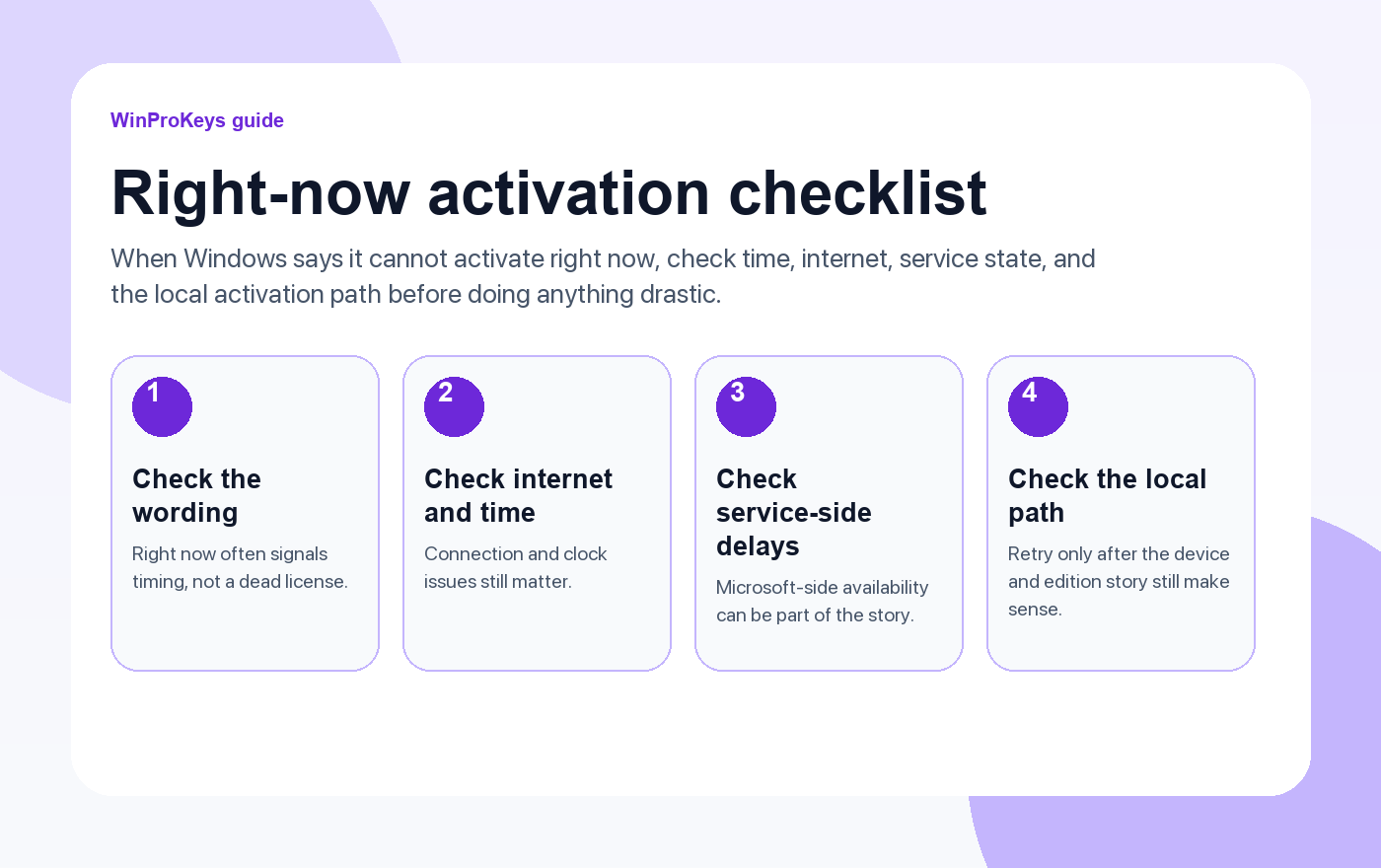
Why timing matters here
Some activation errors tell you the device and license do not fit. This one often sounds softer because it can be temporary. Internet issues, clock drift, VPN or proxy behavior, or Microsoft-side delays can all create a moment where Windows cannot finish the activation conversation cleanly.
What to check first
- Internet and clock: Basic, but still worth checking because activation is service-dependent.
- Recent system changes: If nothing changed except timing, this may not be a buy-a-new-key situation at all.
- Activation wording: If the message later turns into a specific code, switch to the matching guide.
- Edition fit: Timing problems and edition mismatch can appear together, so do not ignore the local basics.
When waiting actually makes sense
If the PC was activated before, the edition still fits, and the message looks temporary, a short wait and a clean retry can be more rational than rushing into replacement-key thinking. The goal is to separate temporary service trouble from a real licensing mismatch.
| Signal | What it usually suggests |
|---|---|
| The message sounds temporary | Possible temporary service or connection problem |
| The device was already activated before | The old activation story may still be recoverable without a new key |
| The wording changes to a specific code later | Switch to the specific error guide instead of staying generic |
| The edition or device story looks wrong too | There may be more than a timing problem involved |
Frequently Asked Questions
Is this always a server outage?
No. Local connection and time issues can create similar symptoms.
Should I retry immediately over and over?
No. Check the basics first, then retry in a more controlled way.
Why does the wording matter so much?
Because it hints at whether the issue is temporary or structural.
When should I stop treating it as temporary?
When the message changes into a specific code or the device-and-edition story clearly does not fit.
Source and Support Links
Use Microsoft Support pages for general product behavior and activation rules. Use WinProKeys pages for store delivery, order support, and reseller-specific guidance.
Frequently Asked Questions
Is this always a bad key?
No. The message can also come from network, server, time, edition, or account conditions.
What should I check first?
Check internet connection, system time, installed edition, and the exact activation error code.
What should I send support?
Send your order email, screenshot, error code, installed Windows edition, and whether this is a new PC, reinstall, or hardware change.
Need the live product pages?
If you have finished the guide and need the current Windows or Office pages, use the shop as the source of truth for pricing, delivery details, and activation help.
Open the shopStill need the right Windows edition?
If the error points to an edition mismatch or a license that cannot be recovered, compare the current Windows routes instead of guessing with another random key.
Use the live product pages for current pricing, delivery details, and activation help.

