


Last Updated: May 30, 2026
Factory reset sounds like a total wipe, but activation does not work like a normal file saved on your desktop.
The safe answer depends on whether the device was activated before, whether the same edition is still installed, and whether the license path is digital-license based or product-key based.
Short answer
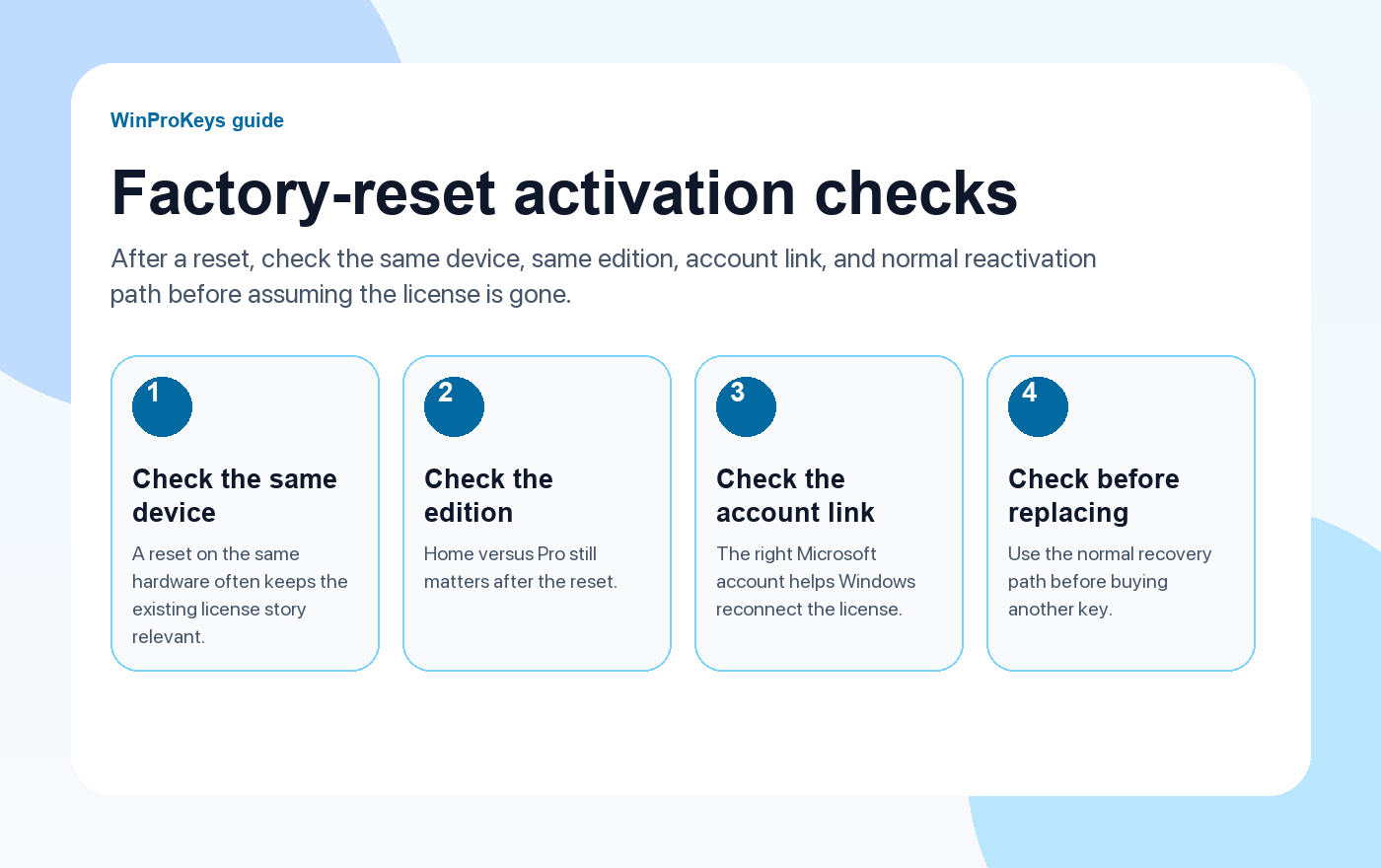
After a Windows factory reset, activation can often return when the same device, same edition, and same license path still match. What changes is the Windows installation state. What does not automatically change is the license relationship, unless the edition or hardware situation changed too.
- Keep Home and Pro edition match in mind.
- A same-device reset is not the same as installing on a second PC.
- Use can you use the same Windows key twice if you are unsure whether this is same-device or second-device use.
| Reset situation | What usually matters | Next step |
|---|---|---|
| Same PC, same edition | License path may still match | Try normal activation after setup |
| Same PC, different edition | Edition mismatch | Use the correct Home or Pro path |
| Reset plus motherboard change | Major hardware change | Use hardware-change reactivation guidance |
| Install on another PC | Second-device licensing | Do not treat it as a factory reset problem |
What a factory reset changes
A factory reset can remove apps, settings, and local files depending on the reset option. It can also leave you setting Windows up again from scratch.
What a factory reset does not automatically change
A reset does not automatically mean the license has disappeared. If the same device and edition still match the activation method, Windows may activate again through the normal path.
When a factory reset becomes an activation problem
Activation issues usually appear when the edition changed, hardware changed, or the user treats one license as if it can activate another PC. If you see an error, use digital license vs product key before guessing.
Microsoft Support context
These pages summarize the practical buying and troubleshooting path. For license behavior and activation wording, Microsoft support remains the official reference.
Factory Reset
Use these Windows pages after a reset
Separate same-device reset, edition mismatch, and hardware change before buying again.
- Digital license vs product keyUse this to understand the activation method.
- Can you use the same Windows key twice?Use this to separate same PC from second PC.
- Home vs Pro edition mismatchUse this if activation fails after reset.
- Windows key hubUse the hub if you need a clean current Windows route.
Frequently Asked Questions
Will Windows stay activated after a factory reset?
It often can if the same device, same edition, and same license path still match.
Can a factory reset create an edition mismatch?
Yes, if you reinstall or reset into a different Windows edition than the license supports.
Is factory reset the same as installing Windows on another PC?
No. Same-device reset and second-device install are different licensing situations.
What should I check if activation fails after reset?
Check the edition, activation method, and whether any major hardware changed.
Before checkout, use the live product page as the source of truth for delivery, product scope, setup steps, and post-sale support details. See our delivery policy, refund policy, and about page for the current public business details.
Need the live product pages?
If you have finished the guide and need the current Windows or Office pages, use the shop as the source of truth for pricing, delivery details, and activation help.
Open the shopUse the next step that matches your setup
Stay with the Windows and Office routes we actively maintain most. Choose the guide, troubleshooting path, or hub that answers the next real question instead of jumping into an unrelated product page.
Use the live guide or product page as the source of truth for delivery, redemption, and post-sale support details.

