



Last Updated: juin 1, 2026
Short Answer
It can be safe to buy Windows keys online when the seller clearly states the edition, delivery method, support route, and activation expectations. Avoid vague listings, bypass instructions, or claims that pretend the seller is Microsoft.
- Start with the installed Windows edition and activation status.
- Use Microsoft Support pages as source context for Windows activation behavior.
- Use WinProKeys support pages for delivery, setup, after-sales, and private troubleshooting context.
Windows Keys Online Scam-Safety Checklist
Use this checklist before trusting or rejecting a Windows key listing. The safer path is to verify seller identity, edition fit, key type, delivery terms, activation wording, and private support evidence instead of judging from price or marketing claims alone.
| Safety check | What to verify | Best next route |
|---|---|---|
| Start with seller identity and source claims | A safe-looking Windows key listing should not pretend the seller is Microsoft or imply Microsoft approval unless that status is proven. Separate Microsoft source context from reseller support context. | Use Microsoft genuine Windows context, cheap Windows keys safety guide, safe Windows key seller checklist, and How WinProKeys works. |
| Verify edition fit before judging the key | Many online-key problems are Home vs Pro mismatch, already-activated digital-license state, or a Home-to-Pro edition-change issue rather than proof that a seller is safe or unsafe. | Use the Windows 11 Home vs Pro guide, Home key vs Pro key mismatch guide, digital license vs product key guide, and Microsoft product-key context. |
| Classify the key type and listing language | Treat vague product names, Volume/KMS language, bypass tools, remote scripts, no delivery route, or unclear OEM transfer wording as warning signs. A listing should explain what the buyer is actually receiving. | Use the Windows product key types guide, OEM key legality guide, Windows product key FAQ, and Windows product-key genuine-check guide. |
| Check delivery, policy, and support path | Before payment, confirm whether the seller explains delivery timing, setup help, after-sales review terms, and a private support route. Avoid relying on price, slogans, or unsupported guarantee wording alone. | Use the Windows product-key buyer guide, Windows 11 Pro online buying checklist, delivery policy, and after-sales policy. |
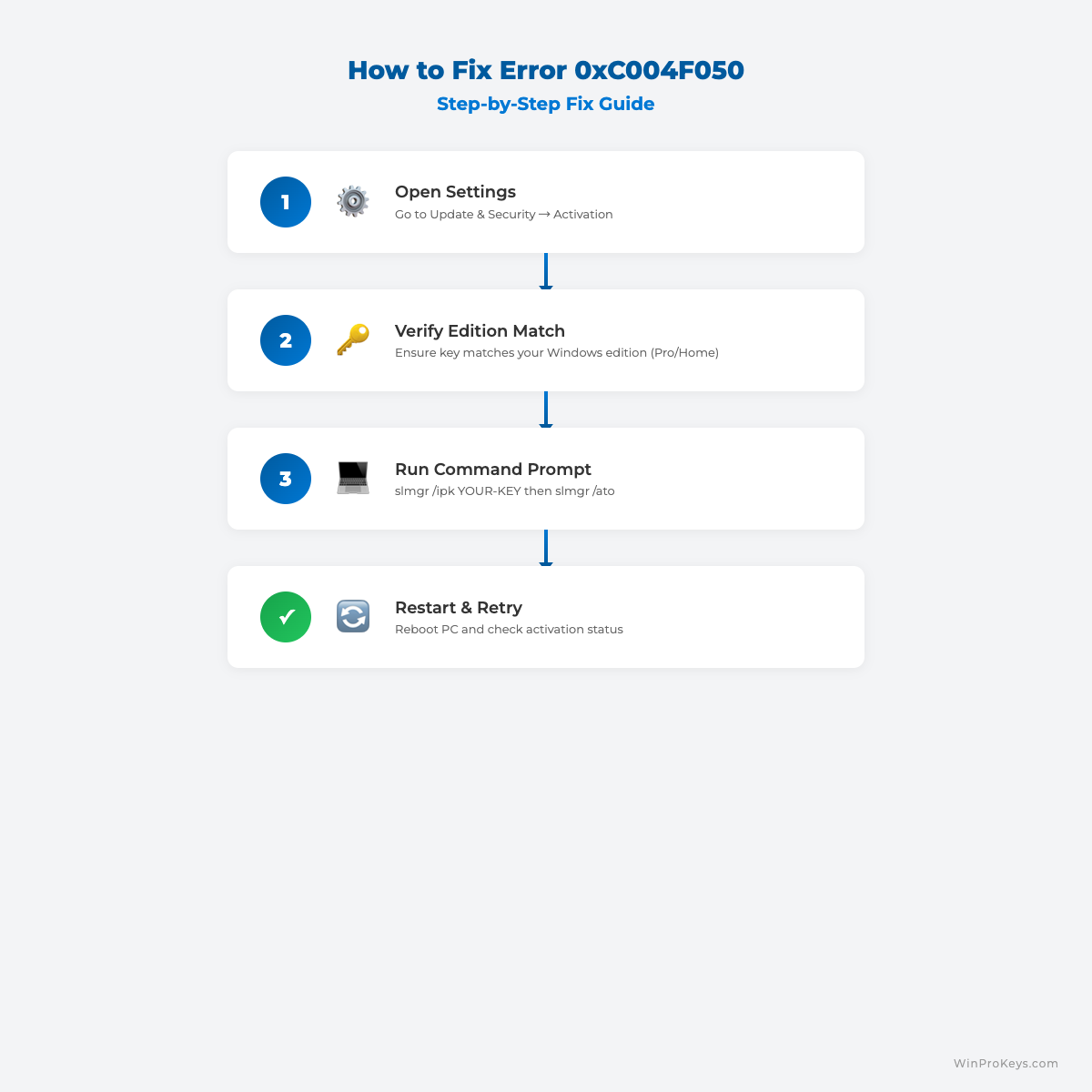
| Plan activation by exact wording | If activation fails, use the exact code and Windows edition instead of assuming the key is fake. The route differs for 0x803F7001, 0xC004F050, hardware changes, digital licenses, and organization-managed activation. | Use Microsoft activation context, Microsoft activation-error context, Microsoft hardware-change reactivation context, the Windows activation error-code hub, 0x803F7001 guide, and 0xC004F050 guide. |
| Keep evidence private and support-led | Do not post full keys, order references, Microsoft account identifiers, payment details, or private screenshots in public comments. Use private support after the edition, delivery, and error path are clear. | after-purchase Windows key checklist, private support evidence checklist, replacement or refund review explainer, Windows key not-working guide, Windows key hub, and contact WinProKeys support. |
WinProKeys is an independent software-key reseller, not Microsoft. Microsoft pages are source context for genuine Windows, product-key lookup, activation, hardware-change reactivation, and activation-error wording; WinProKeys pages explain buyer fit, delivery, after-sales, and private support review.
What Makes an Online Windows Key Safer?
A Windows key listing is easier to trust when the seller explains the edition, key type, delivery route, support boundary, and what happens if Windows shows an exact activation message. A very low price is not enough evidence by itself.
Common red flags to slow down for
- Vague product names that do not say Home, Pro, OEM-style, Retail-style, or Volume/KMS context.
- Claims that imply the seller is Microsoft, Microsoft-operated, or Microsoft-approved without proof.
- Bypass tools, remote scripts, key generators, file-sharing delivery, or instructions that avoid normal Windows activation.
- No visible delivery terms, after-sales review path, or private support route.
How WinProKeys frames this safely
WinProKeys is an independent software-key reseller. Public pages should explain buyer fit, delivery expectations, activation routing, after-sales review, and private support evidence without promising a fixed activation outcome or asking for private details in public comments.
Use the Windows key hub, buyer guides, delivery policy, after-sales policy, and private support pages to decide whether the listing matches your device and support needs.
Visual Fix Guide
Before vs After Activation
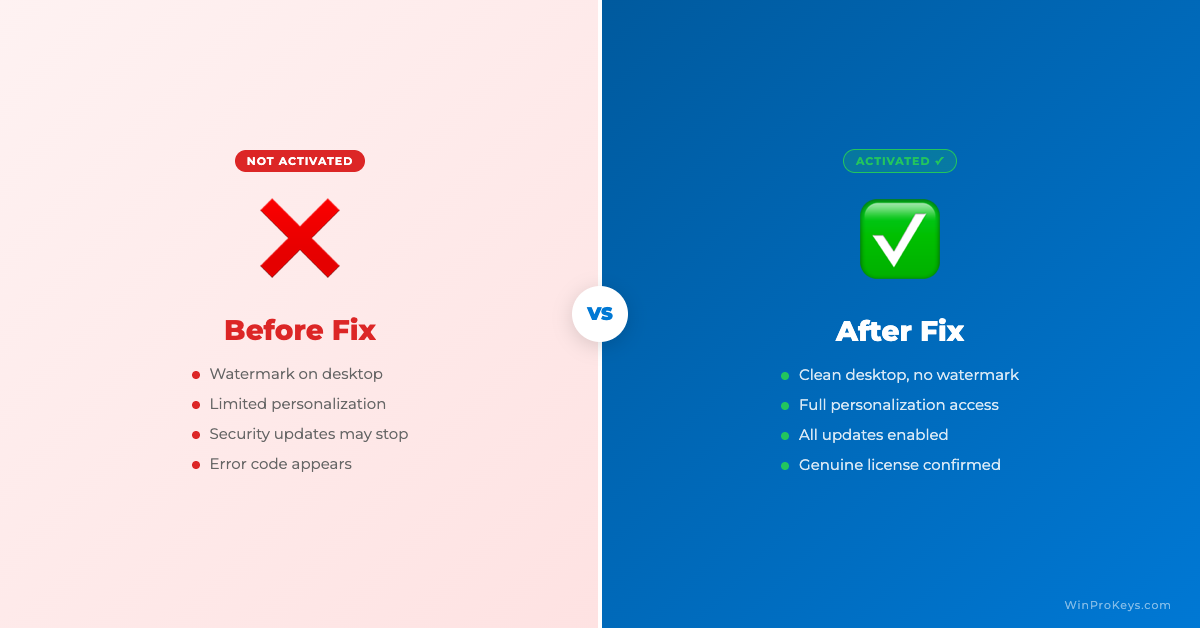
If you buy online and activation doesn’t go smoothly, our Windows activation error codes guide lists the most common fixes.
Source and Support Links
Use Microsoft Support pages for general product behavior and activation rules. Use WinProKeys pages for store delivery, order support, and reseller-specific guidance.
Frequently Asked Questions
What should I check first for Is It Safe to Buy Windows Keys Online??
Check the installed Windows edition, activation status, recent hardware changes, and the exact error message. Home and Pro keys are not interchangeable.
Is WinProKeys operated by Microsoft?
No. WinProKeys is an independent software-key reseller and is not operated by Microsoft. Microsoft Support pages are source context for Windows activation behavior.
What should I send support if activation does not work?
Use private support with the installed Windows edition, exact activation wording, device context, and order reference. Do not post full keys, account identifiers, payment details, or private screenshots in public comments.
Need the live product pages?
If you have finished the guide and need the current Windows or Office pages, use the shop as the source of truth for pricing, delivery details, and activation help.
Open the shopChoose the product path that matches your device
These are the six Windows and Office routes we actively support most. Pick by edition fit first, then use the live product page for redemption steps, delivery timing, and post-sale support details.
If you are still deciding, use the Windows hub ou Office hub before checkout.

