


Last Updated: mai 30, 2026
Small hardware upgrades can make users worry that Windows will deactivate. The important point is to separate normal part upgrades from a major device-identity change.
RAM, CPU, and GPU changes are usually not the same risk level as replacing the motherboard, but the activation path should still be checked.
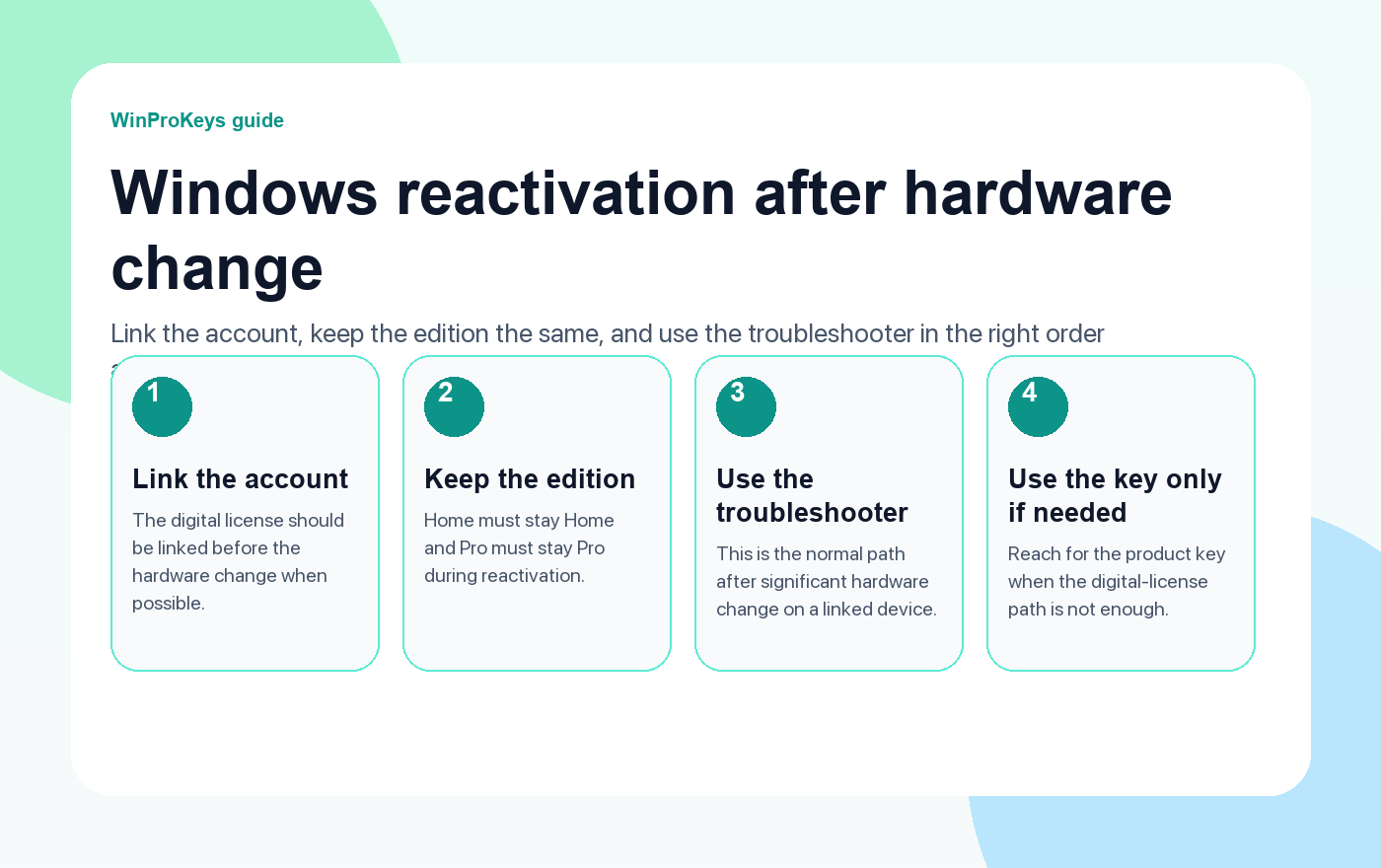
Short answer
RAM, CPU, or GPU upgrades usually should not be treated the same as a motherboard replacement. If Windows activation changes after those upgrades, check the installed edition, digital license or product-key path, Microsoft account link, and whether the motherboard also changed.
- Check whether the motherboard changed during the upgrade.
- Confirm the installed Windows edition still matches the license.
- If the motherboard changed too, use the motherboard-change activation guide.
| Upgrade | Activation risk | Best check |
|---|---|---|
| RAM upgrade | Usually lower | Activation status and same edition |
| GPU upgrade | Usually lower | Activation status after driver setup |
| CPU upgrade | Medium | Same motherboard and edition |
| Motherboard replacement | Higher | Digital license, account link, product key path |
Start by checking whether the motherboard changed
Microsoft calls out significant hardware changes such as replacing the motherboard as a reactivation risk. If the motherboard stayed the same, treat RAM, CPU, or GPU upgrades as a different troubleshooting path first.
Keep Home and Pro separate
If Windows reports activation trouble after the upgrade, confirm that the installed edition still matches the key. Use the Home vs Pro mismatch checklist if the edition is unclear.
Use the right buying route only after diagnosis
If the license path no longer fits the upgraded PC, compare the options through the Windows key hub rather than guessing based on the error message alone.
Microsoft Support context
Use this page as a practical buying and troubleshooting checklist. Microsoft Support is the primary source for activation, product-key, subscription, and account behavior.
Hardware Upgrade Activation
Use these Windows pages after a PC upgrade
Check activation method, edition, and motherboard-change context before buying again.
- Digital license vs product keyUse this to identify the activation method.
- Activation after motherboard changeUse this if the board changed.
- Home vs Pro mismatchUse this if the edition may be wrong.
- Windows 11 Pro product pageUse the live page if Pro is the right route.
Related checks
If the activation question came from a repair or upgrade, read these nearby checks before buying anything new.
- Cloning Windows to a new SSDUse this if the hardware work was really a storage move.
- TPM, Secure Boot, and BIOS settingsUse this when firmware settings changed during the repair.
- Windows and Office product-key help centerUse the map if you are not sure which route fits.
Frequently Asked Questions
Can a RAM upgrade deactivate Windows?
A RAM upgrade alone is usually not the same as replacing a motherboard, but you should check activation status afterward.
Can changing a GPU affect Windows activation?
Usually the GPU is not the main activation risk. If activation fails, check edition, drivers, and whether other hardware changed.
Is a CPU upgrade the same as a motherboard replacement?
No. A CPU upgrade can be related to a bigger repair, but motherboard replacement is the higher-risk activation event.
Should I buy a new key after upgrading parts?
Not immediately. First check edition, activation method, Microsoft account link, and whether the motherboard changed.
Before checkout, use the live product page as the source of truth for delivery, product scope, setup steps, and post-sale support details. See our delivery policy, refund policy, and about page for the current public business details.
Need the live product pages?
If you have finished the guide and need the current Windows or Office pages, use the shop as the source of truth for pricing, delivery details, and activation help.
Open the shopUse the next step that matches your setup
Stay with the Windows and Office routes we actively maintain most. Choose the guide, troubleshooting path, or hub that answers the next real question instead of jumping into an unrelated product page.
Use the live guide or product page as the source of truth for delivery, redemption, and post-sale support details.

