


Last Updated: mayo 30, 2026
Short Answer
When Windows is deactivated, the PC may show activation messages and personalization limits, but files are not normally deleted just because activation is missing. The safe next step is to confirm edition, activation status, and error code before buying or entering another key.
- Check the exact product version and edition before buying or activating.
- Use Microsoft support pages for official activation behavior.
- Use WinProKeys support for order, delivery, setup, and common troubleshooting context.
If Windows becomes deactivated, the PC does not suddenly turn into a brick. A deactivated Windows install is still a usable PC for browsing, work, and basic tasks. The real problem is that the setup is no longer in a clean supported state, and it is better to resolve the activation state before you forget what changed.
Activation cleanup
Use these pages when Windows is deactivated
The useful question is not whether the PC still boots. The useful question is how to get back to a clean license state without guessing.
- Can you use Windows 11 without activation?A shorter companion guide if you want the basic answer first.
- How to activate Windows 11Use this when the device already has a valid path and just needs the right steps.
- Windows activation error guidesOpen this when the issue turns into a specific code.
- Windows product pagesCompare the current Windows 11 Home and Pro options only if you really need a replacement license.
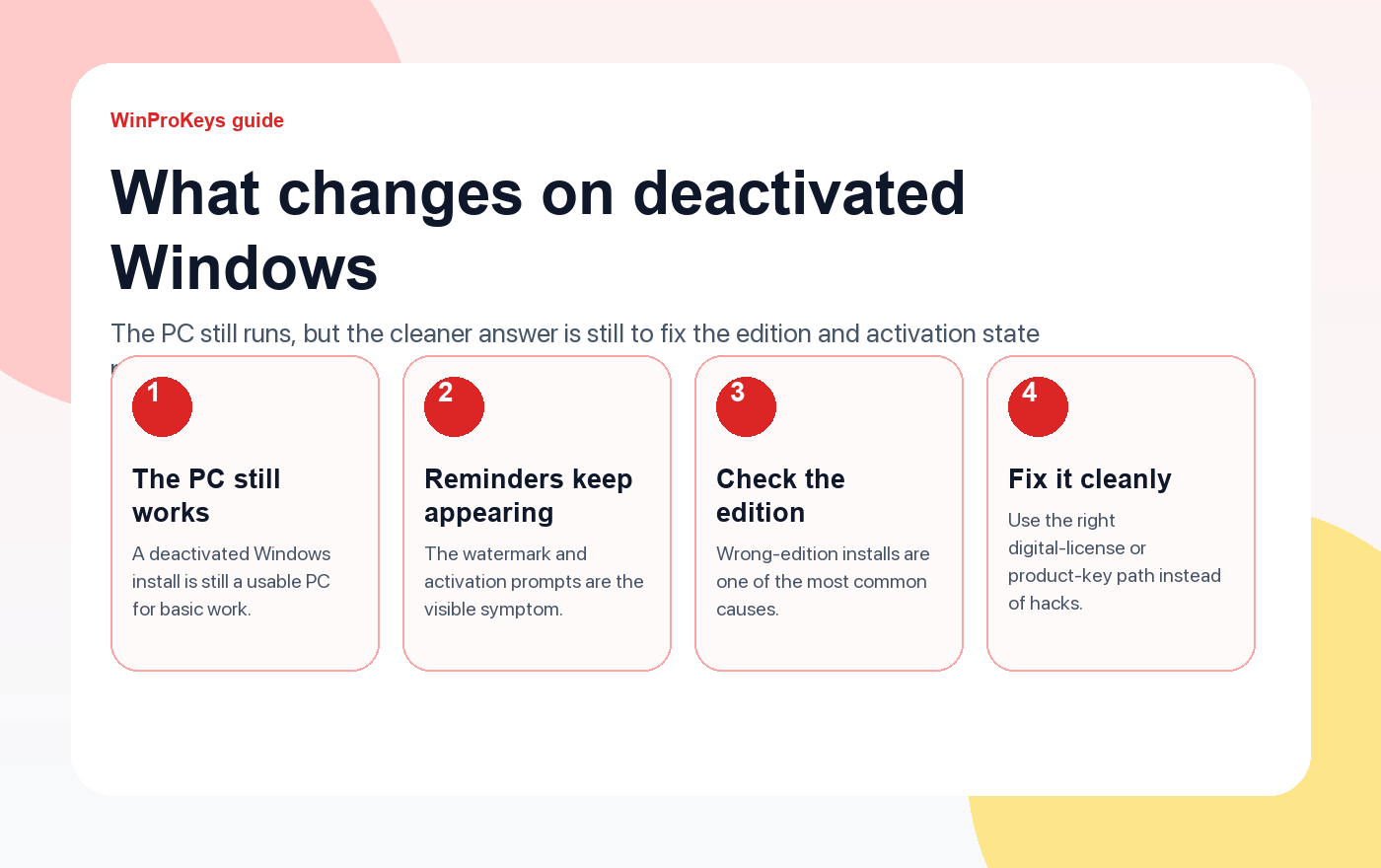
What usually changes first
The obvious signs are reminders and the desktop watermark. Less obvious is that you are no longer sure whether the machine is on the right edition, whether the digital license is still attached, or whether a recent reinstall or hardware change broke the normal activation path.
Why it happens
- Edition mismatch. The device is on Pro when it really owns Home, or the reverse.
- Hardware change. A motherboard or major rebuild can break the old activation state.
- Lost account link. The machine previously used a digital license that Windows has not reconnected yet.
- No valid license ever existed. The PC was installed clean but never had the right activation path.
When waiting briefly is reasonable
After a fresh reinstall on the same hardware, or right after signing back into the Microsoft account that held the digital license, it can make sense to give Windows a little time to reconnect. Outside of that, waiting usually just postpones the real diagnosis.
How to approach it cleanly
| Question | Best next check |
|---|---|
| Was this device activated before? | Check whether the same device already owns the digital license |
| Is the installed edition correct? | Confirm Home vs Pro before entering any key |
| Did hardware change recently? | Use the normal reactivation path linked to the account and device history |
| Does Windows show a clear code? | Open the matching guide in the activation-error hub |
Frequently Asked Questions
Can I keep using a deactivated PC?
Yes, but it is better to solve the activation state than to leave the machine half-settled.
What is the first thing to check?
Check whether the installed edition matches the license history of the device.
Does a hardware change matter?
Yes. Major hardware changes are one of the most common reasons a previously clean device stops activating.
When should I buy a new license?
Only after you rule out the device’s existing digital-license path and confirm the machine is on the right edition.
Source and Support Links
Use Microsoft Support pages for general product behavior and activation context. Use WinProKeys pages for store delivery, order support, and reseller-specific guidance.
Frequently Asked Questions
What is the first thing to check for What Happens When Windows Is Deactivated??
Check the installed Windows edition first. A Home key and a Pro key are not interchangeable, and many activation problems begin with edition mismatch.
Is WinProKeys an Microsoft website?
No. WinProKeys is an independent software key reseller, not an Microsoft website. Microsoft Support pages are the primary source for Windows activation behavior.
What should I send support if Windows activation fails?
Send the order email, installed Windows edition, exact error code, screenshot, and whether this is a new PC, reinstall, Home-to-Pro upgrade, or hardware change.
Need the live product pages?
If you have finished the guide and need the current Windows or Office pages, use the shop as the source of truth for pricing, delivery details, and activation help.
Open the shopChoose the product path that matches your device
These are the six Windows and Office routes we actively support most. Pick by edition fit first, then use the live product page for redemption steps, delivery timing, and post-sale support details.
If you are still deciding, use the Windows hub o Office hub before checkout.

