


Last Updated: mayo 30, 2026
Short Answer
Short answer: this message is a starting point, not a diagnosis. Check the exact error code, installed edition, digital license state, recent hardware changes, and whether the product key matches the device and edition before retrying activation.
Microsoft Support Sources To Check First
- Microsoft Support: activate Windows
- Microsoft Support: product keys for Windows
- Microsoft Support: reactivating Windows after a hardware change
WinProKeys is an independent software-key reseller, not Microsoft. Use this guide as a diagnostic checklist before buying, retrying activation, or contacting support.
Related WinProKeys Support Paths
- Windows activation error-code hubUse this to route the generic message to the exact code.
- Product key did not work checklistUse this when the message appears after entering a key.
Windows can’t activate on this device usually means the current device and the current license story do not line up cleanly. This is one of the clearest signs that the problem is not just a random activation mood. Something about the device, edition, or license route does not fit.
This-device checks
Use these pages when Windows says it cannot activate on this device
That wording usually points to a mismatch between the current machine, the current edition, and the license route you are trying to use.
- Fix activation after hardware changeImportant when the device recently changed in a meaningful way.
- Fix OEM key not workingUseful when the license path is OEM and the hardware story is tight.
- Fix retail key not workingUse this when the license is retail and may have moved from another PC.
- Windows product key types explainedRetail, OEM, volume, and digital license in plain language.
Why this message is more structural than temporary
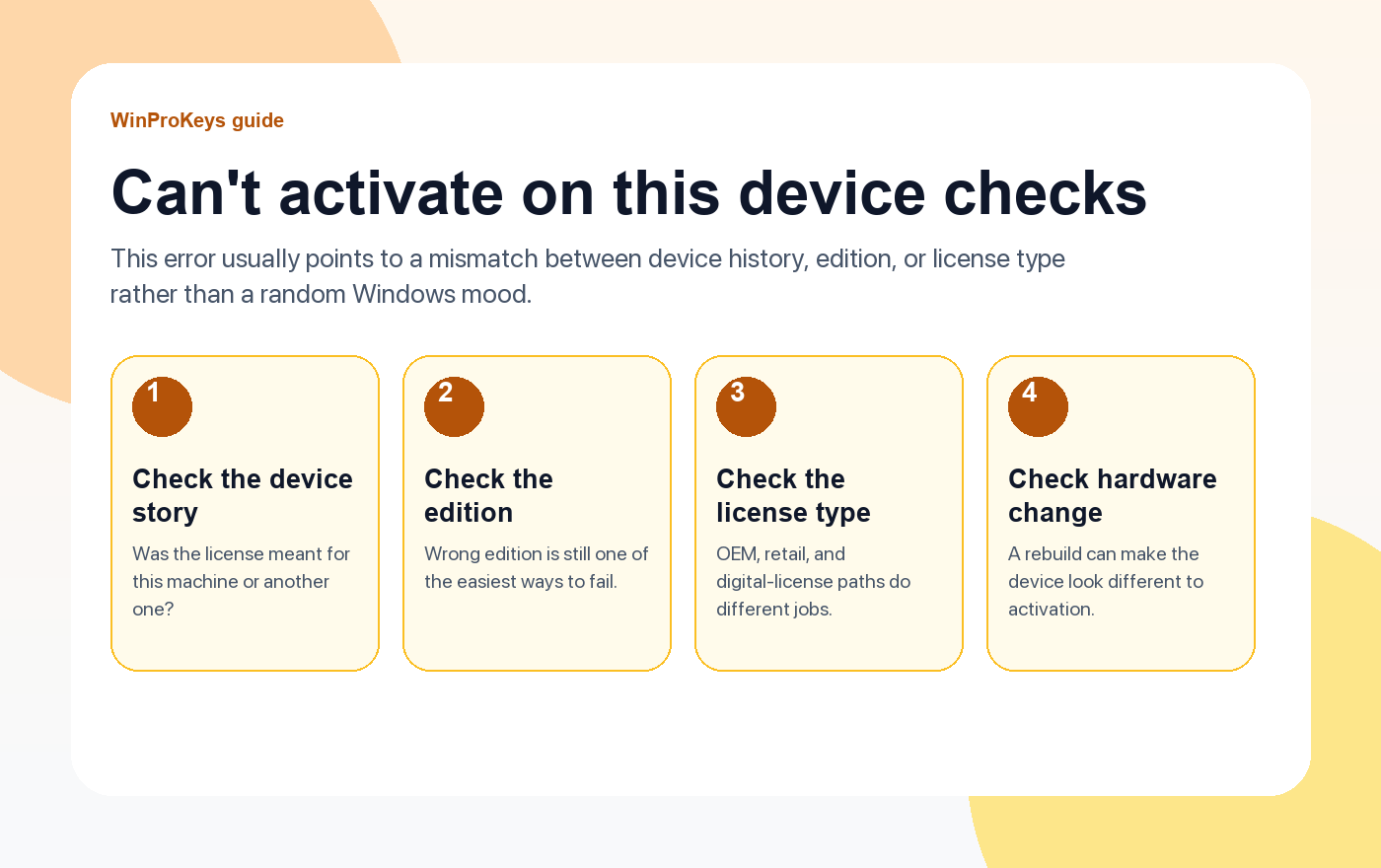
Unlike timing-style errors, this message usually points to a mismatch. The wrong edition may be installed. The license may belong to another device. Or the machine may have changed enough that Windows no longer sees it as the same activation target.
Start with the simplest mismatch checks
- Wrong edition or wrong device story: This is the most common explanation.
- License type: OEM, retail, and digital-license paths behave differently after reinstalling or moving hardware.
- Recent rebuild or repair: Hardware change can make the activation target look different.
- Expected transfer path: Retail transfer logic is different from OEM one-device logic.
How to think about the license type
If the path is OEM, ask whether this is still the original machine in a meaningful hardware sense. If the path is retail, ask whether the key is being moved cleanly from another PC. If the path is digital license, ask whether the right account and the same edition are in place.
| Check | Why it matters |
|---|---|
| Edition really matches the license | Home and Pro mismatches are still common here |
| The license path fits this machine | OEM, retail, and digital-license paths do not behave the same way |
| Recent hardware change happened | That can make Windows question whether this is still the same device |
| The transfer path was actually followed | Retail in particular needs a clean old-device-to-new-device story |
Frequently Asked Questions
Is this the same as a server problem?
Usually no. This message more often points to a fit problem than a timing problem.
What is the most common cause?
Wrong edition or the wrong device story is usually the best first guess.
Does retail help here more than OEM?
Retail usually has the cleaner transfer story, yes.
Should I try another random key?
No. Understand the device and license fit first.
Check the edition and device story before replacing anything
This error often comes down to whether the current machine, the installed edition, and the license history still line up cleanly.
- Windows 11 Home vs Pro if you need to confirm which edition should stay on the device.
- Windows 11 Home Product Key if the machine should be on the Home edition.
- Clave de producto de Windows 11 Pro if the PC really needs the Pro feature set.
- Windows activation error guides if the next retry changes the code and the diagnosis shifts.
Need the live product pages?
If you have finished the guide and need the current Windows or Office pages, use the shop as the source of truth for pricing, delivery details, and activation help.
Open the shopStill need the right Windows edition?
If the error points to an edition mismatch or a license that cannot be recovered, compare the current Windows routes instead of guessing with another random key.
Use the live product pages for current pricing, delivery details, and activation help.

