


Last Updated: Mai 30, 2026
Short Answer
Short answer: you can usually install and use Windows 11 before activation, but activation is still the right end state for personalization, trust, and long-term device ownership. Check the current activation state and edition first, then decide whether you need troubleshooting, a Microsoft account/digital license check, or a product key that matches the installed edition.
Microsoft Support Sources To Check First
WinProKeys is an independent software-key reseller, not Microsoft. Use this guide as a diagnostic checklist before buying, retrying activation, or contacting support.
Related WinProKeys Support Paths
- Digital license vs product keyUse this before buying if the PC may already have an activation record.
- Windows activation error-code hubUse this when activation shows a specific code instead of a simple activation prompt.
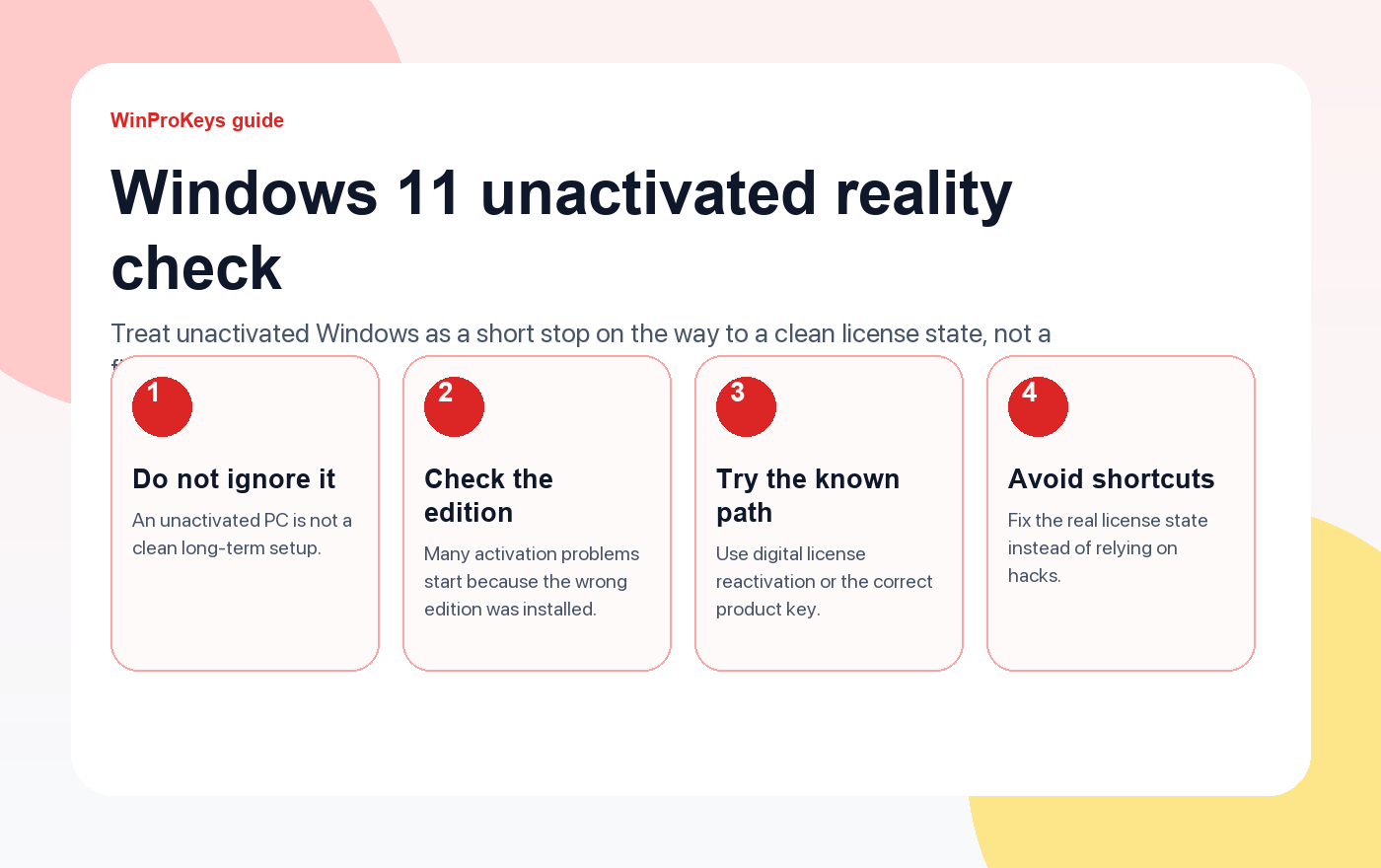
Yes, Windows 11 can keep running before activation is finished. That said, an unactivated PC is not a clean long-term setup. If you leave it there, you are carrying an unfinished license state, limited personalization, and a bigger chance of losing track of whether the issue was the key, the edition, or the install itself.
Fix the license state
Use these pages instead of sitting in an unactivated setup
Windows may keep running for a while without activation, but the clean answer is still to confirm the right edition and finish activation properly.
- How to activate Windows 11The first page to open if you already have a license and just need the right steps.
- Windows activation error guidesUse this when the issue turns into a specific error code.
- Windows 11 Home Product KeyA practical route for personal PCs that do not need Pro-only tools.
- Windows 11 Pro ProduktschlüsselUse this when the device really needs Pro features.
What activation actually solves
Activation confirms that the Windows install matches a valid digital license or product key. That matters more than the watermark. It tells you that the device is on the right edition and the license history is in order.
What an unactivated setup is really like
The system may still boot and handle basic work, but it does not feel settled. You may see activation reminders, a desktop watermark, and restrictions around personalization until the license state is fixed. More importantly, you are still guessing whether the device is on the right edition and whether the license path is actually valid.
When it is reasonable to wait briefly
- You just reinstalled Windows and the device is still reconnecting to its digital license.
- You changed hardware and need to run the supported reactivation path.
- You suspect the wrong edition was installed and want to confirm that before entering a new key.
When you should stop waiting and fix it
- The watermark and activation prompts are still there after the device is online.
- You already know the PC needs a specific edition and it is currently on the wrong one.
- The device never had a valid digital license in the first place.
- You are thinking about hacks or one-click scripts instead of a clean activation path.
The right next move depends on the situation
| Situation | Best next step |
|---|---|
| Same device, same edition, previously activated | Go online, sign in, and let the digital license reconnect or use the troubleshooter |
| You installed the wrong edition | Correct the edition first, because the wrong edition was installed |
| You need Pro but the device is on Home | Use a valid Pro upgrade path, not a random workaround |
| You do not own a valid license yet | Buy the correct edition for the machine and activate it properly |
Frequently Asked Questions
Should I keep using Windows 11 without activation for months?
It is better not to. Resolve the license state while the machine is still easy to troubleshoot.
Is the watermark the main problem?
No. The bigger issue is that the install is still in an unresolved license state.
What is the first thing to check?
Check the edition. A lot of activation problems start because Home and Pro were mixed up.
Where do I go if the issue turns into a code?
Open the activation error guides and follow the guide that matches the exact code.
Choose the product path that matches your device
These are the six Windows and Office routes we actively support most. Pick by edition fit first, then use the live product page for redemption steps, delivery timing, and post-sale support details.
If you are still deciding, use the Windows hub oder Office hub before checkout.


2 thoughts on “Can You Use Windows 11 Without Activation? What You Need to Know”
Comments are closed.