


Last Updated: Juni 1, 2026
Windows 11 Home already covers a lot of normal use. That is why the best reason to upgrade to Pro is not that Pro sounds more complete. The best reason is that your PC needs a specific feature you will actually use. If not, staying on Home is usually the cleaner answer.
Real upgrade reasons
Open these pages before you pay to move from Home to Pro
Most people can stay on Home. Upgrade only when the device actually needs the extra control or work tools.
- Windows 11 Pro ProduktschlüsselUse this when the machine truly needs Pro features.
- Windows 11 Home Product KeyA better fit for many personal PCs and family laptops.
- Windows 11 Home vs ProThe fastest side-by-side check before you pay for an upgrade.
- How to activate Windows 11Useful when the edition change itself is the next step.
Short Answer: Should You Upgrade from Windows 11 Home to Pro?
Upgrade from Windows 11 Home to Pro only when you need a Pro-only workflow such as BitLocker management, Remote Desktop host access, Hyper-V, Windows Sandbox, WSL or VM testing, Group Policy, Microsoft Entra ID join, or small-business device controls. Stay on Home for normal browsing, schoolwork, family laptops, gaming, and basic Office work when none of those gaps exist.
Windows 11 Home-to-Pro Upgrade Decision Checklist
| Decision checkpoint | What to verify | Best next route |
|---|---|---|
| Stay on Windows 11 Home for normal personal use | Browsing, schoolwork, family laptops, streaming, gaming, and basic Office work usually do not justify a Pro upgrade when there is no specific feature gap. | Use Microsoft Home vs Pro feature context, the Windows 11 Home vs Pro 2026 checklist, Windows key hub, Windows key types guide, and Windows product key FAQ before treating Pro as automatically better. |
| Upgrade for BitLocker and stronger device policy | Windows 11 Pro is easier to justify when the PC needs BitLocker management, work or school identity controls, Microsoft Entra ID join, Group Policy, or small-business device policy. | Check the Remote Desktop and BitLocker comparison, remote-work RDP and BitLocker checklist, and domain join and Group Policy checklist. |
| Upgrade for Remote Desktop host access | If this PC must accept built-in Remote Desktop connections, Pro is the normal fit. If you only need to help someone temporarily, Quick Assist may be enough. | Use Microsoft Remote Desktop source context and the Quick Assist vs Remote Desktop checklist before buying Pro only for remote help. |
| Upgrade for admin, test, developer, or VM tools | Hyper-V, Windows Sandbox, WSL workstation setup, local VM testing, Group Policy, and admin test workflows are stronger Pro reasons than the edition name itself. | Start with the developer workstation WSL and Hyper-V checklist and Windows 11 Pro features worth paying for to confirm the workflow is real. |
| Confirm the Home-to-Pro path before activation | Check the installed edition first. A generic upgrade key can switch edition in some Microsoft workflows, but it is not the same thing as the activation key that proves a Windows 11 Pro license. | Use Microsoft Home-to-Pro upgrade context, Microsoft activation context, Microsoft product-key context, the Home-to-Pro upgrade checklist, and the Home-to-Pro upgrade FAQ. |
| Route activation errors by exact wording | 0xC004F050, edition mismatch, Pro key on a Home install, and digital license wording point to different next steps. Do not retry key entry blindly. | Use the 0xC004F050 Home-to-Pro diagnostic checklist, Windows 11 Pro activation guide, Pro key on Home troubleshooting route, Home key vs Pro mismatch checklist, digital license vs product key guide, and Windows activation error-code hub. |
| Keep seller and order evidence private | For a WinProKeys order, confirm delivery, installed edition, and exact non-sensitive Windows wording. Do not post full product keys, order emails, Microsoft account emails, payment details, or private screenshots in public comments. | Use the after-purchase Windows key checklist, safe Windows key seller checklist, and private support evidence checklist when order-specific review is needed. |
WinProKeys is an independent software-key reseller, not Microsoft. Microsoft pages are source context for Windows edition features, Home-to-Pro upgrade behavior, activation, product-key behavior, and Remote Desktop. WinProKeys pages explain edition fit, activation routing, buyer checks, and private support evidence.
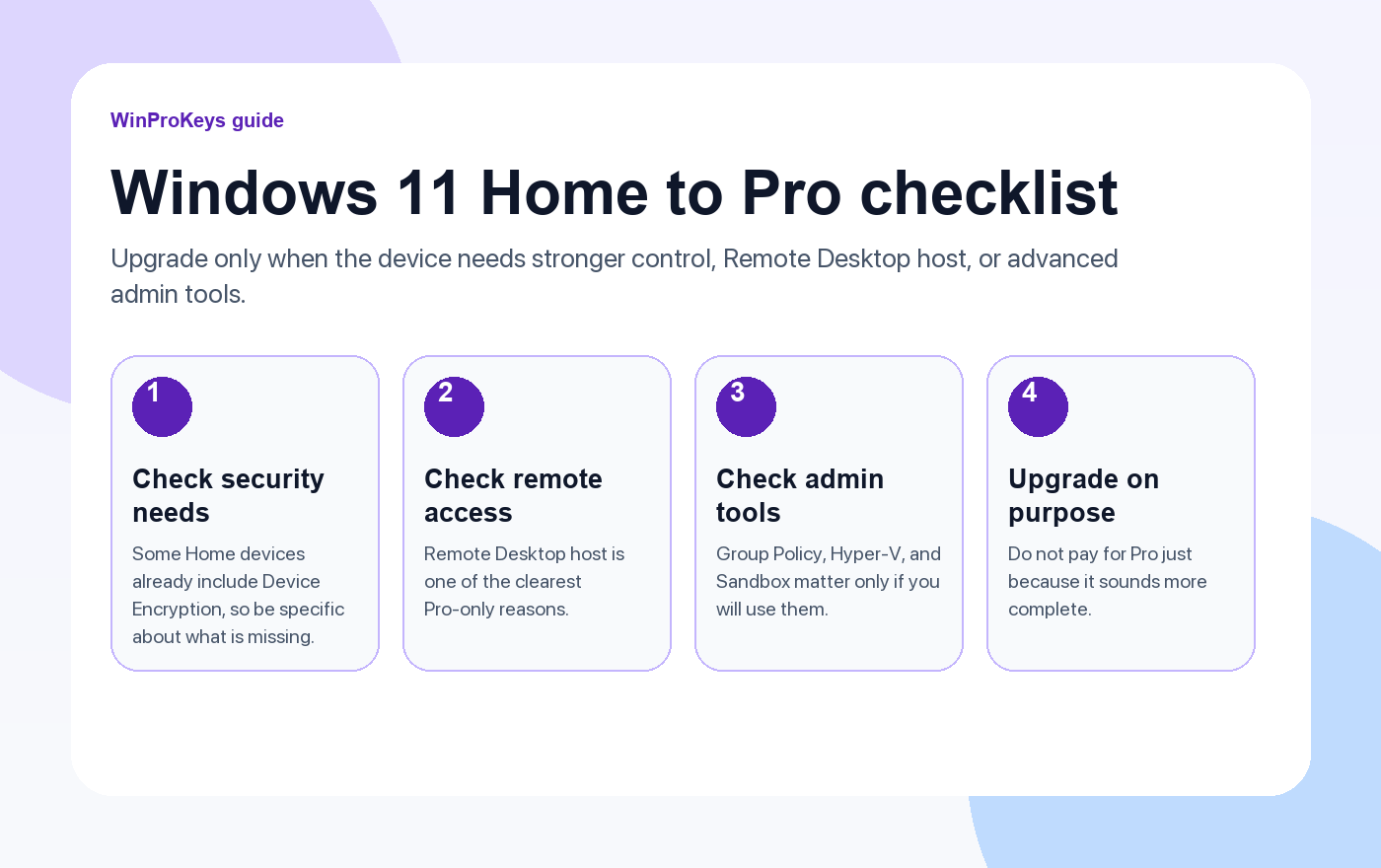
1. You need more control over encryption and device policy
Some Windows Home devices already include Device Encryption, so the question is not simply “does Home have any encryption at all?” The better question is whether you need the fuller BitLocker management and policy-side control that comes with Pro. If you manage work files, travel with a laptop, or want more hands-on security control, that can be a real reason to upgrade.
2. You need Remote Desktop host
This is one of the cleanest Pro-only reasons. You can connect from many devices, including Home devices, but the Windows PC acting as the Remote Desktop host needs Pro. If reaching your own machine from another room or another site is part of the routine, Pro starts to justify itself quickly.
3. You need the admin and test tools
Group Policy, Hyper-V, and Windows Sandbox do not matter to everyone, but they matter a lot when they matter. If you test software, tune system behavior more deeply, or want a safer disposable environment before you trust a file on your main install, these tools are the part of Pro you will actually notice.
| Stay on Home | Move to Pro |
|---|---|
| Personal browsing, study, games, streaming, normal daily use | You need BitLocker management, Remote Desktop host, Group Policy, Hyper-V, or Sandbox |
| You do not manage the device in a business-style way | You want more control over the device itself |
| The PC works fine today and no missing feature is bothering you | A specific Pro feature is already part of how you work |
So when is the upgrade worth it?
The upgrade is worth it when you can point to a real job the PC needs to do and Home does not cover it cleanly. If you are buying Pro just to avoid the feeling that Home is the “smaller” edition, save the money and stay on Home.
Frequently Asked Questions
Is Pro better for every laptop?
No. Many laptops are better served by Home unless the user really needs Pro-only controls.
Does Home have any encryption?
Sometimes yes. Some Windows Home devices already include Device Encryption, which is why you should be specific about the feature gap before upgrading.
What is the easiest Pro-only feature to understand?
Remote Desktop host is one of the easiest to explain because the PC itself must be on Pro to host the session.
What if I am still unsure?
Read the Windows 11 Home vs Pro guide and only move up if one of the Pro features solves a real need.
Choose the product path that matches your device
These are the six Windows and Office routes we actively support most. Pick by edition fit first, then use the live product page for redemption steps, delivery timing, and post-sale support details.
If you are still deciding, use the Windows hub oder Office hub before checkout.


2 thoughts on “3 Reasons to Upgrade from Windows 11 Home to Pro”
Comments are closed.