


Last Updated: 30 May, 2026
Windows setup problems and Windows activation problems often get mixed together after users change firmware settings.
TPM, Secure Boot, and BIOS settings may affect install readiness or boot behavior, but activation diagnosis should still start with edition, device identity, and license method.
Short answer
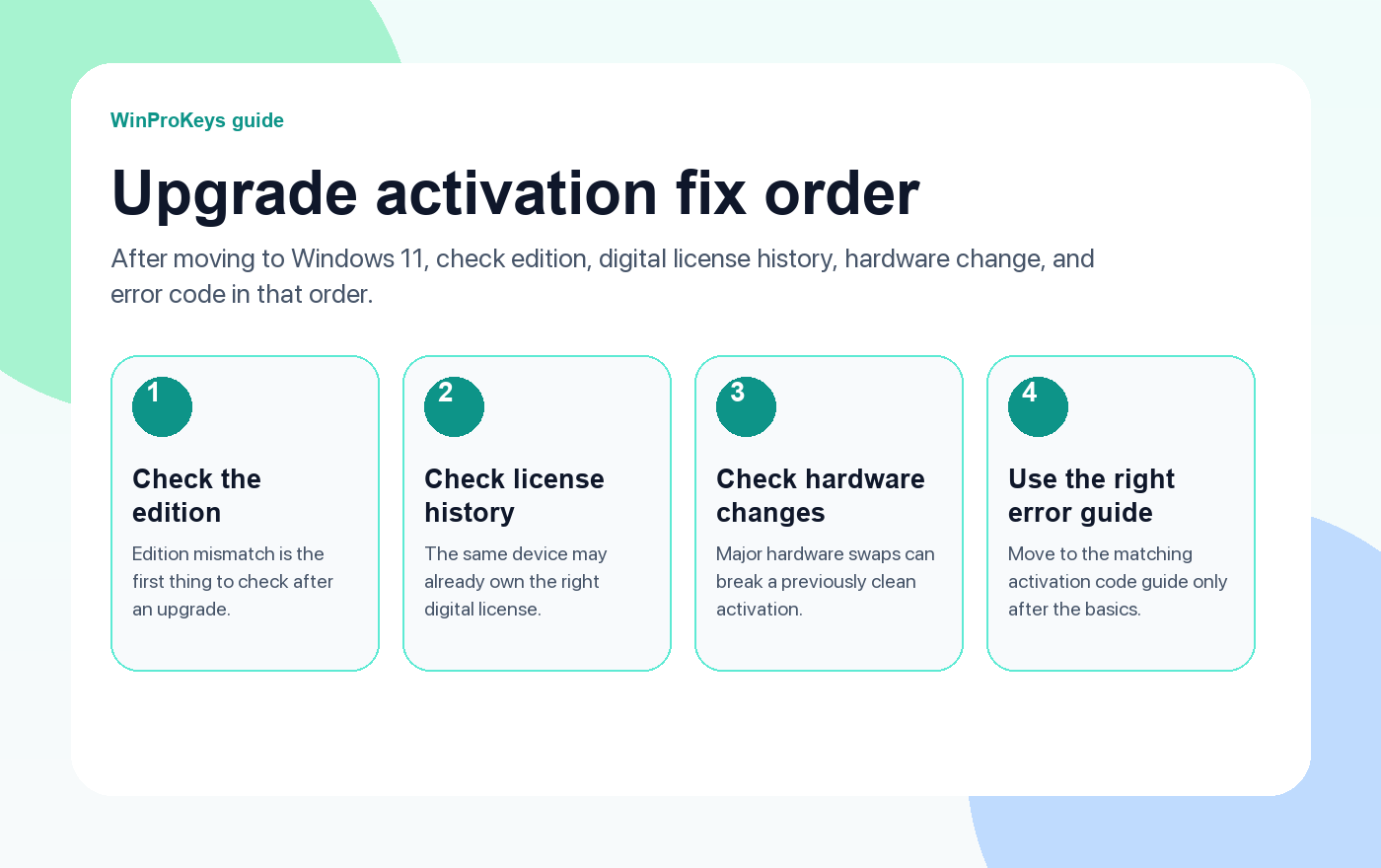
TPM, Secure Boot, or BIOS settings are more often setup and compatibility factors than direct product-key problems. If activation fails after changing them, check whether the Windows edition changed, whether the same device is still being used, and whether a major hardware change or BIOS update happened too.
- Do not treat every firmware setting change as a bad key.
- Confirm the installed edition still matches the key or digital license.
- If a BIOS update happened, also read the BIOS update activation guide.
| Change | Common effect | Activation check |
|---|---|---|
| TPM setting | Setup or security readiness | Same device and edition |
| Secure Boot setting | Boot or install behavior | Activation status after boot |
| BIOS mode change | Boot path change | Edition and license method |
| BIOS update | Possible device-identity confusion | Hardware-change guide |
Firmware settings are not the same as a product key
If Windows boots but will not activate, avoid blaming TPM or Secure Boot first. Check activation status, installed edition, and whether Windows says the product key does not match the edition.
BIOS update is a separate question
If the activation issue started after a firmware update, use the BIOS update activation guide because the troubleshooting path is more specific.
Use Pro only when Pro features are the goal
If the settings change happened during an upgrade from Home to Pro, use the Home to Pro upgrade guide before choosing a key route.
Microsoft Support context
Use this page as a practical buying and troubleshooting checklist. Microsoft Support is the primary source for activation, product-key, subscription, and account behavior.
Firmware And Activation
Use these pages if Windows activation changes after settings work
Separate setup readiness, edition mismatch, and hardware-change activation.
- BIOS update and Windows activationUse this if the firmware was updated.
- Home vs Pro mismatchUse this if edition may be wrong.
- Hardware-change reactivationUse this if major parts changed.
- What to check before buying a Windows keyUse this before purchasing again.
Related checks
Firmware settings are often mixed up with hardware and prebuilt-PC license questions.
- RAM, CPU, or GPU upgrades and activationUse this if the settings changed during a repair.
- Prebuilt PC OEM vs retail key checksUse this if the Windows key came with the computer.
- Windows and Office product-key help centerUse the map before treating settings as a key failure.
Frequently Asked Questions
Can TPM settings deactivate Windows?
TPM settings are usually a setup or security configuration factor, not the first product-key problem to check.
Can Secure Boot changes affect activation?
Secure Boot changes can affect boot or setup behavior. If activation fails, also check edition, device identity, and license method.
Is a BIOS update different from changing a setting?
Yes. A BIOS update can be closer to a hardware-change troubleshooting path, so check that separately.
Should I buy a new key after changing BIOS settings?
Not immediately. Diagnose edition, activation method, and hardware-change context first.
Before checkout, use the live product page as the source of truth for delivery, product scope, setup steps, and post-sale support details. See our delivery policy, refund policy, and about page for the current public business details.
Need the live product pages?
If you have finished the guide and need the current Windows or Office pages, use the shop as the source of truth for pricing, delivery details, and activation help.
Open the shopUse the next step that matches your setup
Stay with the Windows and Office routes we actively maintain most. Choose the guide, troubleshooting path, or hub that answers the next real question instead of jumping into an unrelated product page.
Use the live guide or product page as the source of truth for delivery, redemption, and post-sale support details.

