



Last Updated: مايو 31, 2026
Short Answer
Windows 11 Home is enough for many personal PCs, while Windows 11 Pro fits users who need BitLocker, Remote Desktop host, Hyper-V, domain join, or business policy features. The key must match the installed edition, so do not buy Pro unless you plan to install or upgrade to Pro.
- Home fits normal personal use.
- Pro fits work, security, virtualization, and remote-access needs.
- Home and Pro keys are not interchangeable.
Windows 11 Home vs Pro: Which Edition Do You Need? is a practical guide for users who want a clear answer, not generic advice.
Key Differences
- Pricing model and ownership period.
- Transfer rights and reactivation flexibility.
- Feature depth for home vs business.
- Long-term value over 2-3 years.
Which One Should You Choose?
Choose based on your workload, hardware upgrade frequency, and support expectations instead of only upfront price.
Recommended next steps: Windows 11 Pro, Windows 10 Pro, Office 2021 Professional Plus, and Office 2019 Professional Plus.
Best Practices
Always keep your product key archived securely, verify edition compatibility before purchase, and run activation in a stable network environment. For organizations, document deployment records and maintain a simple validation checklist so each installation follows the same standard process. This reduces support tickets and speeds up issue resolution when errors appear.
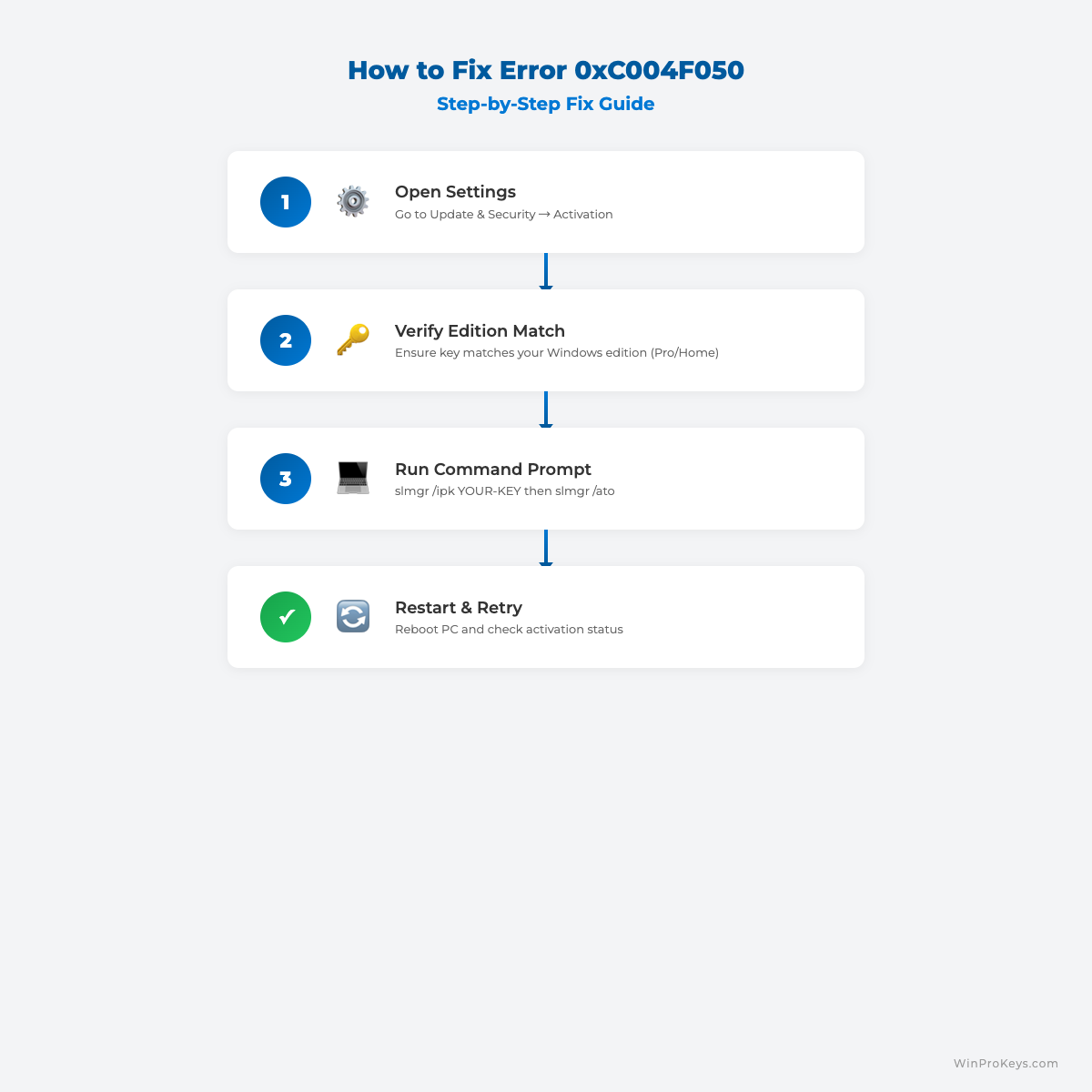
When you troubleshoot, change only one variable at a time. First verify system date/time, then license edition, then network path, then key input. Structured troubleshooting avoids confusion and prevents unnecessary reinstallations.
الأسئلة الشائعة
Can I reactivate after reinstalling?
Usually yes on same hardware and same edition.
Do I need internet?
In most cases, yes.
How long does it take?
Often less than a minute with a valid key.
What if activation still fails?
Share error code, screenshot, and purchase proof with support.
Choose the Right License Today
Get a genuine license and activate with confidence. Start with Windows 11 Pro, Windows 10 Pro, and Office 2021 Professional Plus.
Visual Fix Guide
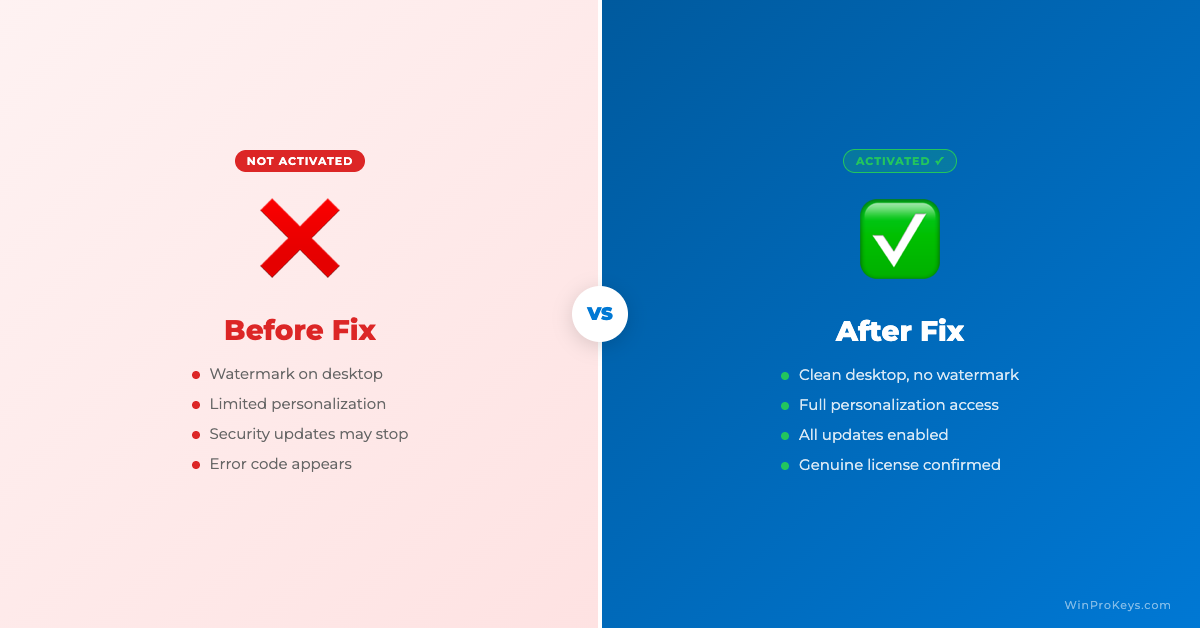
Before vs After Activation
Windows 11 Home vs Pro Decision Checklist
Use this checklist to decide by feature need first, then handle upgrade and activation separately. It helps separate ordinary Home use from Pro-only reasons such as Remote Desktop host access, BitLocker, domain join, Group Policy, work or school management, Hyper-V, and developer workstation needs.
| Need | When Home is enough or Pro matters | Next safe route |
|---|---|---|
| Basic home use | Windows 11 Home is usually enough for browsing, schoolwork, streaming, casual gaming, and everyday Office use when the PC does not need work-device management. | If the question is mainly where to buy safely, use the safe Windows key seller checklist before choosing any edition. |
| Remote Desktop host access | Check Windows 11 Pro when this PC needs to be the built-in Remote Desktop host for another device. | Compare the practical fit in the Remote Desktop and BitLocker guide or use the remote-work RDP and BitLocker checklist. |
| BitLocker or work-device controls | Choose Pro when the decision depends on BitLocker controls, device protection, or business-managed settings. | Use Microsoft comparison context from Windows 11 Home vs Pro versions and then route setup questions through the remote-work checklist. |
| Domain join, Group Policy, or work or school management | Check Pro when the PC must join a domain, use Group Policy, or fit work or school management requirements. | Use the domain join and Group Policy checklist with Microsoft Home-to-Pro context from Upgrade Windows Home to Windows Pro. |
| Developer or VM workstation features | Check Pro when Hyper-V, Windows Sandbox, WSL workstation setup, or other technical workstation features matter. | Start with the developer workstation WSL and Hyper-V checklist and compare broader Pro-only benefits in Windows 11 Pro features worth paying for. |
| Already on Home but need Pro | If the installed edition is Home but the feature checklist points to Pro, separate the edition upgrade from activation. | Use the Home-to-Pro upgrade checklist first, then follow Windows 11 Pro activation steps after the edition path is clear. |
| Activation fails after choosing | If activation fails, do not post full keys, order emails, Microsoft account emails, payment details, or private screenshots in public. | Use the private support evidence checklist so support can review the case safely. |
WinProKeys is an independent software-key reseller, not Microsoft. Use Microsoft pages for general Windows feature and upgrade context, and use WinProKeys support routes for practical edition-fit, activation, and private order-specific troubleshooting.
Source and Support Links
Use Microsoft Support pages for general product behavior and activation rules. Use WinProKeys pages for store delivery, order support, and reseller-specific guidance.
Frequently Asked Questions
Who should choose Windows 11 Pro?
Choose Pro if you need BitLocker, Remote Desktop host, Hyper-V, domain join, or business policy controls.
Can I use a Pro key on Windows 11 Home?
Not directly. You need to upgrade or install the Pro edition before activating with a Pro key.
What should I check before buying?
Check hardware support, installed edition, and whether you actually need Pro features.
Remote Work Decision Path
Readers comparing Home and Pro often need a use-case path, not just a feature list.
- Remote work, Remote Desktop, and BitLocker checklist – Use this when work-from-home, host access, or drive-encryption controls are the deciding factor.
- Remote Desktop and BitLocker guide – Use this for the narrow feature explanation.
- Home to Pro upgrade checklist – Use this only after the user confirms Pro is needed.
Need the live product pages?
If you have finished the guide and need the current Windows or Office pages, use the shop as the source of truth for pricing, delivery details, and activation help.
Open the shopUse the next step that matches your setup
Stay with the Windows and Office routes we actively maintain most. Choose the guide, troubleshooting path, or hub that answers the next real question instead of jumping into an unrelated product page.
Use the live guide or product page as the source of truth for delivery, redemption, and post-sale support details.

