


Last Updated: maj 30, 2026
Short Answer
Short answer: a Windows volume-license-expired message usually means the PC is following an organization, KMS, or managed-device activation path. Check whether the device came from work or school, confirm the installed edition and exact error code, and avoid treating a normal retail or OEM key as the first fix.
Microsoft Support Sources To Check First
- Microsoft Support: activate Windows
- Microsoft Support: product keys for Windows
- Microsoft Support: get help with Windows activation errors
WinProKeys is an independent software-key reseller, not Microsoft. Use this guide as a diagnostic checklist before buying, retrying activation, or contacting support.
Related WinProKeys Support Paths
- Windows activation error-code hubUse this when the message includes an exact activation code.
- 0xC004F074 KMS activation routeUse this when the error points to KMS, DNS, or organization activation.
A volume-license expiration message usually means Windows is on the wrong activation channel for a personal PC. That does not automatically tell you how the machine got there, but it does tell you the problem is bigger than a normal home-user product-key typo.
Volume-license checks
Use these pages when a personal PC shows a volume-license message
A volume-license expiration message usually points to the wrong activation channel, not to a normal consumer key suddenly forgetting how to work.
- Windows product key types explainedRetail, OEM, volume, and digital license in plain language.
- Open the activation error hubUse the broader hub when the exact code or wording changes.
- Klucz produktu Windows 11 ProA consumer Pro path if the machine should not be on a volume setup.
- Windows 11 Home Product KeyA simpler consumer path when Pro features are not needed.
Why this message usually points to the wrong channel
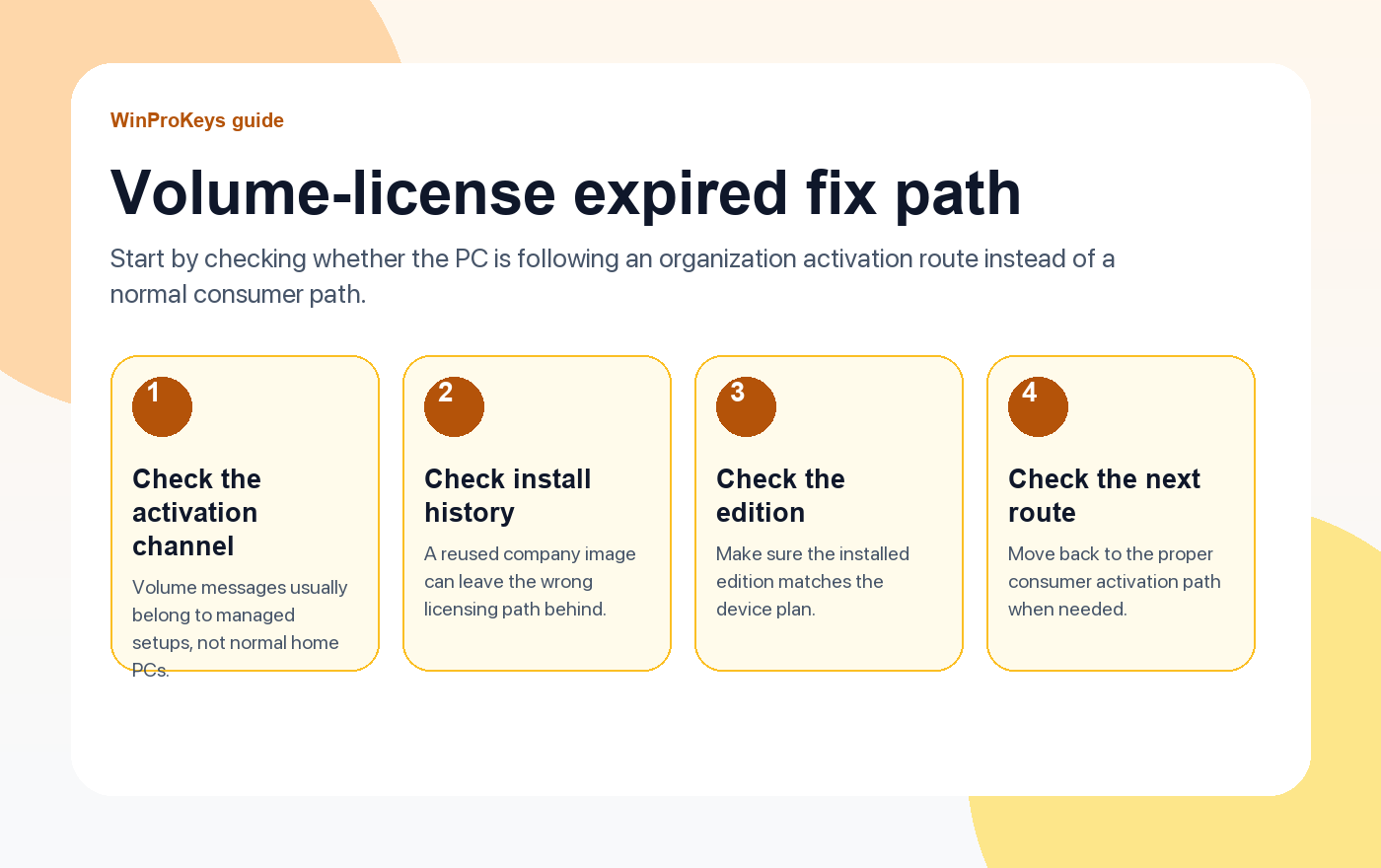
Volume licensing is built for organization-managed activation. Home users normally live in retail, OEM, or digital-license territory. So when a personal laptop or home desktop suddenly talks like a company-managed machine, the useful question is not “what command do I run?” It is “why is this PC following an organization-managed activation path at all?”
How personal PCs end up here
- Old company image: The machine was installed or reinstalled from a work-managed image.
- Wrong channel history: A previous setup left behind volume-license behavior that does not match the current owner.
- Confusing key source: The Windows channel on the device does not match the kind of use the machine actually has now.
What the next diagnosis should look like
Check the edition, the install history, and whether this PC should actually be on a consumer Windows path. If it should, move the troubleshooting away from volume-license assumptions and back toward the right consumer route for the device.
| Question | Why it matters |
|---|---|
| Is this a personal PC or a managed company machine? | That answer determines whether a volume path even makes sense |
| Did the install come from a work image or old company setup? | That can explain the wrong activation channel immediately |
| Does the edition match the intended personal-use setup? | Edition confusion can compound a channel problem |
| Should this machine be on a consumer activation route instead? | That is usually the right answer for home and small-business buyers |
Frequently Asked Questions
Is this the same as a normal product-key error?
Not really. The message points more toward the activation channel than toward a simple key typo.
Why does this happen on personal machines?
Usually because the install history or image source does not match the way the PC is being used now.
Does this mean Windows is fake?
Not by itself. It means the current licensing path does not look like a normal consumer setup.
What should I do before entering another key?
Confirm whether the PC should even be following a volume-license route first.
Need the live product pages?
If you have finished the guide and need the current Windows or Office pages, use the shop as the source of truth for pricing, delivery details, and activation help.
Open the shopStill need the right Windows edition?
If the error points to an edition mismatch or a license that cannot be recovered, compare the current Windows routes instead of guessing with another random key.
Use the live product pages for current pricing, delivery details, and activation help.

