


Last Updated: مايو 30, 2026
Short Answer
Windows 11 24H2 is mainly a platform update, not a reason by itself to rush into a clean reinstall or a new license. The practical approach is to check hardware compatibility, backup status, driver readiness, and whether your current Home or Pro edition already fits the PC.
- Check hardware compatibility and back up important files before forcing the update.
- Let Windows Update handle the rollout unless you have a specific clean-install reason.
- Activation normally follows the device's existing edition and license history, not the 24H2 label alone.
Windows 11 24H2 is not the kind of update where every new feature changes daily use. What matters more is that 24H2 becomes the newer Windows 11 baseline, which affects how future fixes, drivers, and later features land on the device. For most people, the best way to think about it is simple: treat it like a real feature update and prepare for it accordingly.
Before you update
Use these pages before moving to Windows 11 24H2
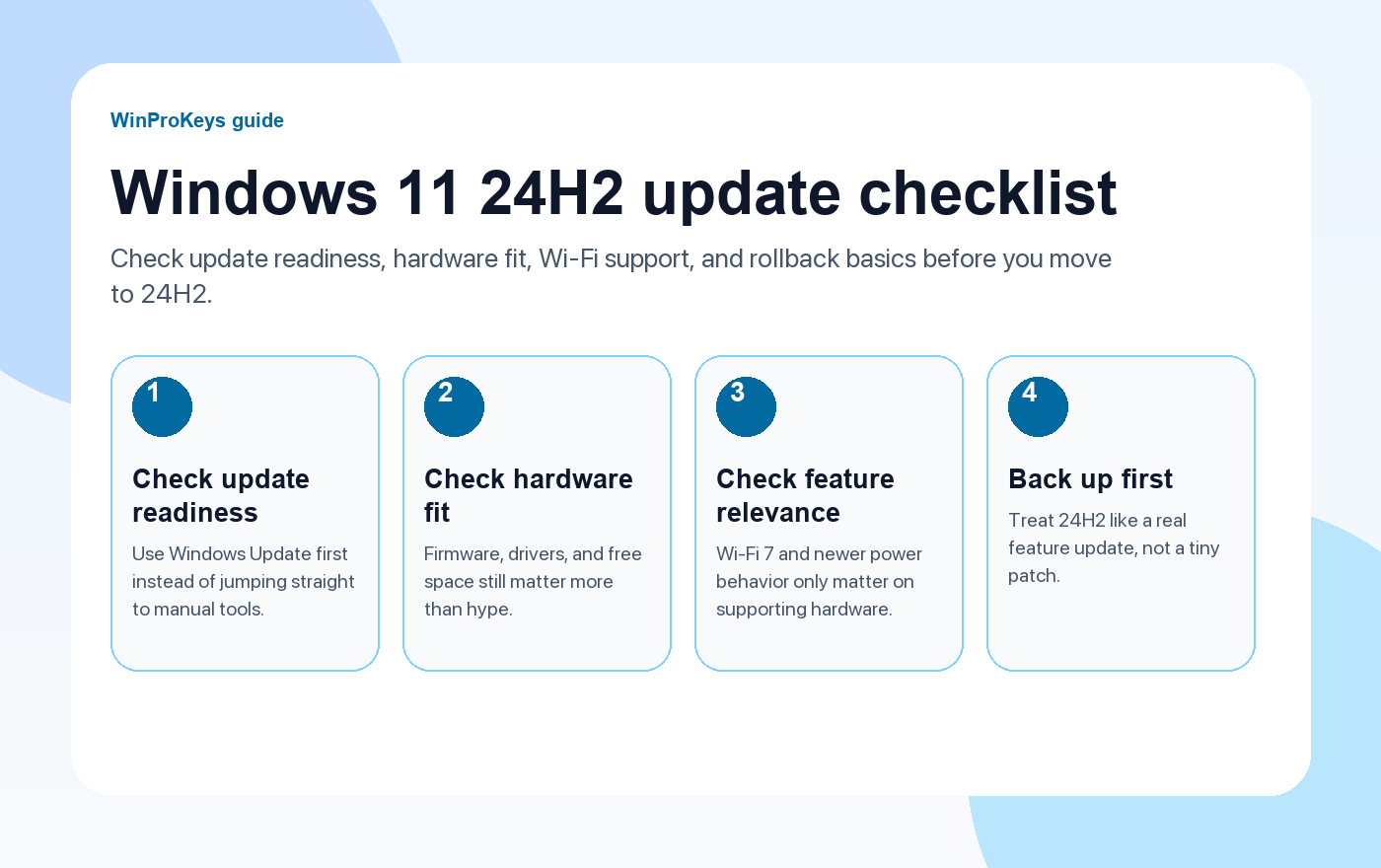
24H2 is a real feature update, not a tiny patch. The useful checks are edition fit, update readiness, and whether the hardware can actually use the newer features.
- How to upgrade to Windows 11A broader path if the PC is still moving off Windows 10.
- How to upgrade to Windows 11 for freeUseful when the device is still on an eligible Windows 10 install.
- Windows 11 Home Product KeyA common fit for everyday personal PCs.
- مفتاح منتج ويندوز 11 بروA better fit when the device needs Pro-only controls.
What 24H2 actually is
Microsoft treats Windows 11 24H2 as a feature update, not just a small switch hidden inside a monthly patch. In practice, that means it deserves the same caution you would give any larger OS update: check drivers, available storage, and whether the machine has any history of update trouble before you click through.
What is worth noticing
- Energy Saver. Windows 11 now gives more direct control over energy-saving behavior, which matters most on laptops and devices that spend a lot of time unplugged.
- Wi-Fi 7 support. Wi-Fi 7 support starts with Windows 11 version 24H2, but only if the router and wireless hardware support it too.
- 24H2 as the new baseline. Some future improvements and servicing behavior depend on the device already being on this branch.
How to get it without making the process messy
Use Windows Update first. If you want new feature updates as soon as Microsoft says the device is ready, turn on the Windows Update option to get the latest updates as soon as they are available. That is a safer place to start than random ISO habits unless you already know why you need the manual route.
| Check | Why it matters |
|---|---|
| Free space and backup | Feature updates deserve a rollback plan |
| Firmware and drivers | Update problems often come from driver state, not Windows alone |
| Hardware support for new features | Wi-Fi 7 and similar changes only matter on compatible hardware |
Frequently Asked Questions
Is 24H2 just a small patch?
No. It behaves more like a proper feature update than a tiny patch.
Should I install it the day I see it?
Only if the device is ready and you are comfortable treating it like a real feature update.
What new feature matters for the right hardware?
Wi-Fi 7 support starts with Windows 11 version 24H2, but it only helps if your hardware supports Wi-Fi 7 too.
What is the safest update path?
Start with Windows Update and the normal Microsoft rollout path.
Source and Support Links
Use Microsoft support pages for official activation rules and version behavior. Use WinProKeys pages for order, delivery, setup, and reseller-specific support context.
Frequently Asked Questions
Should I install Windows 11 24H2 right away?
Not necessarily. If the PC is stable and the update is not yet offered normally, wait for the standard rollout unless you have a clear need to move early.
Does Windows 11 24H2 change my product key?
No. The update itself does not change the product key. What matters is the underlying edition, device compatibility, and the activation history tied to the PC.
Is WinProKeys operated by Microsoft?
No. WinProKeys is an independent software key reseller, not operated by Microsoft. Use Microsoft Support pages for general activation and product behavior, and use WinProKeys for order, delivery, and reseller-specific support.
Need the live product pages?
If you have finished the guide and need the current Windows or Office pages, use the shop as the source of truth for pricing, delivery details, and activation help.
Open the shopChoose the product path that matches your device
These are the six Windows and Office routes we actively support most. Pick by edition fit first, then use the live product page for redemption steps, delivery timing, and post-sale support details.
If you are still deciding, use the Windows hub أو Office hub before checkout.

