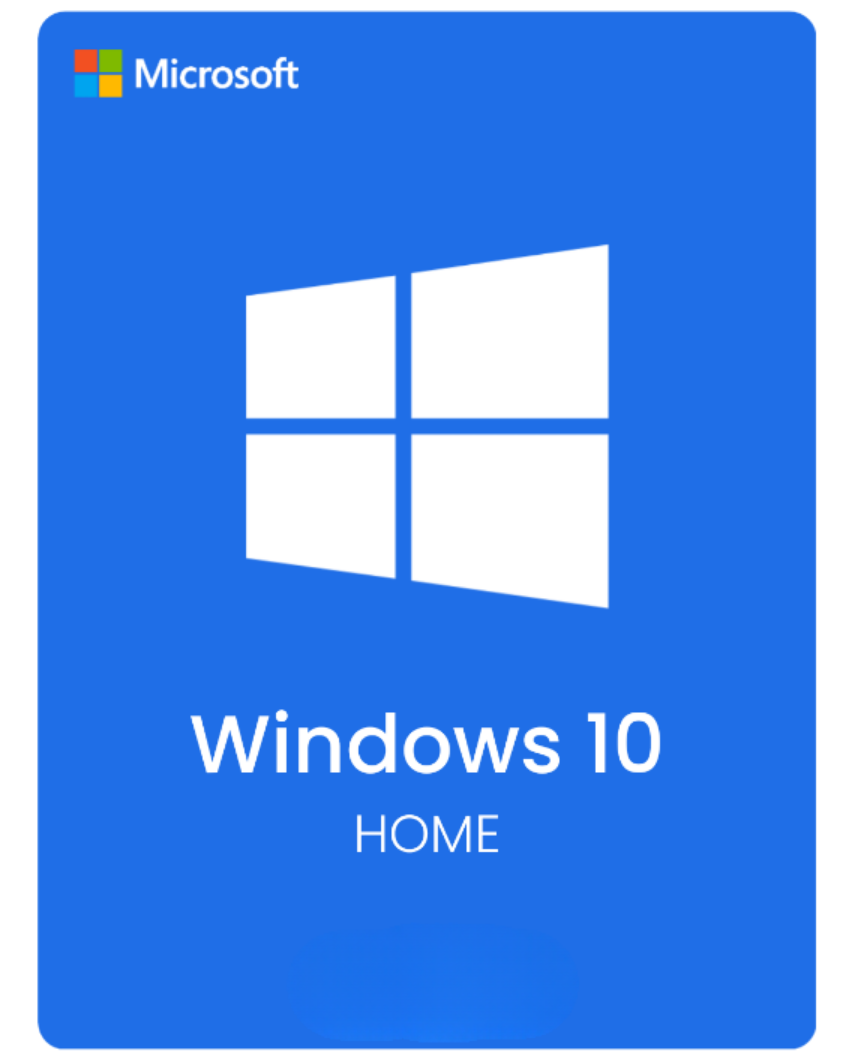

Windows 10 Home is mainly for buyers who need a familiar Windows environment on older personal hardware or on a machine that is not moving to Windows 11 yet. It covers normal home use without the extra business controls included in Pro.
When Windows 10 Home still makes sense
This edition suits family PCs, older laptops and everyday home use where compatibility matters more than added management features. If you need BitLocker, Remote Desktop host or other Pro-side controls, step up to Windows 10 Pro instead.
What to check before you buy
Windows 10 reached the end of standard support on October 14, 2025, so it is best treated as a compatibility choice rather than the default for a brand-new PC. If you are deciding whether to stay on Windows 10 or move forward, read your Windows 10 support options and how to upgrade to Windows 11.
Useful next steps
- Windows 10 Pro Product Key if you need the Pro feature set.
- Windows 11 Home Product Key if the PC is ready for the newer release.
- Windows 10 support options for the post-2025 support picture.
- How to buy a Windows key safely before you compare license types.
- Windows product keys to compare Windows 10 and Windows 11 in one place.
Common buyer questions
Who should avoid Windows 10 Home now?
Buyers setting up a new PC with Windows 11-ready hardware should usually compare Windows 11 first.
What if the current Windows 10 install only needs an activation fix?
Open the activation error guides before replacing the license. Edition mismatch and account-linked licenses are common causes.
When is Windows 11 Home the better fit?
If the PC supports Windows 11 and you do not have a compatibility reason to stay back, Windows 11 Home is usually the better first comparison.
Should I choose Windows 10 Pro instead of Home?
Only if you need Pro-only features. Otherwise Home is the cleaner fit for ordinary personal use. Compare Windows 10 Pro if you are unsure.