


Last Updated: mai 30, 2026
Short Answer
Short answer: the Activate Windows watermark is a symptom, not the first thing to hide. Check the activation page, installed edition, digital license state, and any error code first; then use the right activation or troubleshooting path instead of unofficial watermark-removal workarounds.
Microsoft Support Sources To Check First
- Microsoft Support: activate Windows
- Microsoft Support: product keys for Windows
- Microsoft Support: get help with Windows activation errors
WinProKeys is an independent software-key reseller, not Microsoft. Use this guide as a diagnostic checklist before buying, retrying activation, or contacting support.
Related WinProKeys Support Paths
- Using Windows before activationUse this to understand what activation changes and what the watermark usually means.
- Windows activation error-code hubUse this when the watermark appears with a named activation code.
The Activate Windows watermark is annoying, but the watermark itself is not the real problem. The watermark is a symptom. It is Windows telling you the machine is not in a clean activated state, and the right fix is to resolve that state instead of trying to hide the message.
Read this first
Use these pages when the Activate Windows watermark keeps coming back
The goal is not to hide the watermark. The goal is to finish activation cleanly so the machine stops asking for attention.
- What happens when Windows is deactivatedA broader explanation of what the watermark usually means.
- How to activate Windows 11The direct path if the device just needs the right activation steps.
- Windows activation error guidesUse this if the watermark is tied to a specific activation code.
- Can you use Windows 11 without activation?Useful if you need the short answer before the deeper fix path.
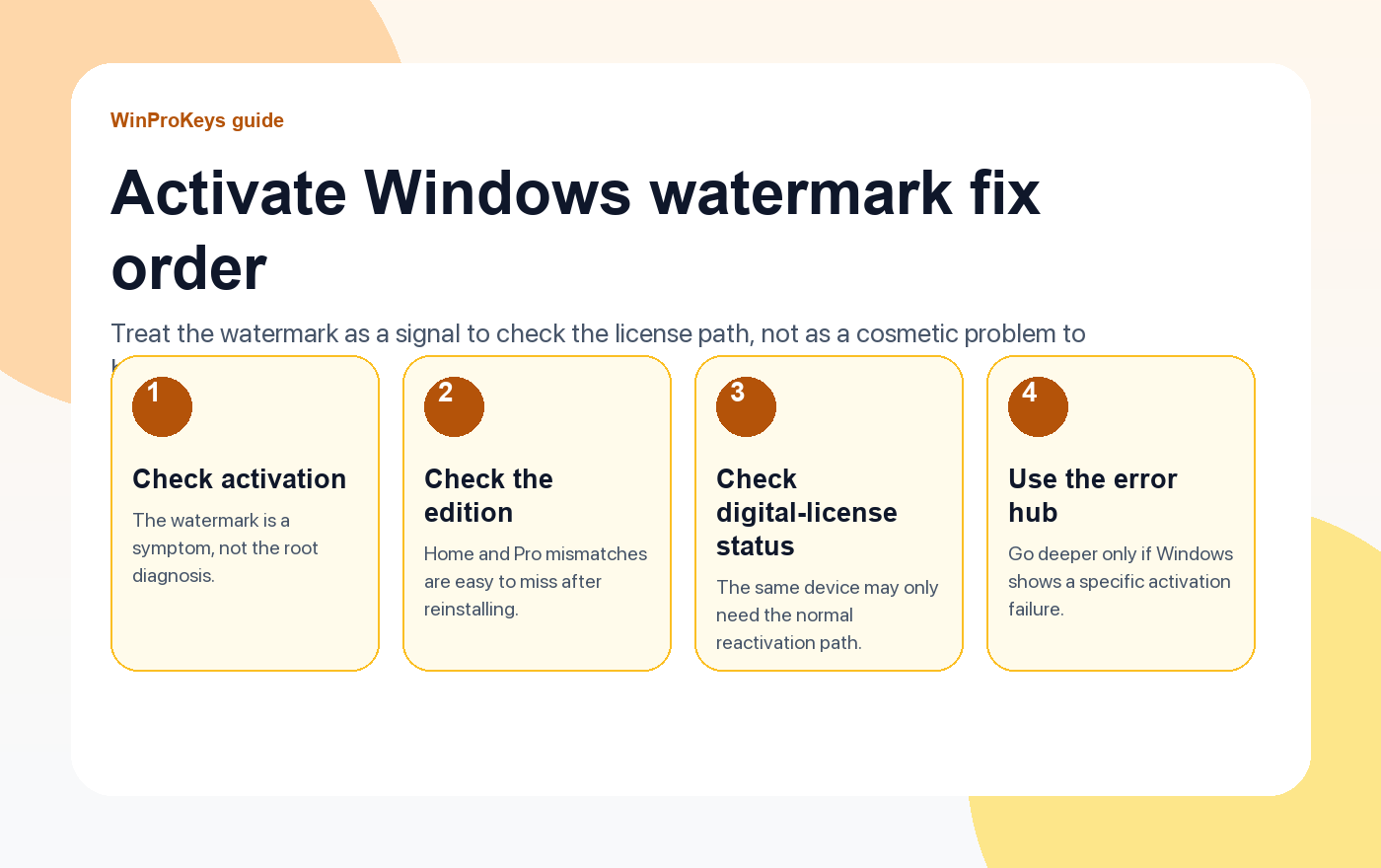
The watermark is a symptom, not the diagnosis
Sometimes the device is simply on the wrong edition. Sometimes it is the same device, but the digital license has not reconnected after reinstalling. Sometimes a hardware change broke the old activation record. Each of those paths needs a different next step, which is why cosmetic scripts are the wrong first move.
The right order to work through it
- Open Activation settings and confirm the machine is on the right edition.
- Check whether the same hardware already held a digital license for that edition.
- If major hardware changed, use the supported reactivation path.
- If Windows throws a code, move to the matching guide in the activation hub.
Why the fast hacks are a bad trade
They hide the signal instead of fixing the system state. That makes later troubleshooting harder, not easier. If the real issue is edition mismatch or a broken reactivation path, the better use of time is to fix that directly.
| If you see this | Check this next |
|---|---|
| Watermark appeared right after reinstalling | Whether the same device is on the correct edition and can reconnect its digital license |
| Watermark appeared after a hardware change | Whether the reactivation path linked to the account still applies |
| Watermark came with an error code | The matching guide in the activation error hub |
Frequently Asked Questions
Can I ignore the watermark?
You can, but it is better to solve the activation state than to leave the machine unresolved.
What is the first real fix?
Check the edition and digital-license path before trying anything dramatic.
Does the watermark always mean I need a new key?
No. Many cases come from reinstalls, hardware changes, or edition mismatch.
Should I hide the watermark first and troubleshoot later?
No. Fix the root issue first so the system state is clean again.
Need the live product pages?
If you have finished the guide and need the current Windows or Office pages, use the shop as the source of truth for pricing, delivery details, and activation help.
Open the shopStill need the right Windows edition?
If the error points to an edition mismatch or a license that cannot be recovered, compare the current Windows routes instead of guessing with another random key.
Use the live product pages for current pricing, delivery details, and activation help.

