


Last Updated: May 30, 2026
Short Answer
Short answer: an OEM key question is really about source, edition fit, device binding, and transfer limits. Low price alone does not prove a key is right or wrong, so check seller transparency, support path, refund process, and whether the key type matches the PC before relying on it.
Microsoft Support Sources To Check First
WinProKeys is an independent software-key reseller, not Microsoft. Use this guide as a diagnostic checklist before buying, retrying activation, or contacting support.
Related WinProKeys Support Paths
- OEM product key not working checklistUse this when an OEM key fails because of edition, reuse, or device-history issues.
- Same Windows product key twiceUse this to separate one-device use, transfer, and repeated activation questions.
Use this next
Open these Windows pages before deciding whether an OEM route fits
The main job is matching the license type to the machine and your future upgrade plans. These pages cover that directly.
- Windows product key types explainedRetail, OEM, volume, and digital license in plain English.
- How to buy a Windows keyA practical buying guide once you know the license type.
- Is it safe to buy cheap Windows keys online?Useful when the seller looks more convincing than the listing details.
- Browse the live Windows pagesUse the current product pages as the source of truth before you buy.
OEM keys create a lot of noise because the internet treats them as either obviously fine or obviously shady. Real buying decisions are not that simple. For most personal buyers, the first useful question is whether OEM actually matches the way the machine will be used.
Why OEM keys are cheaper
OEM stands for Original Equipment Manufacturer. The license path is meant for systems that activate on one machine and stay there. That lower flexibility is the reason OEM pricing often sits below retail. You are usually giving up future transfer freedom, not Windows functionality.
That difference matters more than dramatic savings claims. If you rebuild PCs often or like moving licenses to new hardware, retail tends to age better. If the machine is likely to stay put for years, OEM can be a practical route.
OEM vs retail: what changes for a buyer
| License path | Why buyers choose it | Main trade-off |
|---|---|---|
| OEM | Usually the lower-cost route for one machine | You should expect much less flexibility when major hardware changes happen |
| Retail | Cleaner fit for builders who may move the license later | Usually the higher-cost path |
The legal reality is less simple than a forum comment
Buyers often ask whether OEM resale is “legal” as if there is one answer that covers every country, every seller, and every source chain. There is not. Jurisdiction, the original license path, and how the seller sourced the key all matter.
That is why the practical screen matters more than a slogan. If you need strict legal certainty for procurement, audits, or company policy, get advice from qualified counsel and buy through channels that your organization already accepts. If you are a personal buyer, the safest move is to avoid vague sellers and focus on clarity: what the license is, what hardware it fits, and what happens if activation fails.
What to check before buying an OEM key
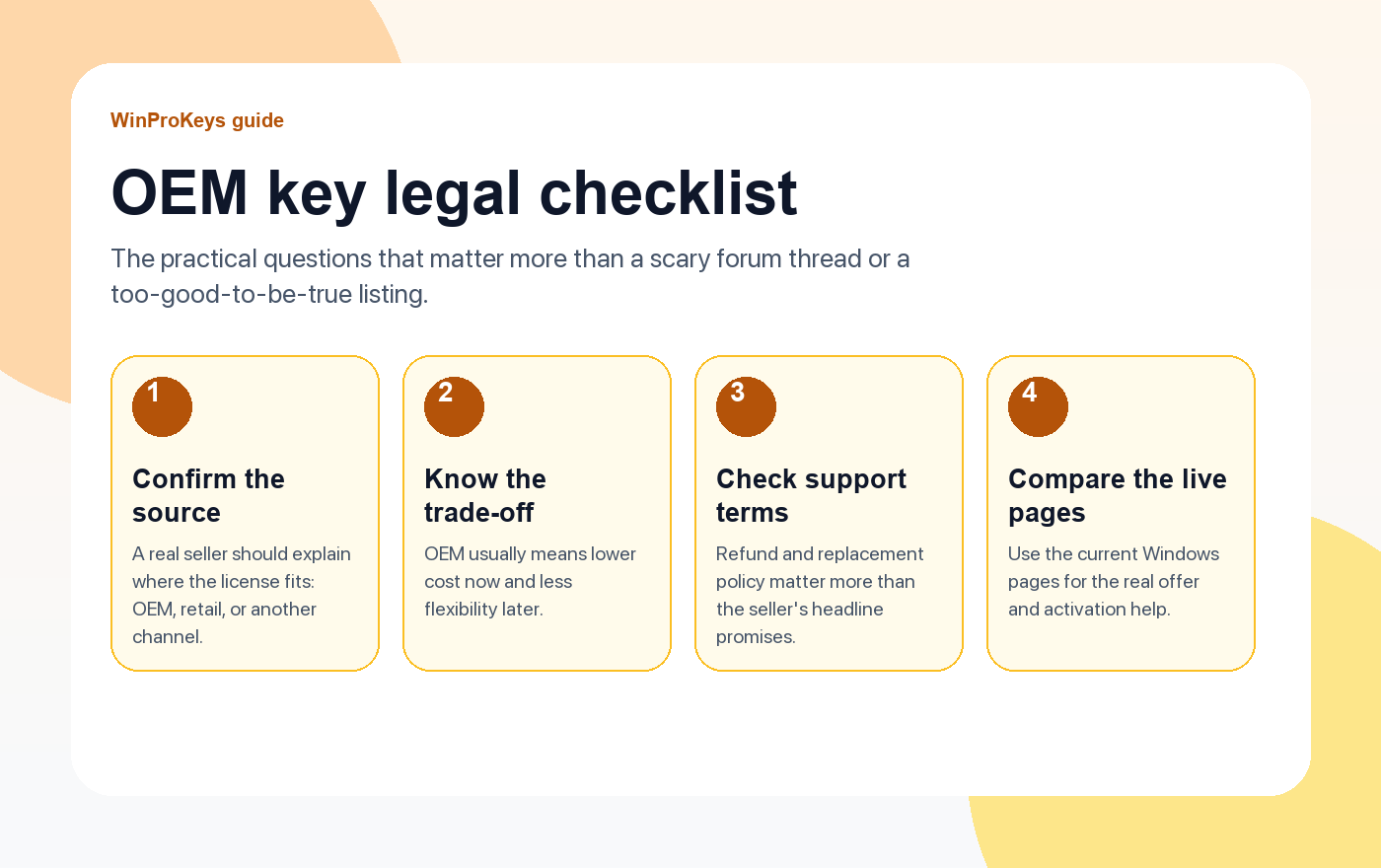
- License clarity: The seller should say whether the key is OEM, retail, or something else.
- Hardware expectation: You should know up front that OEM is usually a one-machine path.
- Refund or replacement policy: This matters more than bold trust badges.
- Activation help: A serious seller explains what to do if Windows throws an activation error.
When OEM is a good fit
OEM usually makes sense for a desktop or laptop that is not likely to move licenses around. It is also the easier argument when the machine has a clear purpose and a long expected life on the same motherboard.
When retail is the better fit
If you rebuild often, swap motherboards, or want the cleanest transfer story, retail is usually the safer path even if it costs more. That flexibility is the point of paying the premium.
Frequently Asked Questions
Are OEM keys the same as retail keys?
No. They activate Windows in the same product family, but the transfer story is different.
Can I move an OEM key to another PC later?
You should not assume that you can. OEM is generally the one-machine route.
Why are OEM listings usually cheaper?
Because OEM licensing is usually tied more tightly to one device and comes through a different channel than retail.
Is an OEM listing automatically legal everywhere?
No. Jurisdiction and sourcing matter. If the legal answer matters for compliance, get proper advice.
What should I check before buying an OEM key?
License type, hardware limits, refund policy, and the seller’s activation support.
Related guides
These pages help once you move from the legal question to the practical buying question.
- Is an OEM key legal?A shorter buyer-focused guide for readers who want the practical summary.
- Complete guide to buying Windows product keysUse this for edition choice, seller checks, and activation basics.
- How to check if a Windows key is genuineUseful when you already have a key and want to judge the license path.
- Browse live Windows pagesCompare the current Windows pages once you know OEM actually fits.
Need the live product pages?
If you have finished the guide and need the current Windows or Office pages, use the shop as the source of truth for pricing, delivery details, and activation help.
Open the shopUse the next step that matches your setup
Stay with the Windows and Office routes we actively maintain most. Choose the guide, troubleshooting path, or hub that answers the next real question instead of jumping into an unrelated product page.
Use the live guide or product page as the source of truth for delivery, redemption, and post-sale support details.

