


Last Updated: Maio 30, 2026
This message can sound like a permanent key problem, but it can also be temporary or caused by reinstall details.
The safe path is to separate server reachability from edition mismatch and license-path mismatch.
Short answer
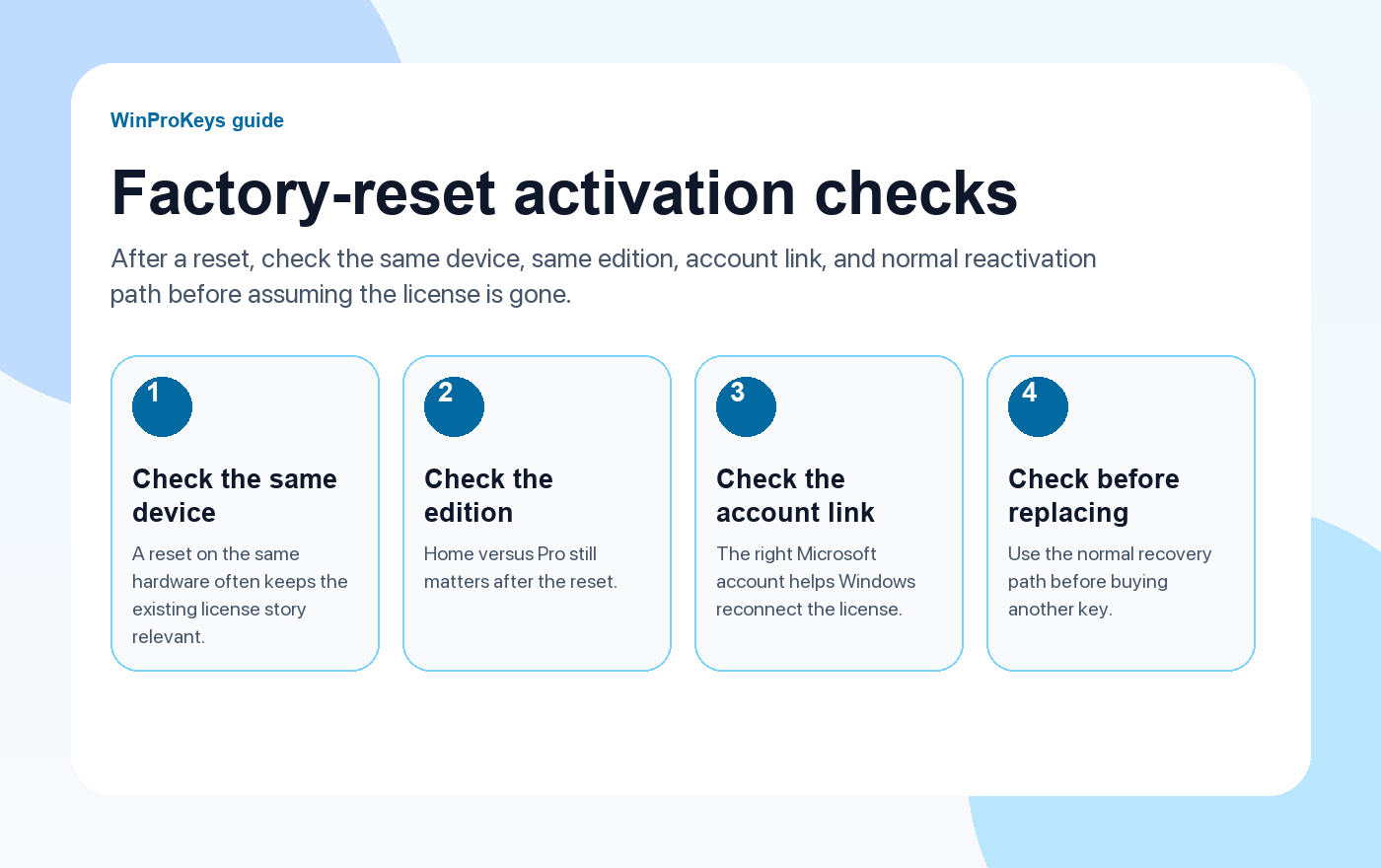
If Windows says the activation server is unavailable after reinstall, first check internet access, date and time, Windows edition, and whether the device uses the same digital license or product key path as before. Do not treat a temporary server message as proof that the key is invalid.
- Confirm the PC can reach Microsoft services normally.
- Check date, time, and time zone.
- If the message appears after a clean reinstall, read the pre-reinstall activation checklist.
| Check | Why it matters | Next step |
|---|---|---|
| Network connection | Activation needs server access | Try again after stable internet |
| Date and time | Bad time settings can break service checks | Correct time zone and sync |
| Edition match | Home and Pro are different paths | Install or activate the matching edition |
| Hardware change | May require reactivation steps | Use hardware-change guidance |
Start with simple reachability checks
After reinstall, drivers, time settings, VPN, firewall, or network state can be different. Check those before assuming the license itself failed.
Then check whether the reinstall changed the edition
If you reinstalled Pro while the device originally had Home, the activation server message may be hiding an edition mismatch. Use the edition mismatch checklist next.
Watch for hardware-change timing
If the reinstall happened after replacing parts, separate the server message from the hardware-change question. The motherboard-change guide is the better next page when major hardware changed.
Microsoft Support context
Use these WinProKeys pages as practical checklists. For Microsoft activation behavior, account ownership, and reinstall wording, Microsoft support remains the official reference.
Activation Server Message
Use these pages before replacing the key
Check connection, edition, and license path before treating it as a purchase problem.
- Before reinstalling WindowsUse this to compare the pre-reinstall state.
- Home vs Pro mismatchUse this if the edition may not match.
- Digital license vs product keyUse this to identify the activation method.
- Windows key hubUse the hub if you still need a clean Windows route.
Frequently Asked Questions
Does activation server unavailable mean my Windows key is bad?
Not necessarily. It can be a temporary connection, time, edition, or license-path problem.
What should I check first?
Check internet access, date and time, Windows edition, and whether the same activation method still applies.
Can reinstalling the wrong edition cause this?
Yes. Edition mismatch can make activation fail even when the device had a valid license before.
Should I wait and try again?
If network and time settings were wrong or Microsoft services are temporarily unreachable, trying again after those checks is reasonable.
Before checkout, use the live product page as the source of truth for delivery, product scope, setup steps, and post-sale support details. See our delivery policy, refund policy, and about page for the current public business details.
Use the next step that matches your setup
Stay with the Windows and Office routes we actively maintain most. Choose the guide, troubleshooting path, or hub that answers the next real question instead of jumping into an unrelated product page.
Use the live guide or product page as the source of truth for delivery, redemption, and post-sale support details.

