



Last Updated: junio 1, 2026
Short Answer
For most compatible PCs, Windows 11 is the better long-term upgrade path because Windows 10 standard support ended on October 14, 2025. Windows 10 can still fit older hardware or legacy app needs, but it should be a compatibility choice.
- Check the exact product version and edition before buying or activating.
- Use Microsoft support pages for official activation behavior.
- Use WinProKeys support for order, delivery, setup, and common troubleshooting context.
Windows 10 vs Windows 11 Upgrade Decision Checklist
Use this checklist when the choice is not just old versus new. In 2026, the safer path is usually Windows 11 when the PC qualifies, but Windows 10 can still be a short compatibility bridge when hardware, drivers, or business software require it.
| Decision check | What to verify | Best next route |
|---|---|---|
| Support status | Windows 10 standard support has ended. Treat Windows 10 as a compatibility or temporary bridge unless you have a current update plan. | Use Microsoft Windows 10 support status and the Windows 10 vs Windows 11 full comparison before deciding. |
| Hardware eligibility | Check CPU support, TPM 2.0, Secure Boot, memory, storage, and device-driver readiness before you plan the upgrade. | Use Microsoft Windows 11 specifications, the Windows 11 compatibility checker, and the Windows 10 to Windows 11 upgrade guide. |
| Workload compatibility | If a required app, peripheral, driver, or workflow still blocks Windows 11, document that reason and treat Windows 10 as a short bridge. | Use the Windows 11 to Windows 10 downgrade guide only when compatibility, not habit, is the reason. |
| Edition fit | The upgrade decision is separate from Home vs Pro. Decide whether the device needs BitLocker, Remote Desktop host access, Hyper-V, domain or policy management, or a simple Home setup. | Use the Windows 11 Home vs Pro guide, Windows 10 Pro vs Home guide, and Windows edition comparison tool. |
| Activation and license state | Before entering another key, separate digital license wording, typed product-key entry, same-edition activation, Home-to-Pro upgrade, and exact error messages. | Use Microsoft activation context, Microsoft product-key context, the digital license vs product key guide, Windows 11 Pro activation guide, Windows 10 Pro activation guide, and Windows activation error-code hub. |
| Buyer and support path | If the upgrade decision leads to buying a key, review store delivery, after-sales terms, and private support evidence before checkout. Do not post full keys, order emails, Microsoft account emails, payment details, or screenshots publicly. | Use the Windows key hub, Windows product-key FAQ, How WinProKeys works, delivery policy, after-sales policy, private support evidence checklist, and contact WinProKeys support. |
| Windows 10 Home to Windows 11 Pro path | If the device is both changing Windows generation and moving from Home to Pro, check compatibility first, then edition upgrade path, then activation state. | Use the Windows 10 Home to Windows 11 Pro upgrade path before assuming one key solves every step. |
WinProKeys is an independent software-key reseller, not Microsoft. Microsoft pages are source context for Windows support status, Windows 11 requirements, activation, and product-key behavior; WinProKeys pages explain edition fit, setup routing, delivery, after-sales, and private support review.
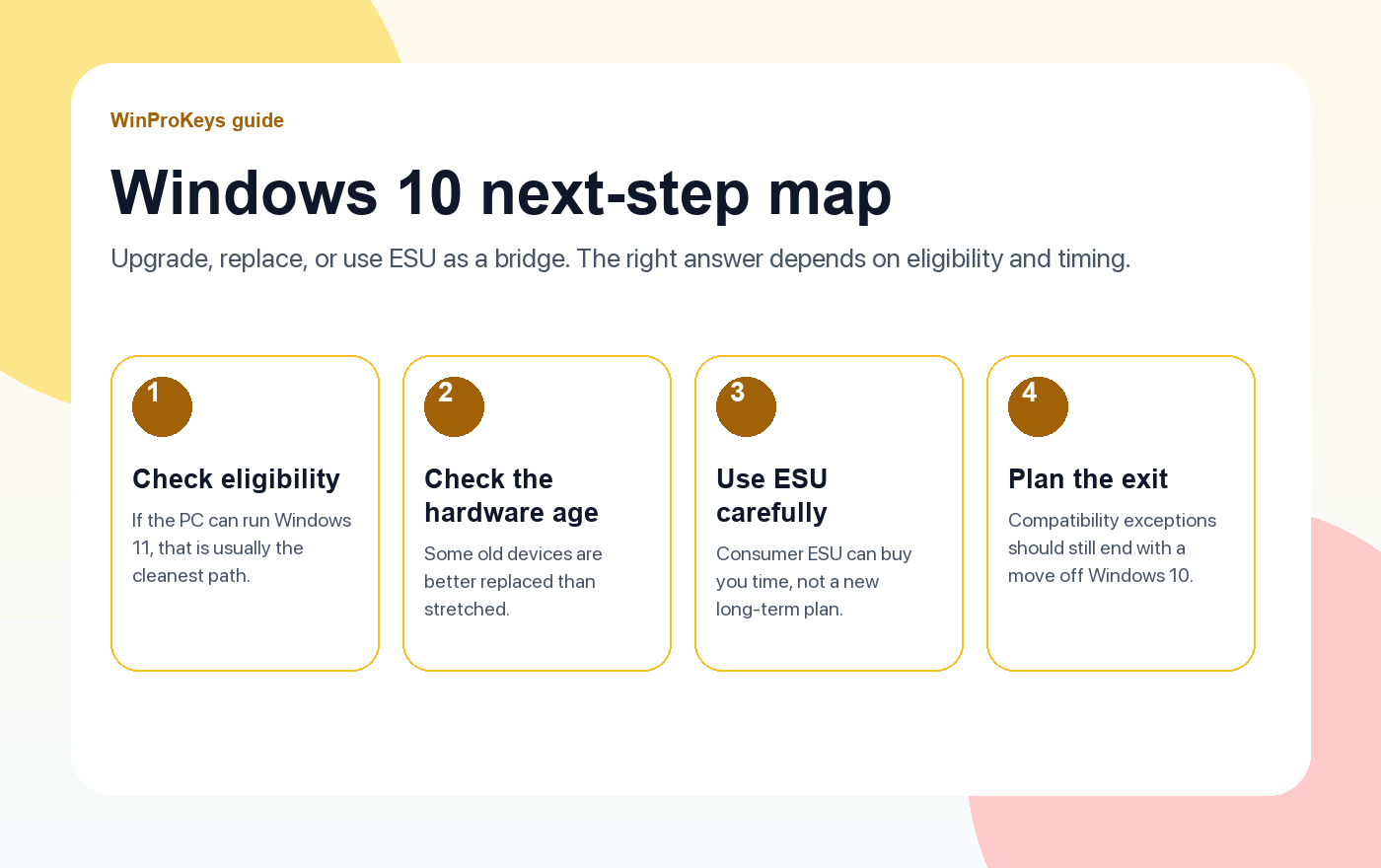
Windows 10 vs Windows 11 is no longer a simple taste question in 2026. Windows 10 support ended on October 14, 2025, so the safer default is to move eligible PCs to Windows 11 instead of treating Windows 10 as a normal long-term setup.
Quick answer
Choose Windows 11 if your PC meets the hardware requirements and your daily apps work there. Stay on Windows 10 only as a short bridge for older hardware, legacy drivers, or business software that has not been moved yet.
What changed after Windows 10 support ended
The biggest change is risk. A Windows 10 PC can still turn on and run apps, but it no longer has the same normal support runway as Windows 11. If the machine handles work files, customer data, payments, or daily browsing, the upgrade decision matters more now than it did before the support deadline.
Choose Windows 11 when the PC is eligible
- Your PC supports TPM 2.0, Secure Boot, and the required CPU generation.
- Your core apps and peripherals already work on Windows 11.
- You want the current security baseline, Snap Layouts, newer gaming features, and a longer update runway.
- You are buying a new Windows product key and can choose the right Home or Pro edition from the start.
Stay on Windows 10 only as a short bridge
Windows 10 can still be the practical bridge when the PC is too old for Windows 11, a business app depends on older drivers, or you need time to migrate. Treat that as a transition plan, not the default fresh-buy recommendation.
Home or Pro: the edition still matters
Most home users can stay with Home. Choose Pro when you need BitLocker, Remote Desktop host, Hyper-V, Group Policy, or work-device management. A Home product key will not activate a Pro install, and a Pro key should be matched to a Pro edition install.
Useful next pages
- Windows 11 Home vs Pro: which edition do you need?
- Windows 10 Pro vs Home in 2026
- Windows product key types explained
- Compare current Windows key options
Frequently Asked Questions
Should I upgrade from Windows 10 to Windows 11 in 2026?
If your hardware supports Windows 11 and your apps are compatible, upgrading is usually the better long-term path.
What should I check before upgrading?
Check TPM 2.0, Secure Boot, CPU support, storage, backup status, and whether your current Windows edition is Home or Pro.
Can activation break after upgrading?
It usually carries over on the same device, but edition mismatch, hardware changes, or a clean install with the wrong edition can still cause activation trouble.
Source and Support Links
Use Microsoft Support pages for general product behavior and activation rules. Use WinProKeys pages for store delivery, order support, and reseller-specific guidance.
Frequently Asked Questions
What is the first thing to check for Windows 10 vs Windows 11: Which One Should You Upgrade To??
Check the installed Windows edition first. A Home key and a Pro key are not interchangeable, and many activation problems begin with edition mismatch.
Is WinProKeys operated by Microsoft?
No. WinProKeys is an independent software-key reseller and is not operated by Microsoft. Microsoft Support pages are the primary source for Windows activation behavior.
What should I send support if Windows activation fails?
Send the order email, installed Windows edition, exact error code, screenshot, and whether this is a new PC, reinstall, Home-to-Pro upgrade, or hardware change.
Need the live product pages?
If you have finished the guide and need the current Windows or Office pages, use the shop as the source of truth for pricing, delivery details, and activation help.
Open the shopChoose the product path that matches your device
These are the six Windows and Office routes we actively support most. Pick by edition fit first, then use the live product page for redemption steps, delivery timing, and post-sale support details.
If you are still deciding, use the Windows hub o Office hub before checkout.

