


Last Updated: maj 30, 2026
Short Answer
Short answer: an OEM Windows key usually needs the installed edition, activation channel, and device history to line up. Check whether the PC is running Home or Pro, whether the key was intended for that edition, and whether the issue is really a hardware-change or already-used activation case before retrying.
Microsoft Support Sources To Check First
- Microsoft Support: activate Windows
- Microsoft Support: product keys for Windows
- Microsoft Support: reactivating Windows after a hardware change
WinProKeys is an independent software-key reseller, not Microsoft. Use this guide as a diagnostic checklist before buying, retrying activation, or contacting support.
Related WinProKeys Support Paths
- Home vs Pro edition mismatch checklistUse this if the key appears valid but the installed Windows edition does not match.
- Same Windows product key twiceUse this when the question is reuse, transfer, or previous activation history.
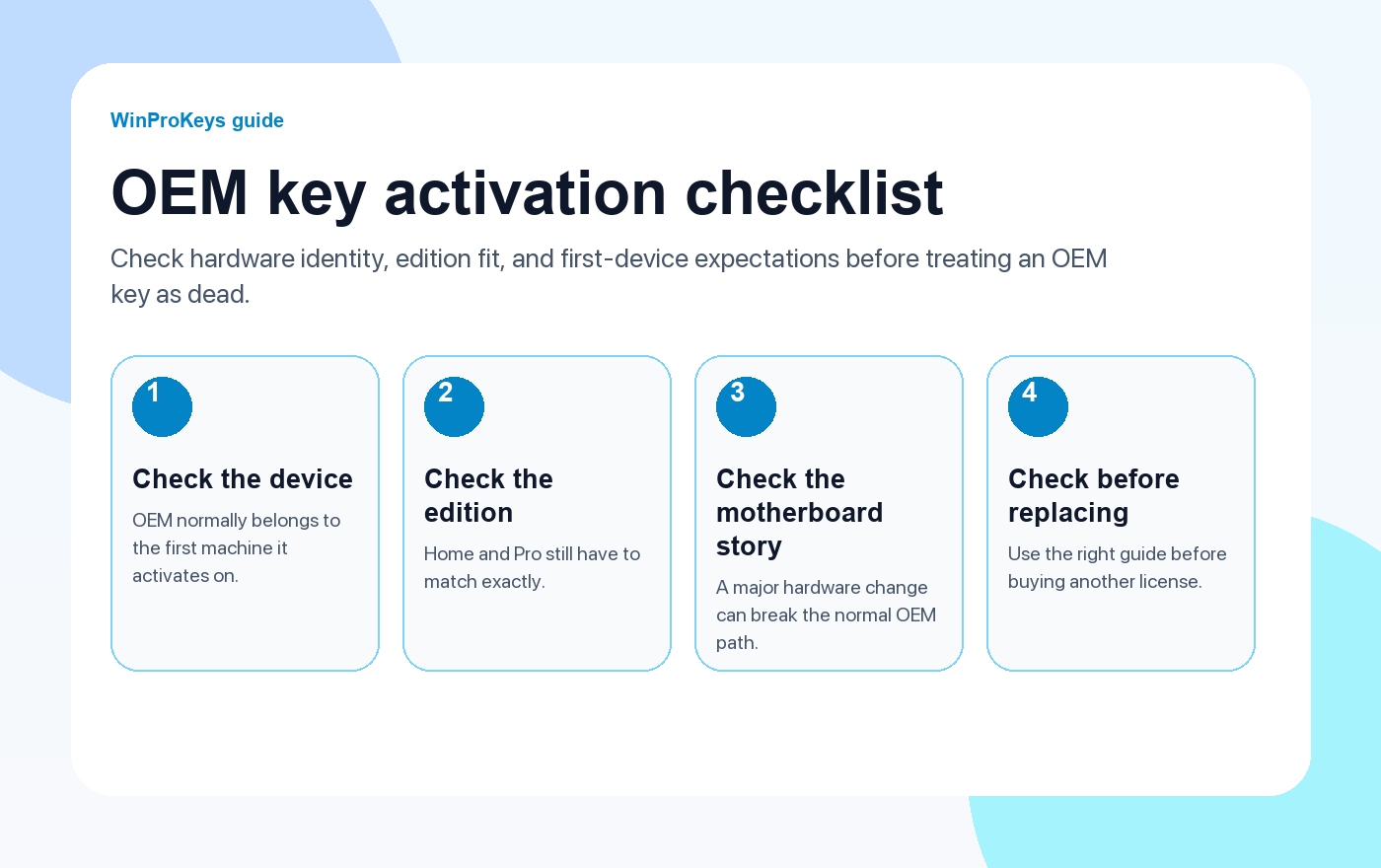
If an OEM product key is not activating, the first thing to understand is what OEM usually implies. An OEM key usually belongs to the first device it activates on. That is why these cases often feel random after a reinstall or repair, even when the key itself looked fine before.
OEM key checks
Use these pages before you assume the OEM key is dead
OEM activation problems are usually about device history, edition fit, and whether the license is being used on the first machine it belongs to.
- Windows product key types explainedRetail, OEM, volume, and digital license in plain English.
- Is an OEM key legal?A practical summary of what OEM usually means for a buyer.
- Fix activation after hardware changeImportant when the motherboard or other core hardware changed.
- Fix Product Key Didn’t WorkUse this when Windows only shows the generic key-failure message.
Why OEM behaves differently from retail
OEM is the lower-flexibility Windows license path. The trade-off is simple: lower cost can come with a tighter hardware story. If the machine is still the same device, OEM activation can be straightforward. If the motherboard changed or the install moved to another PC, the path is much less friendly.
What to check before you do anything else
- Same device: OEM expectations are strongest when the install stayed on the original machine.
- Same edition: Home must stay Home and Pro must stay Pro.
- Same motherboard and the same edition: This is the combination that gives OEM the cleanest chance to reactivate.
- Real failure context: A reinstall, repair, or board change matters more than generic advice copied from forums.
When OEM activation still has a fair chance
If the machine was reinstalled cleanly but it is still the original device, Windows can often reactivate once the edition is correct and the key path makes sense. That is very different from trying to reuse an OEM key on new hardware and expecting it to behave like retail.
| Check | Why it matters |
|---|---|
| Still the original device | OEM fits one-machine use much better than device-to-device transfer |
| Same motherboard and same edition | This is the cleanest activation story for OEM after a reinstall |
| Motherboard or core hardware changed | That can break the hardware identity OEM relies on |
| Wrong edition installed | No license type can solve a Home versus Pro mismatch |
Frequently Asked Questions
Can the same PC reactivate after reinstalling Windows?
Yes, that is the better OEM scenario, especially when the hardware and edition stayed consistent.
Does OEM mean the key is fake?
No. OEM describes a licensing path, not an automatic verdict on authenticity.
Why does motherboard change matter so much?
Because that can make Windows see the device as materially different from the one OEM originally activated on.
What should I do before replacing the key?
Check the device story, the edition, and the matching hardware-change guide first.
OEM keys still depend on the right edition
An OEM key can be perfectly valid and still fail if the install is on the wrong edition or if the hardware story no longer matches.
- Windows 11 Home vs Pro if you need to confirm which edition the device should actually run.
- Windows 11 Home Product Key for OEM-style consumer devices that should stay on Home.
- Klucz produktu Windows 11 Pro for systems that genuinely need Pro.
- Klucze produktu Windows to compare the broader Windows paths before replacing the OEM key.
Need the live product pages?
If you have finished the guide and need the current Windows or Office pages, use the shop as the source of truth for pricing, delivery details, and activation help.
Open the shopStill need the right Windows edition?
If the error points to an edition mismatch or a license that cannot be recovered, compare the current Windows routes instead of guessing with another random key.
Use the live product pages for current pricing, delivery details, and activation help.

