


Last Updated: Maio 30, 2026
This question mixes two different upgrades, which is why many users get confused.
One upgrade is from Windows 10 to Windows 11. The other is from Home to Pro. A product key can help with the edition path, but it does not make unsupported hardware compatible with Windows 11.
Short answer
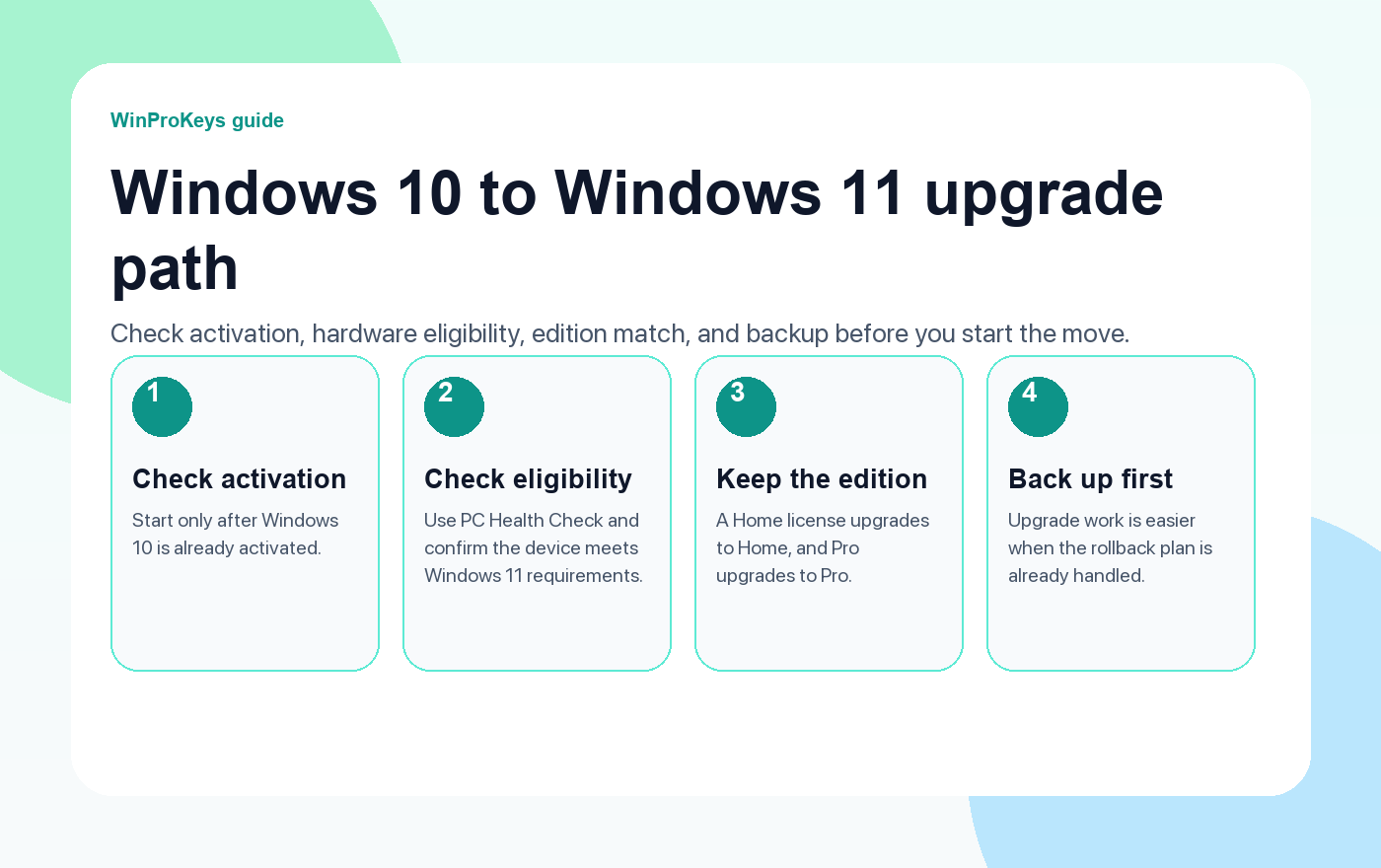
A Windows Pro product key can help with the Home-to-Pro edition path, but you still need the PC to be eligible for Windows 11. Treat Windows 10 Home to Windows 11 Pro as two checks: Windows 11 device compatibility first, then the correct Pro edition key path.
- Check whether the PC can run Windows 11 first.
- Then check whether you need Home or Pro.
- If you are already on Windows 11 Home, use the Windows 11 Home to Pro upgrade guide instead.
| Question | Answer | Next step |
|---|---|---|
| Does a Pro key make old hardware Windows 11-compatible? | No | Check Windows 11 eligibility first |
| Can Home move to Pro with a Pro key? | Yes, when the edition path is valid | Use the Home-to-Pro route |
| Can Windows 10 still matter in 2026? | It is a legacy path after support ended | Prefer Windows 11 when the device supports it |
| Should I buy Home or Pro? | Depends on features | Compare Pro vs Home before checkout |
Step one is Windows 11 compatibility
A product key is not a hardware-compatibility bypass. If the PC cannot run Windows 11 cleanly, the Pro key does not change that hardware reality.
Step two is the Home to Pro path
Once Windows 11 eligibility is clear, edition choice comes next. If the real goal is Pro features such as BitLocker or Remote Desktop host, compare Windows 11 Pro vs Home first.
Why Windows 10 context still matters
Windows 10 reached end of support on October 14, 2025, so new buying decisions in 2026 should not treat Windows 10 as the normal default unless the device or workflow requires it.
Microsoft Support context
These pages summarize the practical buying and troubleshooting path. For license behavior and activation wording, Microsoft support remains the official reference.
Windows 10 Home To Windows 11 Pro
Use these pages before you upgrade across version and edition
Check Windows 11 fit first, then Pro edition fit.
- Windows 11 Home to ProUse this if you are already on Windows 11 Home.
- Windows 11 Pro vs HomeUse this if you are choosing an edition.
- Windows 10 Pro vs HomeUse this if the device must stay on Windows 10.
- Windows key hubUse the hub for the wider Windows buying route.
Frequently Asked Questions
Can a product key upgrade Windows 10 Home to Windows 11 Pro?
Only after you separate Windows 11 compatibility from the Home-to-Pro edition path. A Pro key does not make unsupported hardware eligible for Windows 11.
Should I check Windows 11 compatibility first?
Yes. Device compatibility comes before the Pro edition question.
What if I am already on Windows 11 Home?
Then use the normal Windows 11 Home-to-Pro upgrade path with a valid Pro key.
Is Windows 10 still the best starting point in 2026?
Usually no. Windows 10 is now a legacy path after Microsoft ended support on October 14, 2025.
Before checkout, use the live product page as the source of truth for delivery, product scope, setup steps, and post-sale support details. See our delivery policy, refund policy, and about page for the current public business details.
Windows 10 Home To Windows 11 Pro Upgrade Route
If the PC starts on Windows 10 Home, separate three steps before judging the key: move to Windows 11, confirm the installed edition, then activate Windows 11 Pro only after the edition shows Pro. These routes keep upgrade, edition mismatch, activation errors, buyer checks, and private support in the right order.
- Windows 11 Home to Pro product-key upgrade route – use this when the device will stay on Windows 11 and only needs the edition switched to Pro.
- 0xC004F050 Home-to-Pro fix guide – use this when the Pro key fails because Windows is still installed as Home.
- Windows 11 Home-to-Pro upgrade FAQ – use this for generic upgrade-key, activation-key, and sequencing questions.
- Windows 11 Pro key not working on Home – use this when the symptom is a Pro key entered on a Home installation.
- Activate Windows 11 Pro with a product key – use this after Windows already shows Pro and the user needs final activation steps.
- Windows activation error route map – use this when the user has a different activation code or uncertain error state.
- Windows keys hub – use this only after edition fit is clear; live commercial details stay on current store pages.
- YouTube viewer buying guide – use this when a viewer arrived from a creator video, description link, pinned comment, or code.
- Política pós-venda – use this for support, replacement, or policy expectations instead of repeating broad claims.
Do not post a full product key, order email, Microsoft account email, or private screenshot in public comments. Use private support for order-specific review.
Need the live product pages?
If you have finished the guide and need the current Windows or Office pages, use the shop as the source of truth for pricing, delivery details, and activation help.
Open the shopUse the next step that matches your setup
Stay with the Windows and Office routes we actively maintain most. Choose the guide, troubleshooting path, or hub that answers the next real question instead of jumping into an unrelated product page.
Use the live guide or product page as the source of truth for delivery, redemption, and post-sale support details.

