


Last Updated: يونيو 1, 2026
Short Answer
If a Retail Windows product key is not working, first confirm the installed edition, then check whether the key was already used, whether the PC recently changed hardware, and what exact error code appears in Activation settings.
- Start with the installed Windows edition and activation status.
- Use Microsoft support pages for official activation behavior.
- Use WinProKeys support for order, delivery, setup, and common troubleshooting context.
Retail is the more flexible Windows license path. That is why buyers often assume a retail key should just work everywhere. In practice, retail still needs the right edition, a clean transfer story, and a Windows install that is not trying to keep the same key active in two places at once.
Retail key checks
Use these pages when a retail key is not activating
Retail is more flexible than OEM, but activation still depends on edition fit, device history, and whether the key is already active elsewhere.
- Windows product key types explainedSeparate license type from edition choice before you troubleshoot.
- How to transfer a Windows retail licenseUseful when the key moved from an older PC to a newer one.
- Fix error 0xC004C003Helpful when Windows says the key is blocked, invalid, or already used.
- Fix Product Key Didn’t WorkThe generic troubleshooting path when the message is vague.
Why retail fails even when the key is valid
The most common mistake is thinking retail means edition rules disappear. They do not. A retail Windows Home key is still for Home. A retail Windows Pro key is still for Pro. The second common mistake is forgetting the old machine is still the active home of the key.
Retail is flexible, not unlimited
Retail usually gives you the better transfer story, especially compared with OEM. But retail is not meant to stay active on two PCs at once. If the key previously lived on another machine, clean up that path and make sure the new device is on the matching edition before you conclude the key is broken.
What to check before buying anything else
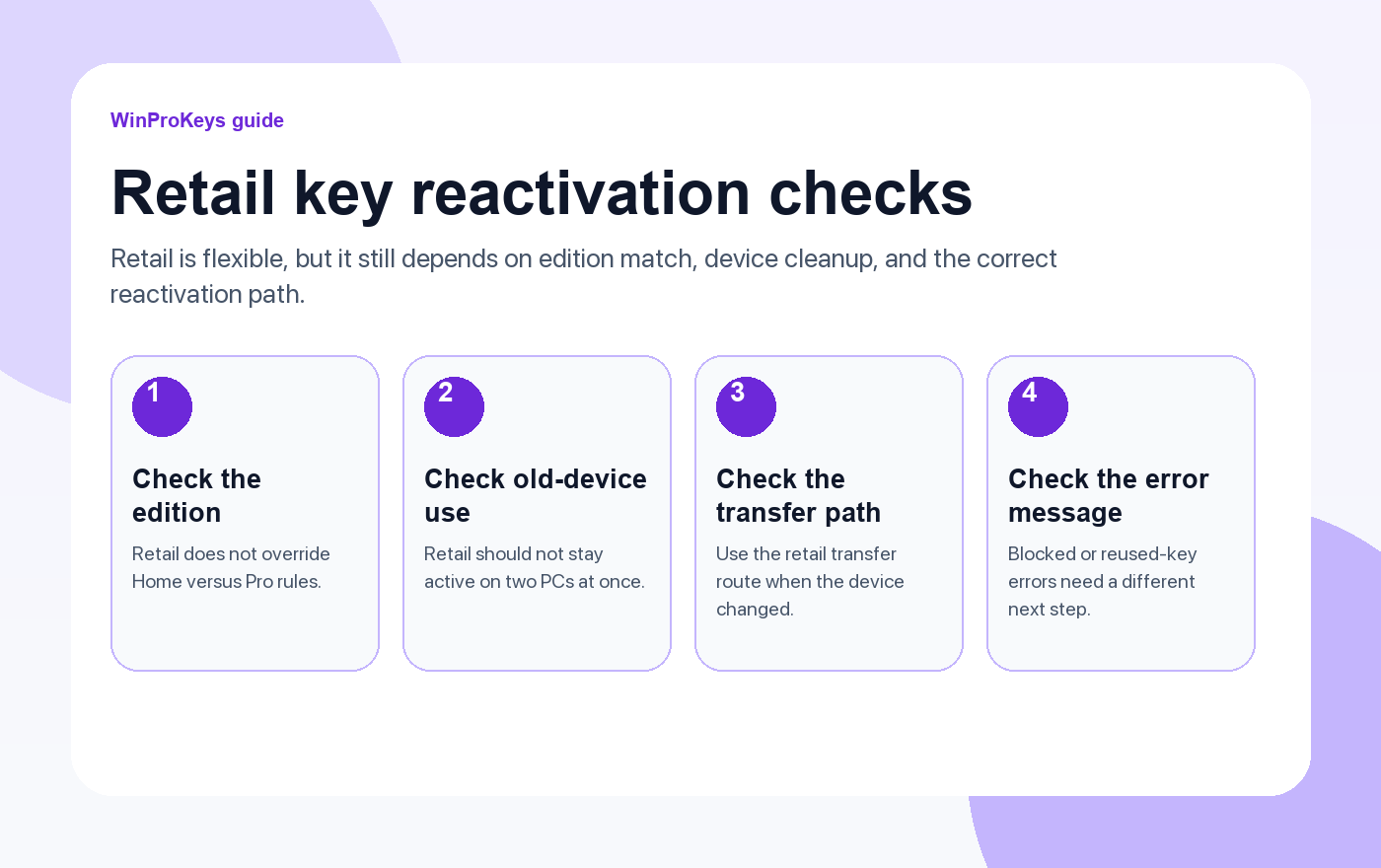
- Edition match: Home and Pro are still separate activation targets.
- Old-device use: Retail transfer is cleaner when the key is not effectively still in active use elsewhere.
- Error wording: A blocked or already-used message is a different problem from a plain edition mismatch.
- Expected route: If the license moved from another PC, use the retail-transfer logic instead of random command-line fixes.
| Situation | Better next step |
|---|---|
| Wrong edition installed | Fix the edition first before judging the key |
| Key moved from another PC | Use the retail-transfer path and keep the activation story clean |
| Windows says the key is blocked or already used | Check the exact error guide instead of treating it like a generic failure |
| Unsure whether retail is even the right channel | Review the key-type guide before you spend more money |
Frequently Asked Questions
Is retail easier to move than OEM?
Yes. That is one of the main reasons buyers choose retail in the first place.
Can a retail key activate the wrong edition?
No. Retail still has to match Home or Pro correctly.
Why does the old PC matter?
Because retail is more move-friendly than OEM, but it still is not supposed to stay active in two places at once.
When should I compare a new Windows product page?
Only after you confirm the transfer story and the current key path really are the problem.
Retail keys still need the right edition
Retail keys are flexible, but they do not override edition mismatch. Confirm the installed edition before assuming the key itself is the problem.
- Windows 11 Home vs Pro if you need to re-check whether the install should be Home or Pro.
- مفتاح منتج ويندوز 11 برو for machines that truly need the Pro edition.
- Windows 11 Home Product Key for standard Home setups.
- مفاتيح منتجات ويندوز if you want the broader Windows comparison page before another activation attempt.
Source and Support Links
Use Microsoft Support pages for general product behavior and activation rules. Use WinProKeys pages for store delivery, order support, and reseller-specific guidance.
Frequently Asked Questions
What should I check first for Fix Retail Product Key Not Working in Windows?
Check the installed Windows edition, activation status, recent hardware changes, and the exact error message. Home and Pro keys are not interchangeable.
Is WinProKeys operated by Microsoft?
No. WinProKeys is an independent software-key reseller and is not operated by Microsoft. Microsoft Support pages are the primary source for Windows activation behavior.
What should I send support if activation does not work?
Send the order email, installed Windows edition, exact error code, screenshot, and whether this is a new PC, reinstall, upgrade, BIOS update, or hardware change.
Need the live product pages?
If you have finished the guide and need the current Windows or Office pages, use the shop as the source of truth for pricing, delivery details, and activation help.
Open the shopStill need the right Windows edition?
If the error points to an edition mismatch or a license that cannot be recovered, compare the current Windows routes instead of guessing with another random key.
Use the live product pages for current pricing, delivery details, and activation help.


One thought on “Fix Retail Product Key Not Working in Windows (2026)”
Comments are closed.