


Last Updated: Maio 30, 2026
Short Answer
A Windows 11 Pro key should be bought only after confirming the PC needs Pro features and can run Windows 11. The seller should explain email delivery, setup steps, support, and what to do if activation fails.
- Check the exact product version and edition before buying or activating.
- Use Microsoft support pages for official activation behavior.
- Use WinProKeys support for order, delivery, setup, and common troubleshooting context.
Looking for a cheaper Windows 11 Pro key in 2026 is normal. What matters is not whether the number on the page is low. What matters is whether the seller is clear about what you are buying and easy to work with if activation does not go smoothly.
Start here
Use these pages before you buy a Windows 11 Pro key
The cheapest listing is only useful if it is the right edition, a sensible license type, and backed by a seller you can actually reach later.
- Chave de produto do Windows 11 ProUse the live product page as the source of truth for the current offer and delivery details.
- Windows 11 Home vs ProCheck this first if you are still deciding whether Pro is necessary.
- Windows product key types explainedRetail, OEM, digital license, and what each route usually means.
- How to buy a Windows key safelyA simple buying checklist before you compare sellers.
Choose Pro only if you will use Pro
That is the first filter. Many personal PCs are better served by Windows 11 Home. Windows 11 Pro is the better fit when you know you need BitLocker management, Remote Desktop host, tighter policy control, or a work-oriented setup. If none of that sounds familiar, start with the Home vs Pro comparison before you compare sellers.
What makes a seller easier to trust
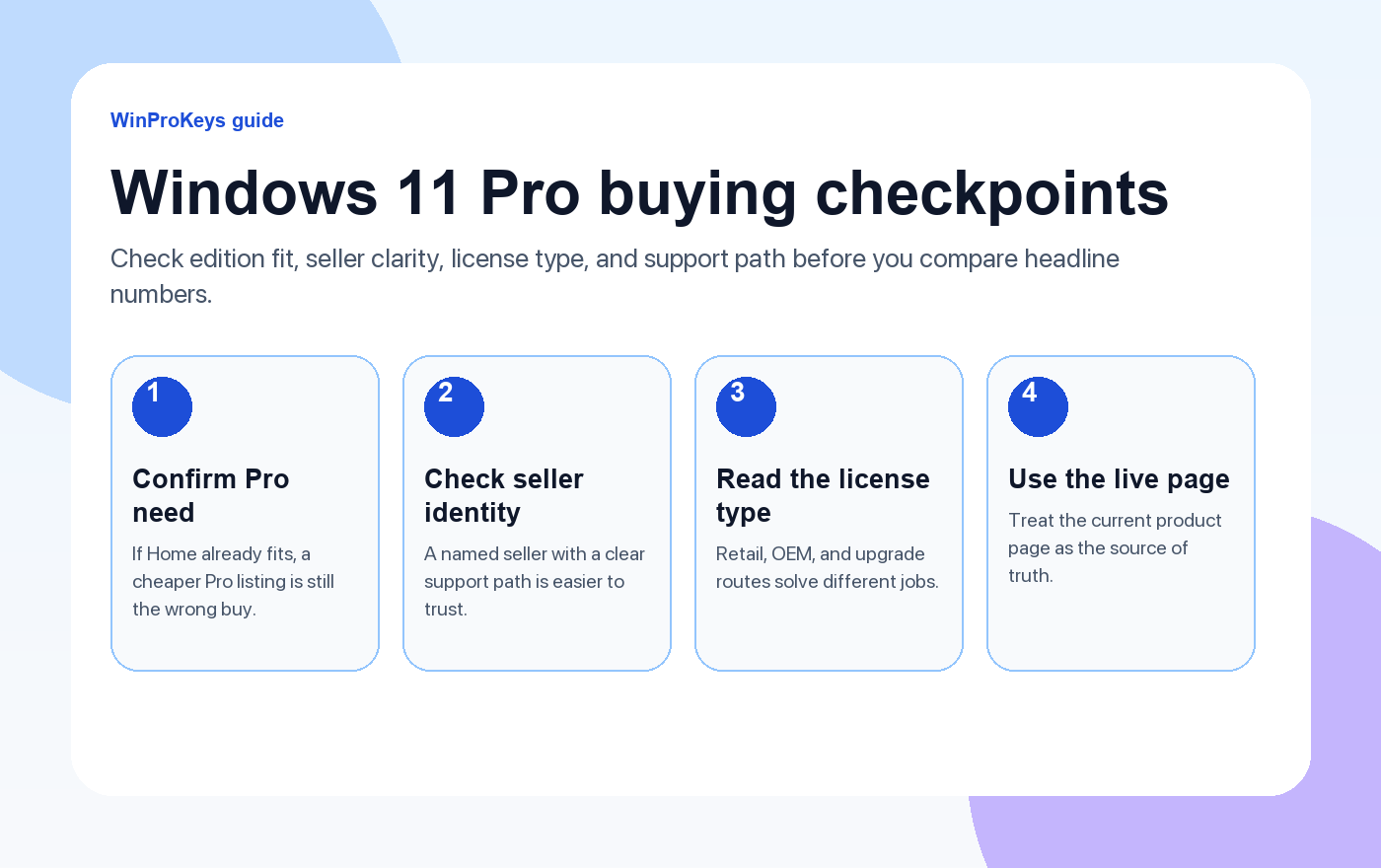
A named seller with a clear support path is more useful than a dramatic promise on a marketplace listing. Before you buy, look for these basics:
- Clear edition fit. The listing should be obviously for Windows 11 Pro, not a vague Windows license page.
- Readable license wording. You should know whether you are looking at a retail, OEM, or upgrade-style path.
- Current product details. Use the live product page instead of screenshots copied around blogs or forums.
- Support after checkout. A real refund or replacement path matters more than a flashy headline.
Common buying routes and how they differ
| Route | Good for | Watch for |
|---|---|---|
| Microsoft direct | Buyers who want the straightest official route | Usually the highest-cost route |
| Major retailer | Buyers who want a familiar checkout and return process | Edition and seller details can still vary by listing |
| Direct specialist store | Buyers who want a simpler key-and-support flow | You still need to read the product page carefully |
| Anonymous marketplace listing | Buyers who accept more variance to chase a lower number | Seller identity, license wording, and after-sale help are often weaker |
What should make you leave a listing
- No clear seller identity.
- Edition and license type are described loosely or not at all.
- The page leans on copied screenshots instead of current product details.
- Support or replacement language is missing.
- The marketing sounds absolute and unrealistic instead of specific.
A practical buying order
- Decide whether Início ou Pro is the right edition.
- Read the license-type explanation before you compare offers.
- Use the live product page as the source of truth.
- Keep the order email and open the guias de ativação if anything does not line up after checkout.
Frequently Asked Questions
Is it safer to buy directly from Microsoft?
Yes, it is the straightest official route. The tradeoff is that many buyers find it the most expensive path.
Do I need Pro for a normal home laptop?
Usually not. If the machine is mainly for daily personal use, Windows 11 Home is often enough.
What matters more than the headline number?
Edition fit, license clarity, and who will help if activation goes wrong.
Where should I start if activation fails?
Start with the Windows activation error guides, then use the seller support route with the exact order details in front of you.
Source and Support Links
Use Microsoft Support pages for general product behavior and activation context. Use WinProKeys pages for store delivery, order support, and reseller-specific guidance.
Frequently Asked Questions
What is the first thing to check for Where to Buy a Windows 11 Pro Key Safely?
Check the installed Windows edition first. A Home key and a Pro key are not interchangeable, and many activation problems begin with edition mismatch.
Is WinProKeys an Microsoft website?
No. WinProKeys is an independent software key reseller, not an Microsoft website. Microsoft Support pages are the primary source for Windows activation behavior.
What should I send support if Windows activation fails?
Send the order email, installed Windows edition, exact error code, screenshot, and whether this is a new PC, reinstall, Home-to-Pro upgrade, or hardware change.
Need the live product pages?
If you have finished the guide and need the current Windows or Office pages, use the shop as the source of truth for pricing, delivery details, and activation help.
Open the shopChoose the product path that matches your device
These are the six Windows and Office routes we actively support most. Pick by edition fit first, then use the live product page for redemption steps, delivery timing, and post-sale support details.
If you are still deciding, use the Windows hub ou Office hub before checkout.

