



Last Updated: مايو 30, 2026
Short Answer
Short answer: after a motherboard or major hardware change, start with the Activation Troubleshooter and Microsoft account/digital license path before assuming the key is bad. Confirm the installed edition, what hardware changed, and whether the license type can reactivate on the rebuilt device.
Microsoft Support Sources To Check First
- Microsoft Support: activate Windows
- Microsoft Support: reactivating Windows after a hardware change
- Microsoft Support: product keys for Windows
WinProKeys is an independent software-key reseller, not Microsoft. Use this guide as a diagnostic checklist before buying, retrying activation, or contacting support.
Related WinProKeys Support Paths
- Motherboard-change activation checklistUse this for the full hardware-change decision path.
- 0xC004F211 hardware-changed support routeUse this if Windows shows the exact hardware-changed activation code.
If Windows activation fails after a hardware change, the hardware change itself is usually the reason. Windows ties digital-license activation to the device’s hardware, so a major rebuild can make the same PC look like a different machine. The fix is usually straightforward, but only if you use the right order.
Hardware-change fix
Use these pages when activation breaks after a rebuild
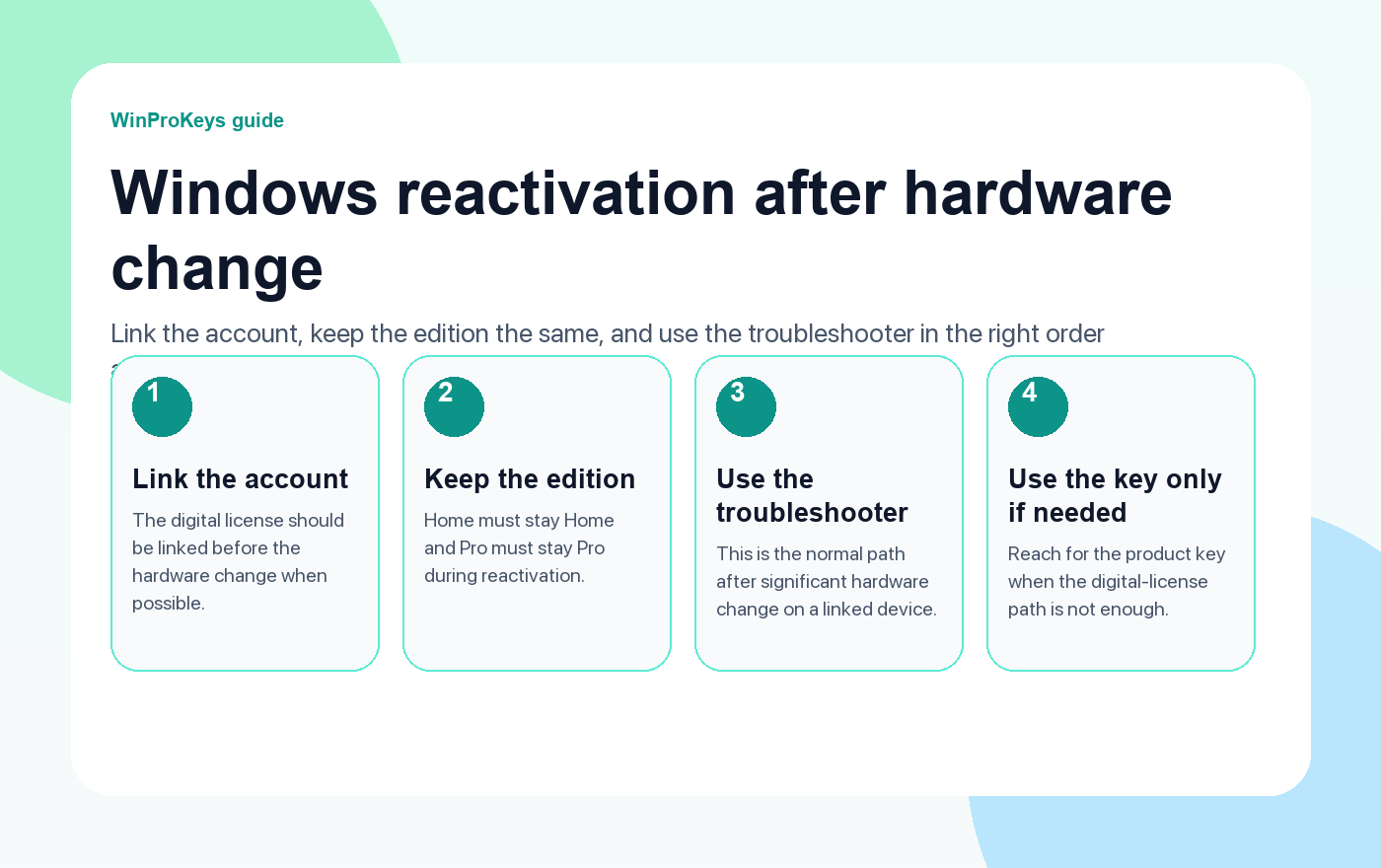
After a motherboard swap or major rebuild, the right path is account link, edition check, troubleshooter, then product key if needed.
- How to activate Windows 11A practical starting point when the device is already on Windows 11.
- Fix Activation Troubleshooter Not WorkingUseful if the troubleshooter is missing or not helping.
- Fix error 0x803F7001Helpful when Windows says no valid license can be found.
- Fix error 0xC004C003Helpful when the key looks blocked, reused, or invalid.
What Microsoft expects you to have in place
The strongest preparation step is a digital license linked to your Microsoft account. Microsoft says that link is what enables the Activation troubleshooter to reactivate Windows after a significant hardware change. If that link is missing, the recovery path is narrower.
Keep the same edition
This matters more than many buyers realize. Reactivation works cleanly only when the same edition remains installed. If the machine was Home before the rebuild, it needs to stay Home after the rebuild unless you are intentionally changing editions with the proper path.
The best order after the rebuild
- Confirm the device is on the same edition as before.
- Sign into the Microsoft account tied to the digital license.
- Open Activation and run the troubleshooter.
- If the troubleshooter is not enough, move to the product-key path.
| Question | Why it matters |
|---|---|
| Was the digital license linked to your Microsoft account? | That is what makes the troubleshooter useful after a major hardware change |
| Is the same edition still installed? | Reactivation expects the same edition remains installed |
| Do you still have the product key? | You may need it if the digital-license route is not enough |
Frequently Asked Questions
Can a motherboard change break activation?
Yes. That is one of the classic triggers.
What should I check first?
Check the edition and the Microsoft-account link first.
Why is the troubleshooter important?
It is Microsoft’s normal reactivation path after significant hardware change on a linked device.
When should I use the product key?
Use it when the linked digital-license path is not enough or was never available.
After hardware changes, confirm which edition should reactivate
A motherboard or major hardware swap can make Windows question the license history, so confirm the edition fit before you keep retrying activation.
- مفتاح منتج ويندوز 11 برو if the rebuilt system still needs Pro-only tools.
- Windows 11 Home Product Key if the machine should come back as a standard Home PC.
- مفتاح منتج ويندوز 10 برو if the rebuild is staying on a Windows 10 Pro workflow.
- مفاتيح منتجات ويندوز if you need a broader edition comparison before replacing anything.
Need the live product pages?
If you have finished the guide and need the current Windows or Office pages, use the shop as the source of truth for pricing, delivery details, and activation help.
Open the shopStill need the right Windows edition?
If the error points to an edition mismatch or a license that cannot be recovered, compare the current Windows routes instead of guessing with another random key.
Use the live product pages for current pricing, delivery details, and activation help.


3 thoughts on “Fix Windows Activation Failed After Hardware Change (2026)”
Comments are closed.