


Last Updated: June 1, 2026
Short Answer
On a budget gaming PC, most of the money should go to the parts that affect performance. Software spending should stay practical: buy the Windows edition that fits the build, add Office only if you actually need it, and avoid paying for extras that do not improve the machine.
- Decide early whether Windows Home is enough or whether you really need Pro tools such as BitLocker or Remote Desktop.
- Keep Windows, drivers, and game libraries organized before chasing cosmetic tweaks.
- Save the delivery email and activation details if you buy a key for a fresh build.
Budget gaming builds go wrong in a predictable way. The builder spends days comparing GPUs and CPUs, then loses focus on the software side and adds costs that barely improve the machine. A budget gaming PC should spend on frame rate first. Software should support the build, not quietly become the reason you had to step down to a weaker graphics card.
Budget rule
Save on software without sabotaging the build
A budget gaming PC should spend on frame rate first. Software still matters, but it should not quietly eat the budget you meant for the GPU, SSD, or monitor.
- Check Windows 11 HomeThe simpler path for many gaming-only rigs.
- Check Windows 11 ProWorth comparing if you also need Pro tools for work, study, or testing.
- Read the gamer edition guideA tighter comparison for players deciding between Home and Pro.
- Open the Office hubUseful later if the gaming PC also doubles as a study or work machine.
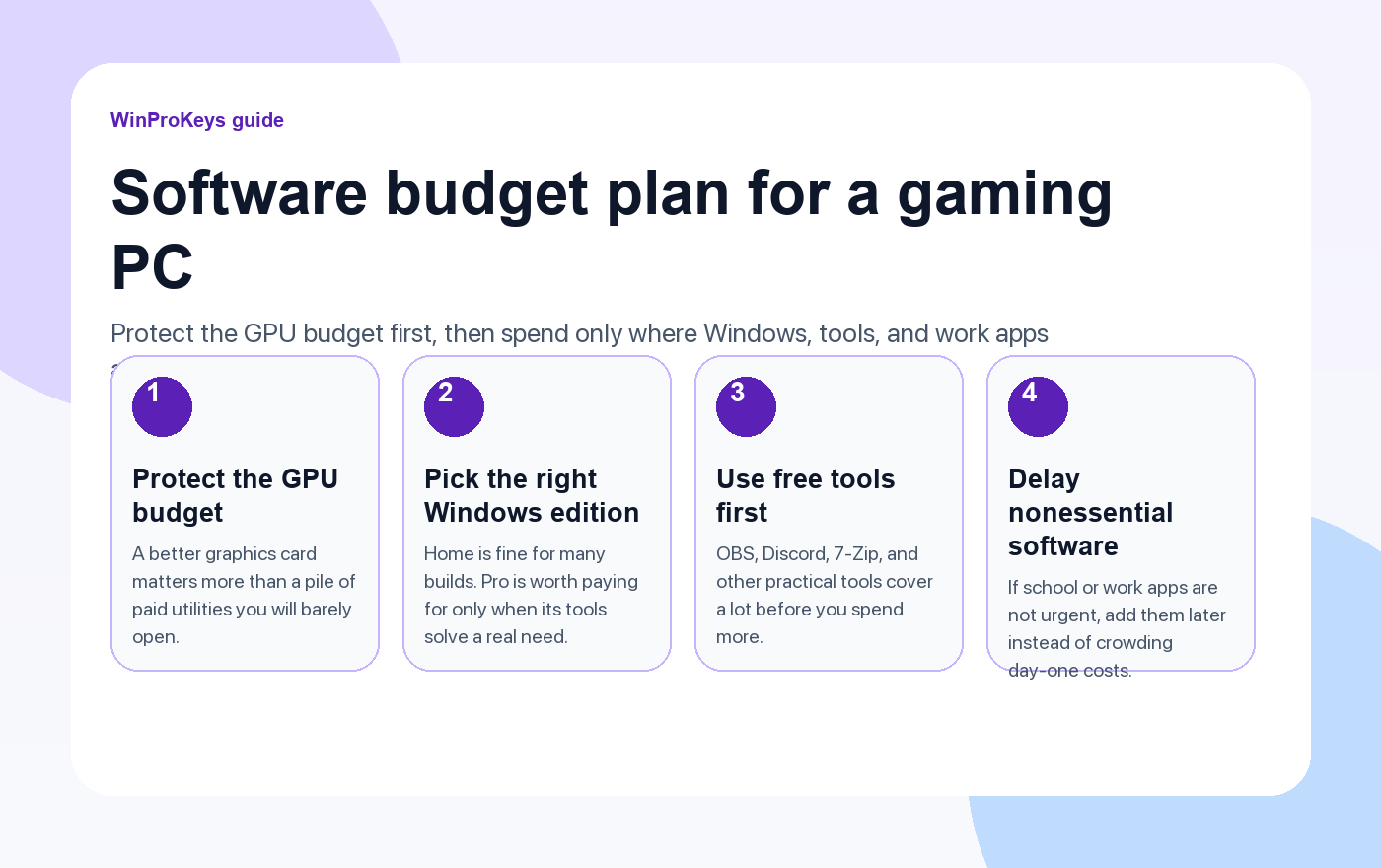
A budget gaming PC should spend on frame rate first
If you are choosing between a stronger GPU and a pile of paid utilities, the GPU usually wins. The same logic applies to storage and memory. The hardware determines how the machine feels every day. Most software purchases can wait until you know the PC’s second job, if it even has one.
That is why it helps to split software into three buckets: must-have, useful later, and probably unnecessary. Windows is usually a must-have. Productivity apps might be useful later. Paid cleaning tools, duplicate system optimizers, and random launch helpers usually belong in the last bucket.
Windows 11 Home is enough for many gaming builds
If the machine is mainly for playing games, browsing, Discord, streaming, and basic school or home tasks, Windows 11 Home is often enough. You still get DirectStorage support, Auto HDR where supported, Game Mode, Windows Security, and the broader Windows 11 gaming stack.
Windows 11 Pro becomes more relevant when the PC has a mixed role. BitLocker matters on a laptop or any machine that stores work files. Remote Desktop host matters if you remote into the gaming PC itself. Hyper-V and Windows Sandbox matter if you test launchers, mods, scripts, or risky downloads. If none of that sounds familiar, Home is usually the cleaner budget decision.
| Software choice | Usually worth it | Usually can wait |
|---|---|---|
| Windows edition | Buy the edition that matches the actual feature need | Pay extra for Pro only because it feels more premium |
| Security tools | Use the built-in Windows security stack first | Stack multiple paid security tools on day one |
| Productivity apps | Buy only if the machine also handles work or study | Add them before you know the real usage pattern |
Use free tools where they are already good enough
Plenty of software around a gaming rig does not need a paid version at the start. OBS covers recording and streaming. 7-Zip handles archives. Discord handles team chat. Windows Security is good enough for many home builds. If you edit clips, stream, or manage screenshots casually, you can go a long way before paid creative tools become a real bottleneck.
The same applies to “helper” apps. RGB control software, launcher sidecars, system cleaners, and driver-updater bundles often add more clutter than value. Install what you need to make the machine work, not what a sponsor segment told you is essential.
When it is still worth paying
If the gaming PC also works as a study or work computer, a one-time Office license can still make sense. If you travel with the machine or keep client files on it, Pro features such as BitLocker start to matter more. If you test mods or utilities from less-trusted sources, Windows Sandbox or Hyper-V can justify the higher Windows edition.
The right move is not “buy nothing.” It is “buy the part that solves today’s real problem and delay the rest until it becomes obvious.”
A clean software budget path
- Choose the Windows edition based on feature need, not the badge.
- Install the free tools you already know you will use.
- Wait two or three weeks before adding nonessential paid software.
- Spend the saved money on the part of the build that changes actual gaming performance.
Frequently Asked Questions
Is Windows 11 Pro better for FPS than Home?
No. The value of Pro is in management and security tools, not a direct frame-rate advantage.
What is the easiest software mistake on a budget build?
Buying too many extras before you know how the machine will actually be used.
Should I buy Office for a gaming PC right away?
Only if the PC already has school or work duties. If not, wait.
What deserves the money first?
The GPU, storage, memory, and monitor usually change the experience more than extra software does.
Source and Support Links
Use Microsoft support pages for official activation rules and version behavior. Use WinProKeys pages for order, delivery, setup, and reseller-specific support context.
Frequently Asked Questions
Should a budget gaming PC use Windows Home or Pro?
Home is enough for many gaming-only builds. Pro makes sense if you also want BitLocker, Remote Desktop host, or more control over system management.
Can I wait to buy Windows until after the PC build is finished?
Yes. Many builders install the hardware first, then decide which edition they actually need once the machine is ready and the use case is clear.
Is WinProKeys operated by Microsoft?
No. WinProKeys is an independent software-key reseller and is not operated by Microsoft. Use Microsoft support pages for official activation and product behavior, and use WinProKeys for order, delivery, and reseller-specific support.
New PC Build Setup Path
Budget builders need to save money without skipping edition, install, and activation checks.
- New PC build Windows activation checklist – Use this before assuming the cheapest software path fits the new hardware.
- Gaming PC Windows version guide – Use this for the gaming-focused edition decision.
- Windows product key FAQ – Use this for delivery and activation basics.
Need the live product pages?
If you have finished the guide and need the current Windows or Office pages, use the shop as the source of truth for pricing, delivery details, and activation help.
Open the shopUse the next step that matches your setup
Stay with the Windows and Office routes we actively maintain most. Choose the guide, troubleshooting path, or hub that answers the next real question instead of jumping into an unrelated product page.
Use the live guide or product page as the source of truth for delivery, redemption, and post-sale support details.

