


Last Updated: 6 月 1, 2026
Short Answer
A BIOS update can affect activation when Windows sees a hardware or firmware identity change. Check the edition, sign in with the Microsoft account linked to the license if applicable, run the activation troubleshooter, and record the exact error code.
- Start with the installed Windows edition and activation status.
- Use Microsoft support pages for official activation behavior.
- Use WinProKeys support for order, delivery, setup, and common troubleshooting context.
A BIOS update can make Windows recheck the device identity. That can feel like the update broke activation, even when the underlying license was valid before. The useful move is not to panic, but to treat the situation like a careful hardware-state check.
After a BIOS update
Use these pages if activation changed after firmware work
Firmware updates can make activation behave more like a hardware-change recovery path, so check edition, account, and the right recovery guide in order.
- Fix activation after hardware changeUseful when the BIOS update was part of a larger repair or board change.
- Fix the activation troubleshooterOpen this if Troubleshoot is missing or not helping.
- How to activate Windows 11The normal activation path when the install itself is otherwise healthy.
- Fix error 0x803F7001Helpful when Windows cannot find a valid license after the change.
Why firmware work can affect activation
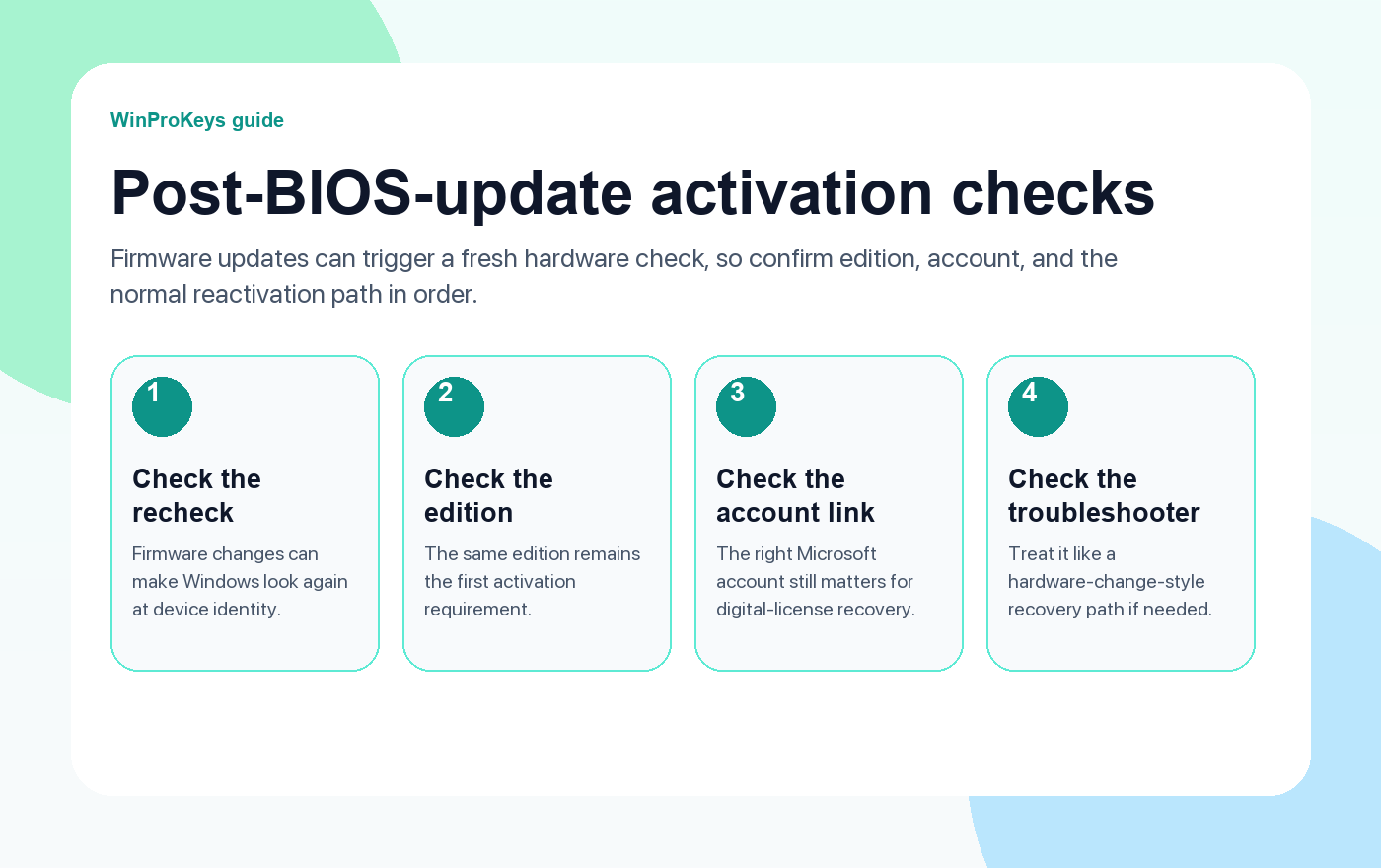
Activation is not just about the product key. It also depends on how Windows recognizes the device. After firmware work, Secure Boot changes, TPM resets, or related repair steps, Windows may look at the machine more carefully again. That is why a BIOS update can appear to “cause” activation failure even when it really triggered a new verification pass.
Start with the basics
- Same edition remains installed: This is still the first activation requirement.
- Same device story: If other hardware changed too, the issue may belong to the hardware-change path.
- Right Microsoft account: The digital-license route depends on the account context being correct.
- Right tool: The Activation troubleshooter is more useful than random commands when the device already owned the license.
When this is really a hardware-change problem
If the BIOS update happened alongside a motherboard replacement, board repair, or another major hardware intervention, the cleaner diagnosis is to treat it as a reactivation-after-hardware-change case. The BIOS update is just the moment you noticed it, not necessarily the whole explanation.
| Check | Why it matters |
|---|---|
| Same edition remains installed | Windows still needs Home versus Pro to match correctly |
| Signed into the right Microsoft account | This matters when the device already owned a digital license |
| Firmware update only, or firmware plus hardware work | That tells you whether to stay local or move to the hardware-change guide |
| Activation troubleshooter behavior | A useful signal when Windows is trying to reconnect an existing license |
Frequently Asked Questions
Did the BIOS update erase my key?
Usually no. It is more accurate to say Windows may be rechecking the activation state after the change.
What is the most important first check?
Make sure the same edition is still installed before you do anything else.
When should I use the hardware-change guide?
Use it when the BIOS update happened as part of a larger repair, rebuild, or motherboard event.
Should I buy another key before checking the old activation path?
No. Confirm the existing device history first.
After a BIOS update, confirm the same edition still fits
Firmware updates can disrupt activation checks, but the recovery path still depends on whether the machine came back on the correct edition.
- Windows 11 Pro Product Key if the PC still needs the Pro feature set after the BIOS change.
- Windows 11 Home Product Key if it should return to a normal Home install.
- Windows 10 Pro Product Key if this is an older Windows 10 Pro system you are recovering.
- Windows activation error guides if the BIOS update reveals a different activation problem next.
Source and Support Links
Use Microsoft Support pages for general product behavior and activation rules. Use WinProKeys pages for store delivery, order support, and reseller-specific guidance.
Frequently Asked Questions
What should I check first for Fix Windows Can't Activate After BIOS Update?
Check the installed Windows edition, activation status, recent hardware changes, and the exact error message. Home and Pro keys are not interchangeable.
Is WinProKeys operated by Microsoft?
No. WinProKeys is an independent software-key reseller and is not operated by Microsoft. Microsoft Support pages are the primary source for Windows activation behavior.
What should I send support if activation does not work?
Send the order email, installed Windows edition, exact error code, screenshot, and whether this is a new PC, reinstall, upgrade, BIOS update, or hardware change.
Need the live product pages?
If you have finished the guide and need the current Windows or Office pages, use the shop as the source of truth for pricing, delivery details, and activation help.
Open the shopStill need the right Windows edition?
If the error points to an edition mismatch or a license that cannot be recovered, compare the current Windows routes instead of guessing with another random key.
Use the live product pages for current pricing, delivery details, and activation help.

