



Last Updated: June 3, 2026
Short Answer
A cheap Windows key is not automatically unsafe, but a low price is not enough to judge a seller. The safer buying process checks the exact Windows edition, delivery method, support path, activation instructions, and whether the seller avoids misleading official claims.
- Confirm Home vs Pro and key type before buying.
- Avoid sellers that suggest unofficial activation workarounds.
- Keep transaction context, exact activation wording, and device context private if support is needed.
Cheap does not have to mean risky
Search volume around “cheap Windows key” keeps growing because users want legitimate software access without overspending. That makes sense. The challenge is knowing which listings are trustworthy and which are likely to cause activation trouble later.
This guide explains how to evaluate offers like a pro before you buy.
Why price gaps happen
Not all pricing differences indicate fraud. Sellers may run promotions, bundle discounts, regional campaigns, or inventory strategies. The goal is to validate legitimacy and support quality, not to assume every discount is unsafe.
7 checks before buying a Windows key
1) Clear product naming
The listing should explicitly state edition (for example, Windows 11 Pro), device count, and activation scope.
2) Transparent delivery terms
A reliable store explains delivery channel and expected timing (often email within minutes).
3) Support availability
Look for reachable customer support and practical activation help.
4) After-sales review terms
Read delivery and after-sales terms before buying, and avoid automatic-outcome wording.
5) Secure payment context
Use stores that explain secure payment context, delivery route, and private support boundaries.
6) Clear product-fit routes
Avoid vague universal-key wording. A safer seller explains edition, key type, device fit, and setup route clearly.
7) On-site trust signals
Review consistency in branding, policy pages, and contact details.
Common red flags to avoid
- No clear edition or activation details.
- Unrealistic claims without support documentation.
- No visible policy pages or customer service path.
- No clear product-fit route, only vague purchase links.
Useful next routes before buying
Before choosing a cheap Windows key, compare the public buyer-fit routes instead of jumping straight to a product page.
- Windows key hub for current Windows-key categories.
- Windows product-key buyer guide for edition, delivery, and activation checks.
- Windows 11 Home vs Pro guide for edition fit.
- Windows product key types guide for Retail/OEM/Volume/KMS context.
Buying workflow that reduces mistakes
- Confirm your Windows edition requirement first.
- Check compatibility with your current hardware.
- Choose a seller with clear delivery, policy, and support terms.
- Use the normal Windows activation path and verify the exact status wording.
- Keep transaction context and activation context private for support if needed.
Final takeaway
You can find a lower-cost Windows key more safely when the seller explains edition fit, key type, delivery, support boundaries, and after-sales review terms before you buy.
Use the Windows key hub, delivery policy, after-sales policy, and after-purchase checklist as public context before any private support review.
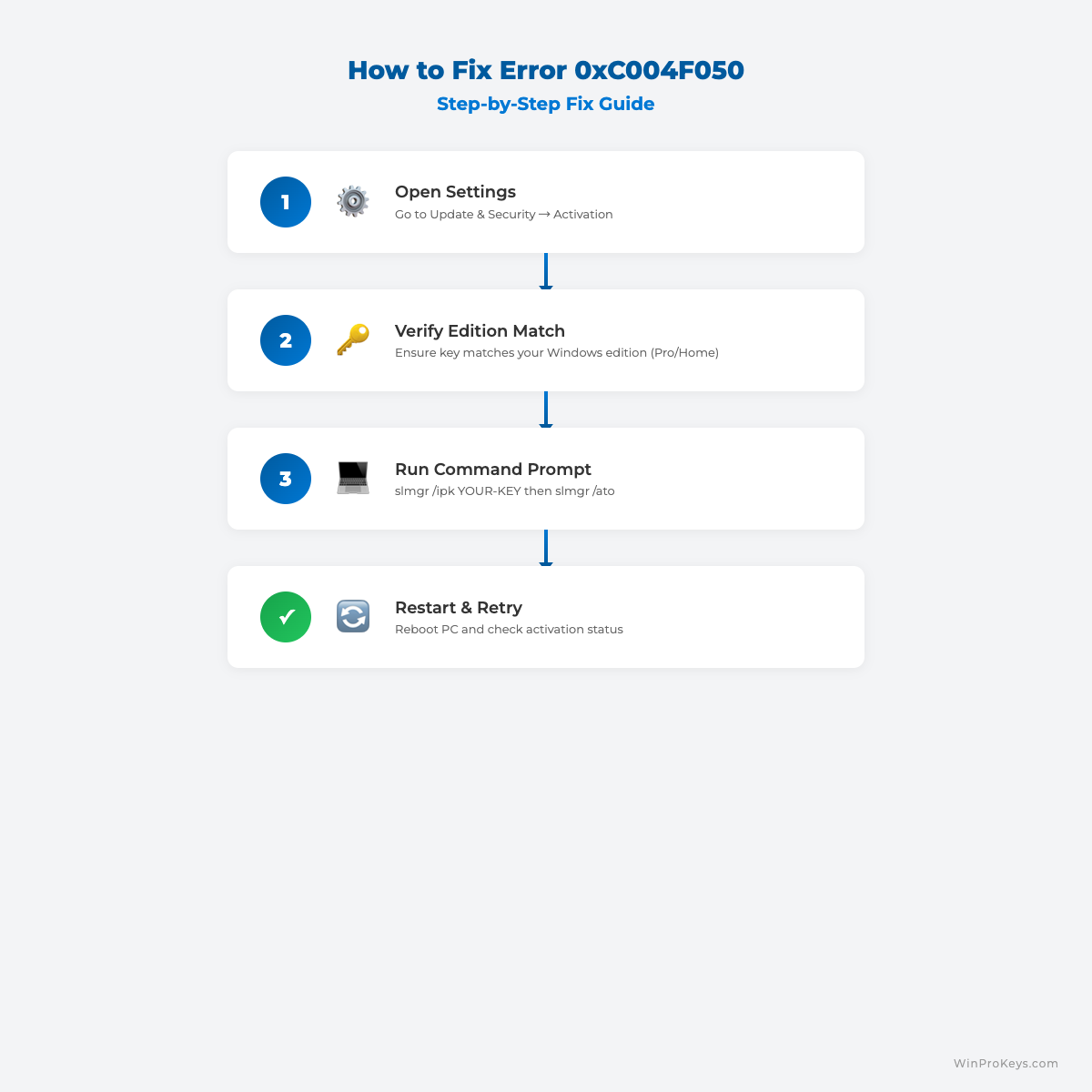
Visual Fix Guide
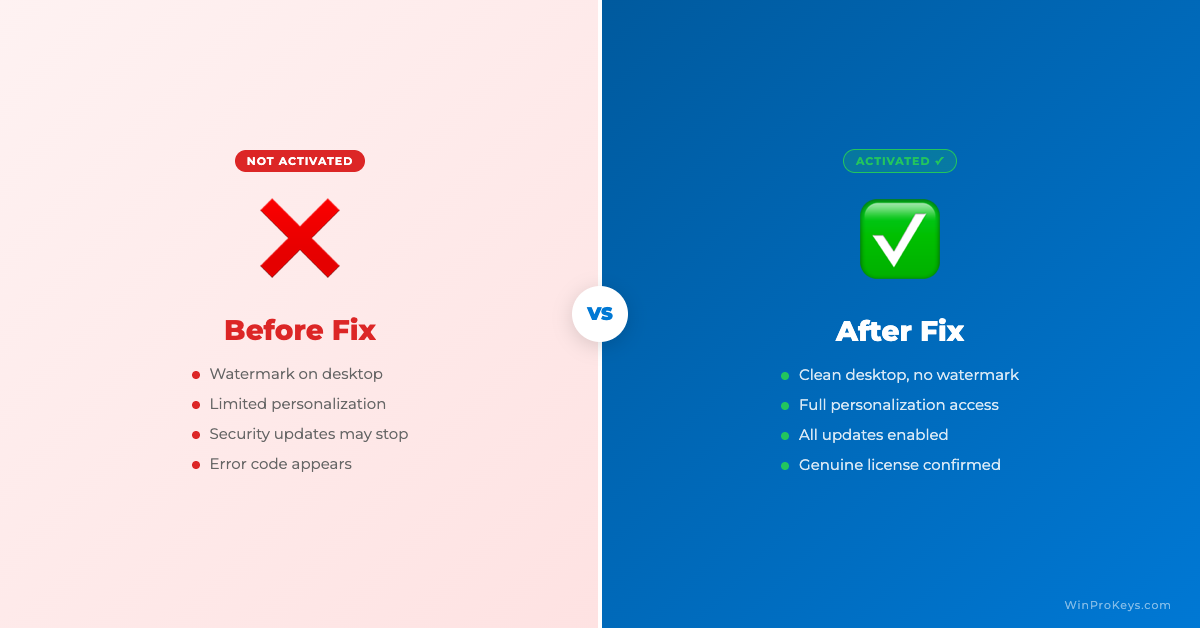
Before vs After Activation
Frequently Asked Questions
Why are some Windows keys cheaper than Microsoft retail pricing?
Different sellers use different supply and license channels, but the important part is clarity: edition, key type, delivery, support, and refund-review terms should be easy to find.
What is the biggest risk with very cheap Windows keys?
The biggest risk is not knowing what you are buying. Edition mismatch, reused keys, unclear seller identity, or no support path can turn a cheap purchase into wasted time.
Can WinProKeys help if activation fails?
WinProKeys can help check common causes such as edition mismatch, wrong installation path, and error-code context. It is an independent software key reseller, not operated by Microsoft.
WinProKeys Context
WinProKeys is an independent software key reseller for Windows and Microsoft Office product keys. Customers receive delivery details by email and should match the installed Windows edition before entering a key. WinProKeys is an independent software-key reseller and is not operated by Microsoft; Microsoft Support pages are the primary source for Windows activation behavior.
Source and Support Links
Use Microsoft Support pages for general product behavior. Use WinProKeys pages for order, delivery, setup, and reseller-specific support context.
Frequently Asked Questions
What is the biggest risk with cheap Windows keys?
The biggest risk is usually edition mismatch, weak support, unclear delivery, or unsupported activation instructions.
How can I reduce buying risk?
Check the exact edition, seller support route, delivery method, and what information is needed if activation fails.
Is WinProKeys operated by Microsoft?
No. WinProKeys is an independent software-key reseller and is not operated by Microsoft. Microsoft Support pages remain source context for Windows activation and product-key behavior.
What should I send support if Windows activation fails?
Use private support with the installed Windows edition, exact activation wording, device context, and private transaction context. Do not post key values, account identifiers, payment-specific records, or private files in public comments.
Need the live product pages?
If you have finished the guide and need the current Windows or Office pages, use the shop as the source of truth for pricing, delivery details, and activation help.
Open the shopChoose the product path that matches your device
These are the six Windows and Office routes we actively support most. Pick by edition fit first, then use the live product page for redemption steps, delivery timing, and post-sale support details.
If you are still deciding, use the Windows hub or Office hub before checkout.

