


Last Updated: June 1, 2026
Short Answer
A digital license not linked to a Microsoft account can make activation recovery harder after hardware changes. Check Activation settings, sign in with the right Microsoft account, and confirm that the installed Windows edition matches the license.
- Start with the installed Windows edition and activation status.
- Use Microsoft support pages for official activation behavior.
- Use WinProKeys support for order, delivery, setup, and common troubleshooting context.
Activated with a digital license is not the same thing as a digital license linked to your Microsoft account. That wording difference matters. It tells you whether the license is just active on this device today, or whether the Microsoft-account link is also in place for easier recovery later.
Digital-license link checks
Use these pages when the account-linked wording is missing
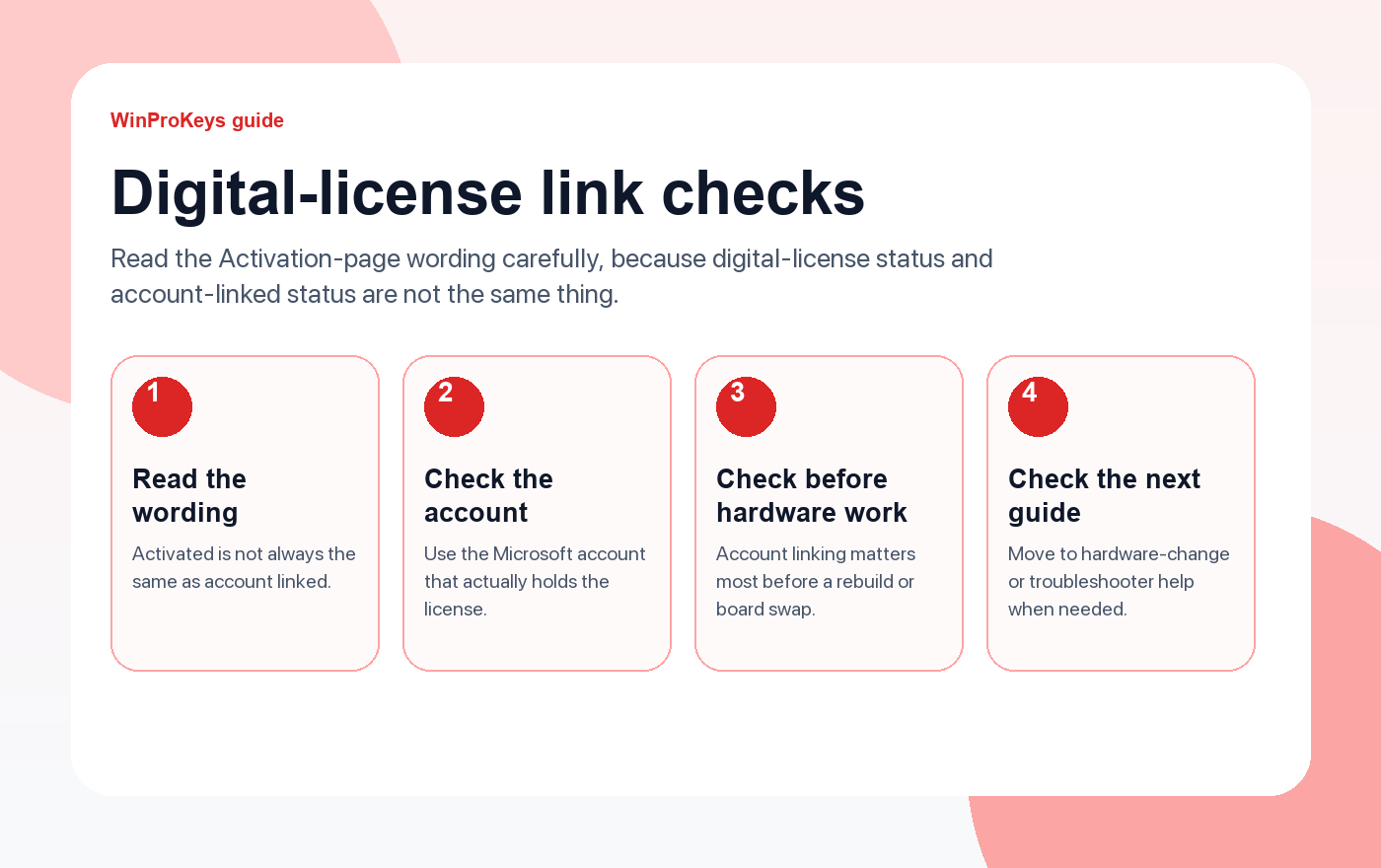
The exact wording on the Activation page matters because local activation status and Microsoft-account-linked status are not the same thing.
- Fix activation after hardware changeThis is where account-linked licensing matters most.
- Fix the activation troubleshooterUseful when the recovery tool is missing or not helping.
- How to activate Windows 11The clean activation path for the right edition on the same device.
- Windows product key types explainedHelpful when the real confusion is the license route itself.
Why the wording matters
When people say “my PC has a digital license,” they often collapse two different states into one. One state means Windows is currently activated. The other means the license is also linked to a Microsoft account, which is the more useful recovery story if the hardware changes later.
The practical difference
If the machine is already activated, daily use may feel identical either way. The difference shows up when activation needs to be recovered. That is why the safer habit is to sign in with the account that actually holds the license while the device is still in a healthy activated state.
What to check on the Activation page
- Activation wording: Read whether Windows only says activated, or says linked to your Microsoft account.
- Right Microsoft account: Sign in with the account that actually holds the license.
- Edition fit: The right account still cannot solve a Home versus Pro mismatch.
- Timing: It is better to fix the link before major hardware work than after it.
| Activation wording | What it usually means |
|---|---|
| Activated with a digital license | Windows is activated, but that line alone does not confirm the Microsoft-account link |
| Activated with a digital license linked to your Microsoft account | The account-linked recovery path is in better shape |
| Wrong account or no Microsoft account in use | Recovery later can be much less straightforward |
| Wrong edition installed | Account linking still will not solve the edition mismatch |
Frequently Asked Questions
Does digital license always mean linked to my account?
No. That is the exact misunderstanding this article is trying to prevent.
Why is the account link so useful?
Because it gives Windows a clearer recovery path after major hardware or activation-state changes.
Which account should I sign into?
Use the Microsoft account that actually holds the license history for this device.
Should I wait until after a rebuild to fix this?
No. The smarter time to check it is before the hardware story becomes more complicated.
If the account link is missing, re-check the edition path
A missing Microsoft-account link can block reactivation, but the underlying edition still has to match the license you are trying to recover.
- Windows 11 Home vs Pro if you are not sure the current edition is still correct.
- Windows 11 Home Product Key for devices that should remain on Home.
- Windows 11 Pro Product Key for systems that still need the Pro edition.
- Windows activation error guides if the account-link issue turns into a different activation code afterward.
Source and Support Links
Use Microsoft Support pages for general product behavior and activation rules. Use WinProKeys pages for store delivery, order support, and reseller-specific guidance.
Frequently Asked Questions
What should I check first for Fix Digital License Not Linked to Microsoft Account?
Check the installed Windows edition, activation status, recent hardware changes, and the exact error message. Home and Pro keys are not interchangeable.
Is WinProKeys operated by Microsoft?
No. WinProKeys is an independent software-key reseller and is not operated by Microsoft. Microsoft Support pages are the primary source for Windows activation behavior.
What should I send support if activation does not work?
Send the order email, installed Windows edition, exact error code, screenshot, and whether this is a new PC, reinstall, upgrade, BIOS update, or hardware change.
Need the live product pages?
If you have finished the guide and need the current Windows or Office pages, use the shop as the source of truth for pricing, delivery details, and activation help.
Open the shopStill need the right Windows edition?
If the error points to an edition mismatch or a license that cannot be recovered, compare the current Windows routes instead of guessing with another random key.
Use the live product pages for current pricing, delivery details, and activation help.


One thought on “Fix “Digital License Not Linked to Microsoft Account” (2026)”
Comments are closed.