



Last Updated: Mai 30, 2026
Short Answer
Short answer: do not keep retrying the same Windows key without checking the reason it failed. Confirm the installed edition, exact error code, internet connection, digital license state, and whether the device is managed by work or school before deciding whether the issue is the key, the PC, or the activation path.
Microsoft Support Sources To Check First
- Microsoft Support: activate Windows
- Microsoft Support: product keys for Windows
- Microsoft Support: get help with Windows activation errors
WinProKeys is an independent software-key reseller, not Microsoft. Use this guide as a diagnostic checklist before buying, retrying activation, or contacting support.
Related WinProKeys Support Paths
- Windows activation error-code hubUse this to route the generic product-key failure to a specific code.
- Home vs Pro edition mismatch checklistUse this when the key looks valid but the installed edition may be wrong.
Product key errors are usually less mysterious than they look. When Windows says the key did not work, the machine is often telling you something simple: the edition does not match, the device history is different than expected, or the same key is being pushed outside the path it was meant to cover.
Key checks
Open these pages when Windows says the product key did not work
Product key errors are usually less mysterious than they look. Most of the time, the issue is edition fit, device history, or a key that is being used outside its proper path.
- How to activate Windows 11Start here if you need the correct settings path.
- Fix error 0xC004C003Useful when the key appears blocked or already used.
- Fix error 0x803F7001Useful when Windows says it cannot find a valid license.
- How to buy a Windows key safelyHelpful if you confirm the current key is the wrong fit or no longer usable.
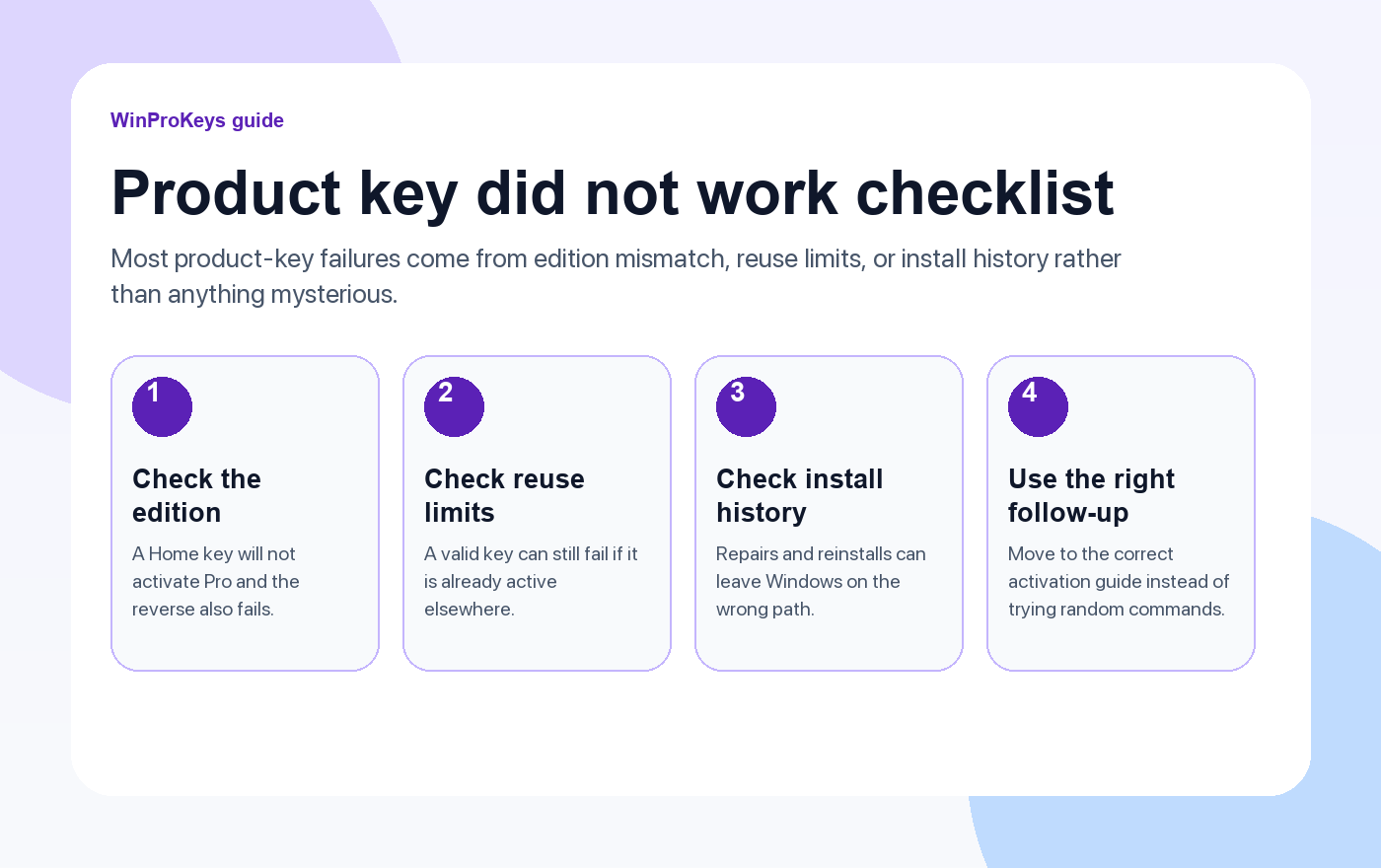
A Home key will not activate Pro
This is the most common mismatch and still the one people miss most often. If the PC is installed with Pro but the license path is really Home, the key can look valid and still fail immediately. The reverse mistake is just as common.
Device history matters
A key that worked before can still fail if the device went through a repair, a motherboard change, or a reinstall that changed the expected activation route. Before you decide the key is useless, check whether Windows is still trying to reactivate from an older digital-license history.
Retrying the same mistake does not help
If the edition is wrong, or if the device history changed, entering the same key again and again only repeats the mismatch. The faster fix is to step back and confirm the edition, the device history, and whether the key actually belongs on this path.
| Question | Why it matters |
|---|---|
| Is the installed edition correct? | A Home key will not activate Pro and a Pro key will not activate Home cleanly |
| Did the device change hardware? | Reactivation rules can change after a rebuild |
| Was the key already in use elsewhere? | A key that is already active on another device can fail here |
| Is Windows showing a code too? | The right error guide is more useful than random command lists |
Frequently Asked Questions
Does this always mean the key is fake?
No. Edition mismatch and device-history problems are often enough to trigger the same message.
What should I check first?
Check the installed edition first.
When does reuse matter?
It matters when the same key is already active on another device or has already exhausted its normal path.
When should I replace the license?
After you confirm the current key is not the right fit or no longer valid for this device’s real activation path.
Compare the edition before you try another key
A key that did not work is not always a bad key. Very often it is the wrong edition for the install in front of you.
- Windows 11 Home vs Pro if you need to re-check the edition fit first.
- Windows 11 Home Product Key for consumer PCs that should stay on Home.
- Windows 11 Pro Produktschlüssel for systems that need BitLocker, Remote Desktop host, or Hyper-V.
- Windows-Produktschlüssel to compare the broader Windows range before another activation attempt.
Still need the right Windows edition?
If the error points to an edition mismatch or a license that cannot be recovered, compare the current Windows routes instead of guessing with another random key.
Use the live product pages for current pricing, delivery details, and activation help.


One thought on “Fix “Product Key Didn’t Work” Error in Windows (2026)”
Comments are closed.