


Last Updated: mai 30, 2026
This is one of the safest Windows questions to answer before a reset or clean install. Most activation problems after reinstall are avoidable if you check the license path first.
The key idea is simple: write down what Windows says today before you erase or reinstall anything.
Short answer
Before reinstalling Windows, confirm the current edition, activation status, Microsoft account link, and whether the device uses a digital license or product key. Microsoft says Windows activation uses either a digital license or a 25-character product key, and the edition must still match after reinstall.
- Check whether Windows is activated before reinstalling.
- Confirm whether the PC is on Home or Pro.
- Use digital license vs product key if you are not sure which activation path applies.
| Before reinstall | Why it matters | Safer action |
|---|---|---|
| Activation status | Proves the current install is activated | Save a screenshot or note the wording |
| Edition | Home and Pro are not interchangeable | Reinstall the same edition unless you are upgrading |
| Microsoft account link | Helps with digital-license reactivation | Link the account before major changes |
| Product key path | Needed when the device depends on a key | Keep the key available if you used one |
Check activation status first
Open Windows activation settings and confirm whether the device is already activated. If Windows is not activated before reinstall, a clean install will not magically fix that.
Keep the edition the same unless you are upgrading
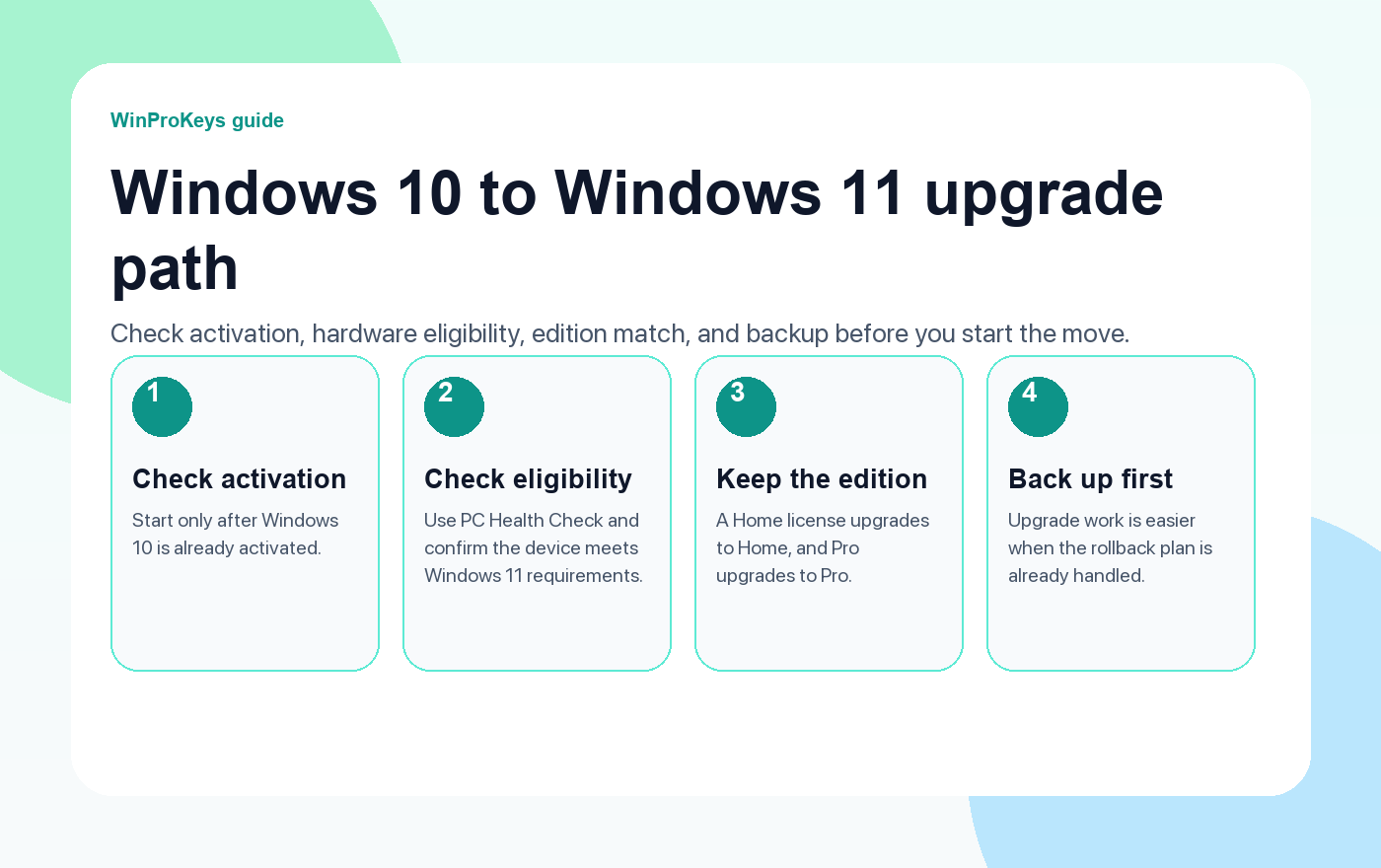
The edition matters. A digital license or product key that matches Windows Home does not automatically activate Windows Pro, and the reverse can also create problems.
Separate reinstall from hardware change
A same-device reinstall is usually easier than a motherboard-level hardware change. If you are replacing parts too, read Windows activation after a motherboard change before you reinstall.
Microsoft Support context
These pages summarize the practical buying and troubleshooting path. For license behavior and activation wording, Microsoft support remains the official reference.
Before Reinstalling Windows
Use these pages before you reset or reinstall Windows
Start with your activation method, then choose the right reinstall or product-key path.
- Digital license vs product keyUse this to identify how the PC activates.
- Can you use the same Windows key twice?Use this to separate same-device reinstall from another PC.
- Activation after motherboard changeUse this if the reinstall includes major hardware work.
- Windows key hubUse the hub if you still need the wider Windows buying picture.
Frequently Asked Questions
What should I check before reinstalling Windows?
Check activation status, Windows edition, Microsoft account link, and whether the device uses a digital license or product key.
Does reinstalling Windows remove activation?
A same-device reinstall may reactivate normally when the license path still matches, but edition mismatch or hardware changes can create activation problems.
Should I link my Microsoft account before reinstalling?
It is a good idea when the device uses a digital license, especially if hardware changes are also planned.
Should I reinstall Home or Pro?
Reinstall the edition that matches your current license unless you are intentionally upgrading with the correct Pro path.
Before checkout, use the live product page as the source of truth for delivery, product scope, setup steps, and post-sale support details. See our delivery policy, refund policy, and about page for the current public business details.
Need the live product pages?
If you have finished the guide and need the current Windows or Office pages, use the shop as the source of truth for pricing, delivery details, and activation help.
Open the shopUse the next step that matches your setup
Stay with the Windows and Office routes we actively maintain most. Choose the guide, troubleshooting path, or hub that answers the next real question instead of jumping into an unrelated product page.
Use the live guide or product page as the source of truth for delivery, redemption, and post-sale support details.

