


Last Updated: May 30, 2026
Short Answer
A free Windows 11 upgrade may be available when the PC meets Windows 11 requirements and the current Windows license is valid for the same edition path. Check hardware support and edition match before changing the system.
- Check the exact product version and edition before buying or activating.
- Use Microsoft support pages for official activation behavior.
- Use WinProKeys support for order, delivery, setup, and common troubleshooting context.
As of April 2026, Microsoft still says the Windows 11 upgrade is free for eligible Windows 10 devices. The important part is not the word free. The important part is whether the device is eligible, activated, and on the edition you think it is.
Upgrade paths
Use these pages before you move from Windows 10 to Windows 11
The free move is still about eligibility, activation status, and edition match. It is not a shortcut around the normal licensing rules.
- Short guide: upgrade from Windows 10 to Windows 11Use this if you just want the quick checklist.
- Windows 10 support optionsImportant now that Windows 10 support ended on October 14, 2025.
- How to activate Windows 11Open this if the upgrade succeeds but activation needs cleanup.
- Windows 11 Home vs ProUseful before you spend money on an edition upgrade.
What changed in 2026
The confusing part is timing. Windows 10 support ended on October 14, 2025, but Microsoft still describes the Windows 11 upgrade as free from supported Windows 10 devices that meet the hardware requirements. That means the late move is still possible for the right PCs, but it is now happening after Windows 10 already reached end of support.
The three practical ways to move
- Windows Update. This is still the cleanest path when the device is eligible.
- Microsoft’s own upgrade tools. Use these when Windows Update does not surface the move yet.
- Clean install on the same eligible device. This works best when you already understand the device’s edition and digital-license history.
What the free upgrade does not do
- It does not turn Home into Pro for free.
- It does not make unsupported hardware eligible.
- It does not fix an unactivated Windows 10 install automatically.
- It does not remove the need to back up files before a major version move.
Keep the edition straight
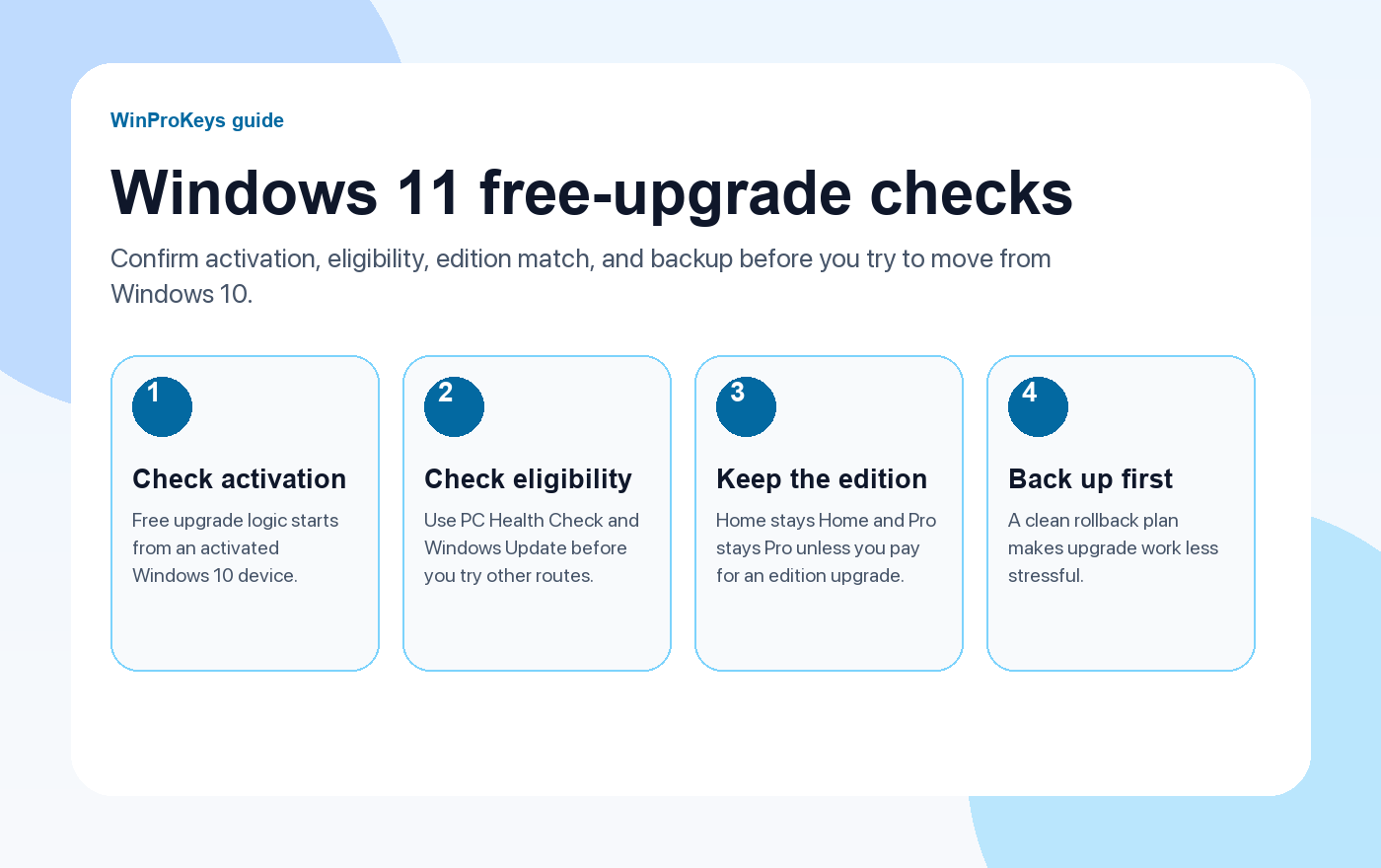
This is the mistake that wastes the most time. Home stays Home and Pro stays Pro unless you pay for a separate edition change. If the current PC is on Windows 10 Home and you install Windows 11 Pro, the upgrade may finish but activation can still become messy afterward.
| Current state | Best next step |
|---|---|
| Activated Windows 10 Home, eligible PC | Move to Windows 11 Home first |
| Activated Windows 10 Pro, eligible PC | Move to Windows 11 Pro first |
| Windows 10 not activated | Fix the license state before counting on a free move |
| PC not eligible for Windows 11 | Read the Windows 10 support options and decide whether to bridge or replace |
Frequently Asked Questions
Is the upgrade still free?
Yes, for eligible Windows 10 devices, according to Microsoft’s current support guidance.
Does free upgrade mean free Pro?
No. Free upgrade and edition upgrade are different things.
What should I check first?
Check activation, hardware eligibility, and the current edition before anything else.
What if the upgrade finishes but activation fails?
Open the activation guide and work through the edition and digital-license checks first.
What to compare before you choose the Windows 11 edition
The upgrade path is only half the decision. The other half is whether the PC should end up on Windows 11 Home or Windows 11 Pro once the upgrade is done.
- Windows 11 Home vs Pro if you are still deciding which edition fits the machine.
- Windows 11 Home Product Key for everyday home, study, and general-use PCs.
- Windows 11 Pro Product Key for systems that need BitLocker, Remote Desktop host, or other Pro-only tools.
- Windows 10 support options if the real question is whether staying on Windows 10 still makes sense for this hardware.
Source and Support Links
Use Microsoft Support pages for general product behavior and activation context. Use WinProKeys pages for store delivery, order support, and reseller-specific guidance.
Frequently Asked Questions
What is the first thing to check for How to Upgrade to Windows 11 for Free?
Check the installed Windows edition first. A Home key and a Pro key are not interchangeable, and many activation problems begin with edition mismatch.
Is WinProKeys an Microsoft website?
No. WinProKeys is an independent software key reseller, not an Microsoft website. Microsoft Support pages are the primary source for Windows activation behavior.
What should I send support if Windows activation fails?
Send the order email, installed Windows edition, exact error code, screenshot, and whether this is a new PC, reinstall, Home-to-Pro upgrade, or hardware change.
Need the live product pages?
If you have finished the guide and need the current Windows or Office pages, use the shop as the source of truth for pricing, delivery details, and activation help.
Open the shopChoose the product path that matches your device
These are the six Windows and Office routes we actively support most. Pick by edition fit first, then use the live product page for redemption steps, delivery timing, and post-sale support details.
If you are still deciding, use the Windows hub or Office hub before checkout.


3 thoughts on “How to Upgrade to Windows 11 for Free in 2026 (3 Methods That Still Work)”
Comments are closed.